193
Setting the IP Address in Windows XP
Go to Start > My Network Places. Right-click My Network Places, and choose Properties.
Right-click the Local Area Connection icon and choose Properties. Select the Internet
Protocol (TCP/IP) check box, and click Properties.
Setting the IP Address in Windows 7
Go to Start >> Control Panel >> Network and Internet >> Network and Sharing Center,
and then click Manage network connections. Right-click the Local Area Connection icon
and choose Properties. Click the Internet Protocol Version 4(TCP/IPv4) check box, and
click Properties.
NOTE
The setting example above is for connecting the computer and the main unit.
Although you can change the IP address of the main unit, normally change the IP of
the computer. See section 29-2. "Ethernet" for network setting in the main unit. If you
want to connect the computer and the switcher to the existing LAN, be sure to consult
the network administrator before connecting to the LAN and use suitable cables and
settings.
29-3-2. Sending / Receiving Still Images
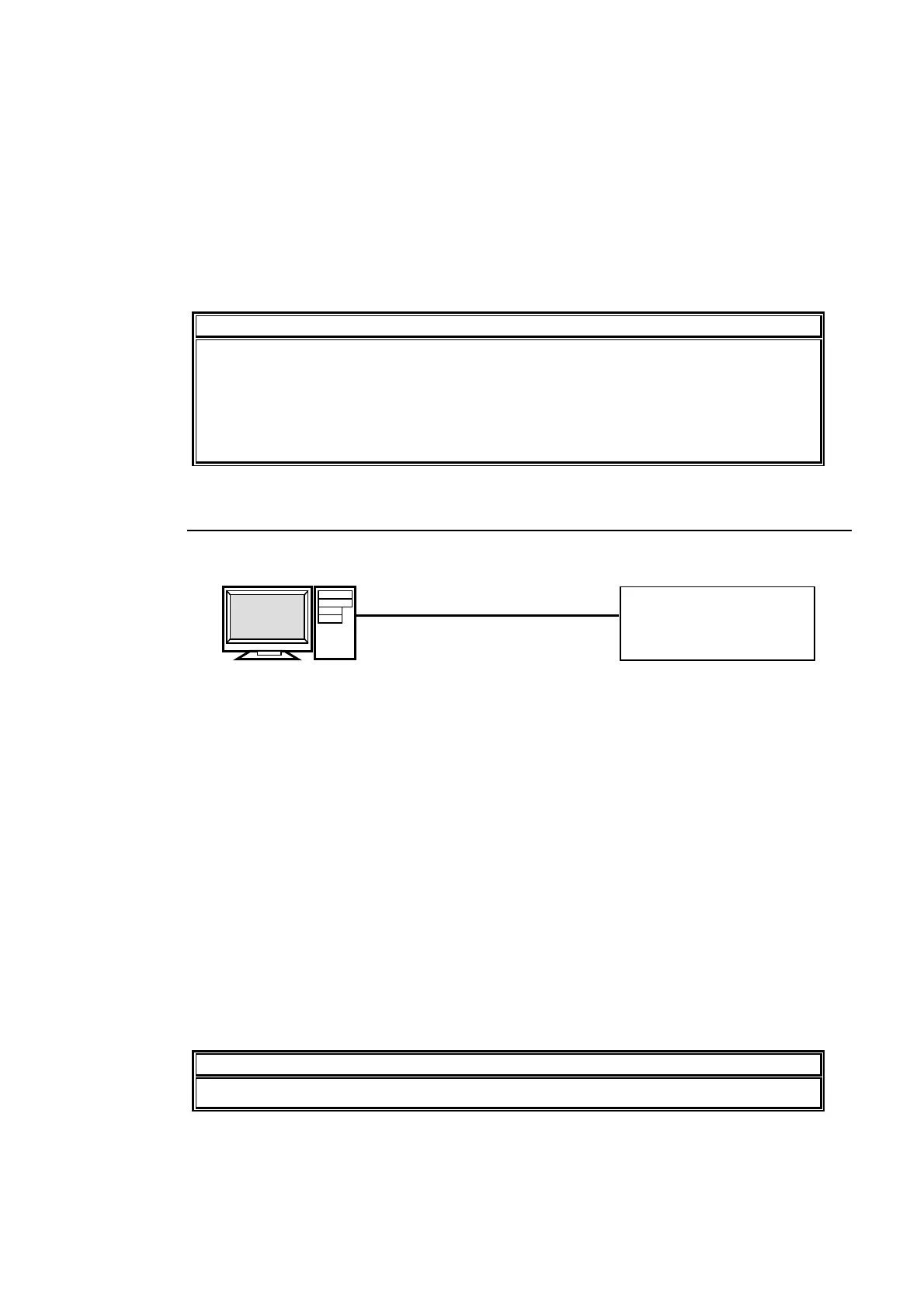
(1) Connect between the Ethernet ports of PC and the Main Unit directly with a LAN
cross-over cable (UTP).
(2) Start the Internet Explorer.
(3) Enable the passive mode in Internet Explorer as shown below.
(a) On the Tools menu, click on Internet Options.
(b) Click at the
Advanced tab.
(c) Click to select the
Use Passive FTP (for firewall and DSL modem compatibility)
check box.
(d) Click
OK.
(4) Enter " ftp://192.168.0.10 " in the address bar.
(5) A dialog appears and asks you to input username and password. Enter them as shown
below.
Username: hvs350hs (Username cannot be changed.)
Password: fora (Password cannot be changed.)
(6) Once you have accessed the FTP server, STILL1, STILL2, STILL3 and STILL4 folders
are displayed in the Internet Explorer window.
NOTE
Use PING or other network commands for checking if any connection problem occurs.
Computer
LAN cross-over cable (UTP)
Main Unit
IP address:
192.168.0.10 (default)
IP address: 192.168.0.100



 To Next Page