79
10-3-1. Key Link
A Key Source signal is automatically selected when a Key Insert signal is selected when KEY
LINK is on. The INSERT/SOURCE signal pairs are automatically set once they are selected
for a key (KEY or DSK). To change signal assignment, select the INSERT/SOURCE signal
pair again for the key or another key. The same assignments are shared among all keys of
DSK1-4 and KEY1-2.
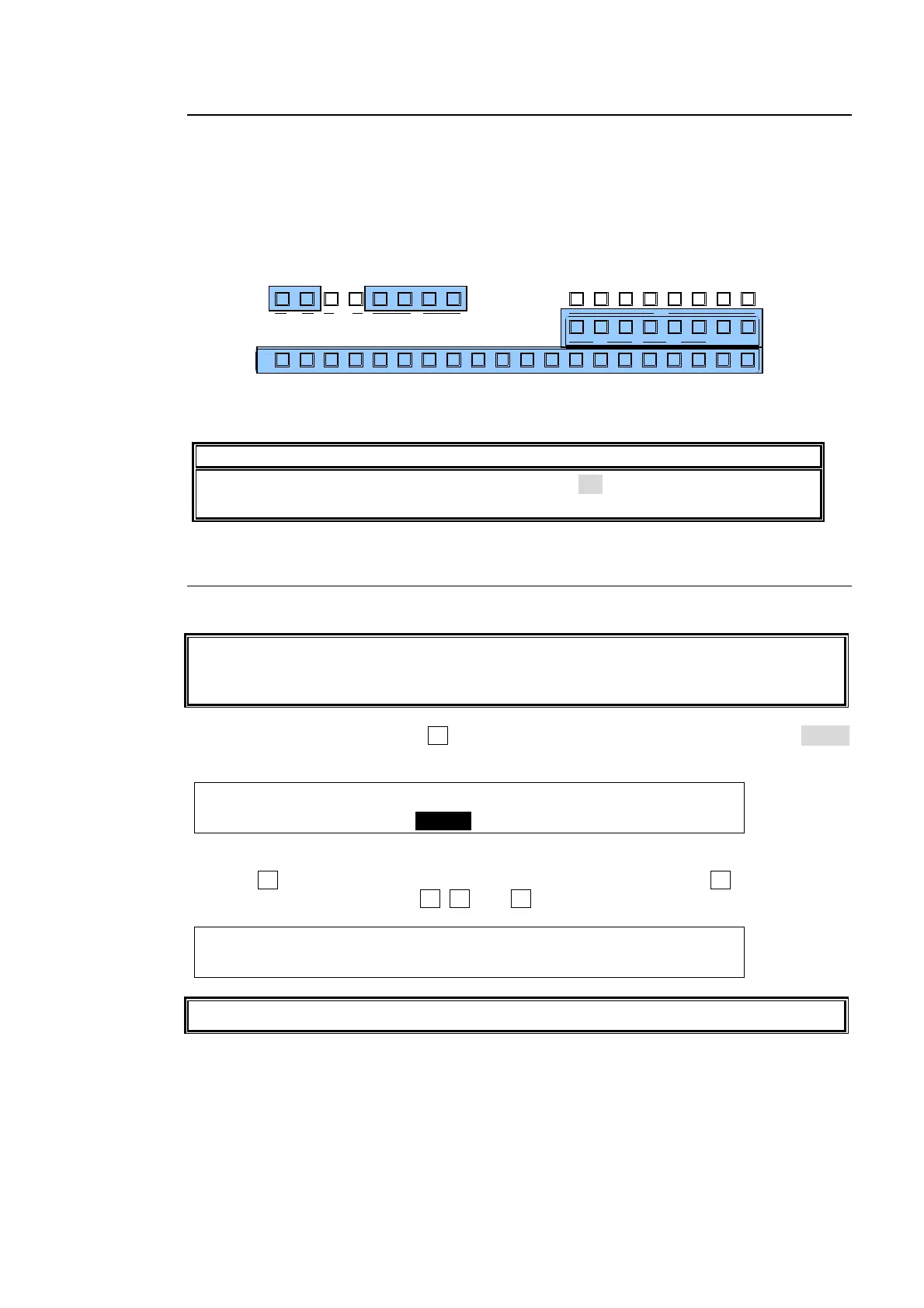
When Using the Key Link:
(1) Select a key among KEY1-2 and DSK1-4.
(2) Just selecting a signal for KEY INSERT in the KEY/AUX allows users to select a KEY
INSERT and KEY SOURCE signal pair.
NOTE
If the key links do not work correctly, set LINK to ON on PAGE 2 of the [SETUP-
FUNCTION - KEY/DSK] menu.
10-3-2. KEY INSERT MATT
In addition to the bus matt signal, the internally generate MATT can be used as key fill.
KEY INSERT MATT is a dedicated matte signal for DSK and KEY and it is not the same as
BUS MATT. The different colors can be set in KEY INSERT MATT for each key (KEY1-2
and DSK1-4).
(1) Set up a Bus Key, then press F2 in the [KEY1- INS/SRC] menu to set INSERT to InMAT
(Insert Matt).
KEY1 : TYPE :INSERT :SOURCE :INVERT : 1/3
INS/SRC : =BUS : >InMAT: =IN02 : =OFF :
(2) Press the page down button to go to PAGE3.
(3) Press F4 and select a color among eight standard colors, then press F4 .
To use a different color, turn F1, F2, and F3 to adjust the color.
KEY1 : MATT COLOR :RECALL : 3/3
INS MATT:S=67.3 L=15.8 H=257.5: >RED :
Key Links cannot be applied to KEY MATT.
AUX
PREV M V1CLEAN MV2
2345 67891011121
KEY/AUX
PGMPREV CLEANPGM
M/E
2345 6781
P/P
DSK
2341
KEYER
212
P IN P
1
13 14 15 16 17 18 19 20



 To Next Page