Appendix 3 - 13
5. Bus Operation
The video signals input to the switcher are assigned to the bus buttons on the control panel for
usage. The assigned signals are shared by the M/E, P/P, and AUX/KEY bus sections. Video inputs,
Stills and Mattes can be assigned to the bus buttons which work in the same way as those on the
HVS-35OU/ROU.
5-1. Selecting Video Sources
5-1-1. Selecting M/E or P/P
The HVS-30OU units have a single M/E bus, however the HVS-350HS units have two. This
requires that the bus to be controlled, M/E or P/P, must be chosen before starting the switcher
operation as shown below.
NOTE
The M/E or P/P selection also affects the transition control.
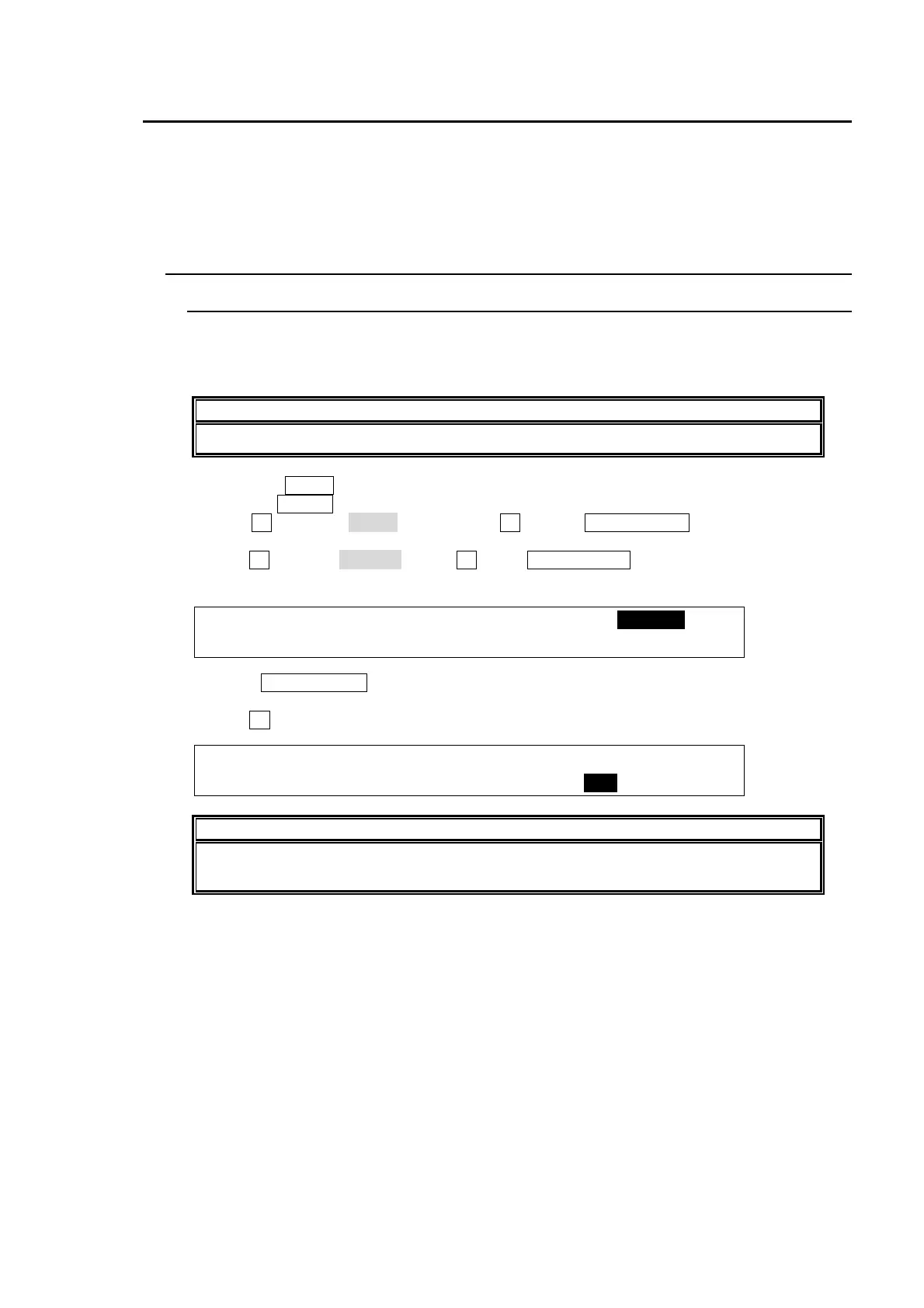
(1) Press the MENU control button.
(2)Pess the SETUP button to display the SETUP menu’s top page.
(3) Turn F1 to select INPUT. Then press F1 or the PAGE DOWN button to display the
[SETUP- INPUT] menu.
(4) Turn F1 to select ASSIGN. Press F1 or the PAGE DOWN button to display the [SETUP-
INPUT- ASSIGN] menu.
SETUP :>SIGNAL >PROC AMP>RENAME >ASSIGN
INPUT :
(5) Press PAGE DOWN to go to PAGE4. The CONTROL item, which determines the
HVS-30OU controls M/E or P/P of the HVS-350HS, appears.
(6) Turn F4 to select a bus to be controlled.
INPUT :SELECT : SHIFT : LINK :CONTROL: 4/4
ASSGN : =OU : =TOGLE: =OFF : =M/E :
NOTE
The CONTROL item is enabled on the HVS-30OU units and disabled on the
HVS-35OU units.



 To Next Page