Appendix 3 - 23
6-7-1. Setting the ON AIR Button Function (USER Transition)
As factory default setting, the function of the ON AIR buttons is set to CUT.
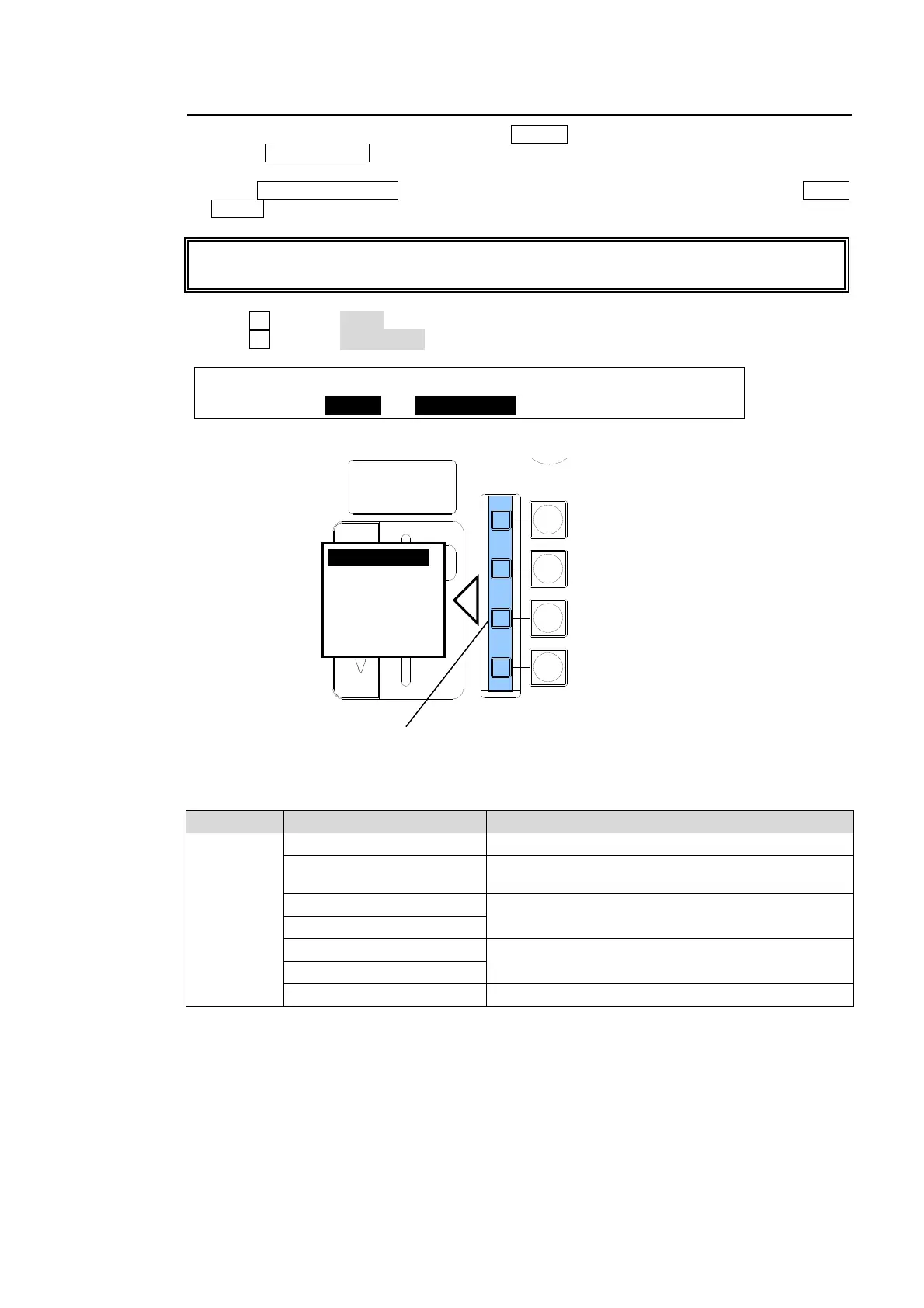
To set the PinP1 ON AIR button to SLIDE TOP, proceed as follows:
(1) Press CLR/TRANS RATE in the keypad to display the [TRANS] menu. Then press PAGE
DOWN to go to PAGE 4.
Users can also display the [TRANS] menu by quickly pressing the following buttons twice:
BKGD, KEY1, and MIX in the NEXT TRANSITION block.
(2) Turn F1 to select PinP1 at SELECT.
(3) Turn F2 to select SLIDE TOP.
TRANS :SELECT : USER TRANS :ADV CTL: 4/6
USER/ADV: =PinP1: =SLIDE TOP : =AUTO :
ON-AIR Button setting
Item Setting Description
USER
TRANS
CUT Cuts images in or out.
SCALER
Scales up to insert images or scales down to
remove images.
SLIDE RIGHT/LEFT
Slides in to insert images or slides out to remove
images.
SLIDE TOP/BOTTOM
WIPE RIGHT/LEFT
Wipes images in or out.
WIPE TOP/BOTTOM
OFF Disables the button function.
Buttons turn on while On-Air.
Buttons turn off while Off-Air.
DSK
KEYER
P IN P
1
2
P IN P
FADER LIMIT
ON AIR
HVS-300HS
DIGITAL VIDEO SWITCHER
ON AIR ボタン
OFF
CUT (初期設定)
Scaler
Slide In/Out
Wipe In/Out
ON AIR button
OFF
CUT (default)
Scaler
Slide In/Out
Wipe In/Out



 To Next Page