127
18. Sequence Operation
A sequence is a function for joining individual images into a sequential video and recalling it for
playback in a single operation. Each sequence is composed of video frames called steps. To make
sequences, create an initial step and save it to the sequence working memory, then create the next
step and to save to the working memory and so on. Although the sequence data saved in the
working memory is cleared and lost when the switcher is powered off, it can be kept and recalled by
storing it to sequence memory. Up to 10 sequences of 80 steps at most for each can be saved to
sequence memory.
Note that the sequence data is not a sequential video itself but a series of states on the control
panel as of when the images were saved as steps. Therefore, the images that are displayed on the
monitor during sequence playback may be different from those that appeared when the sequence
was stored, if the input videos were different. However, the switch timings, key, picture-in-picture
display, 3D and other effects will remain the same.
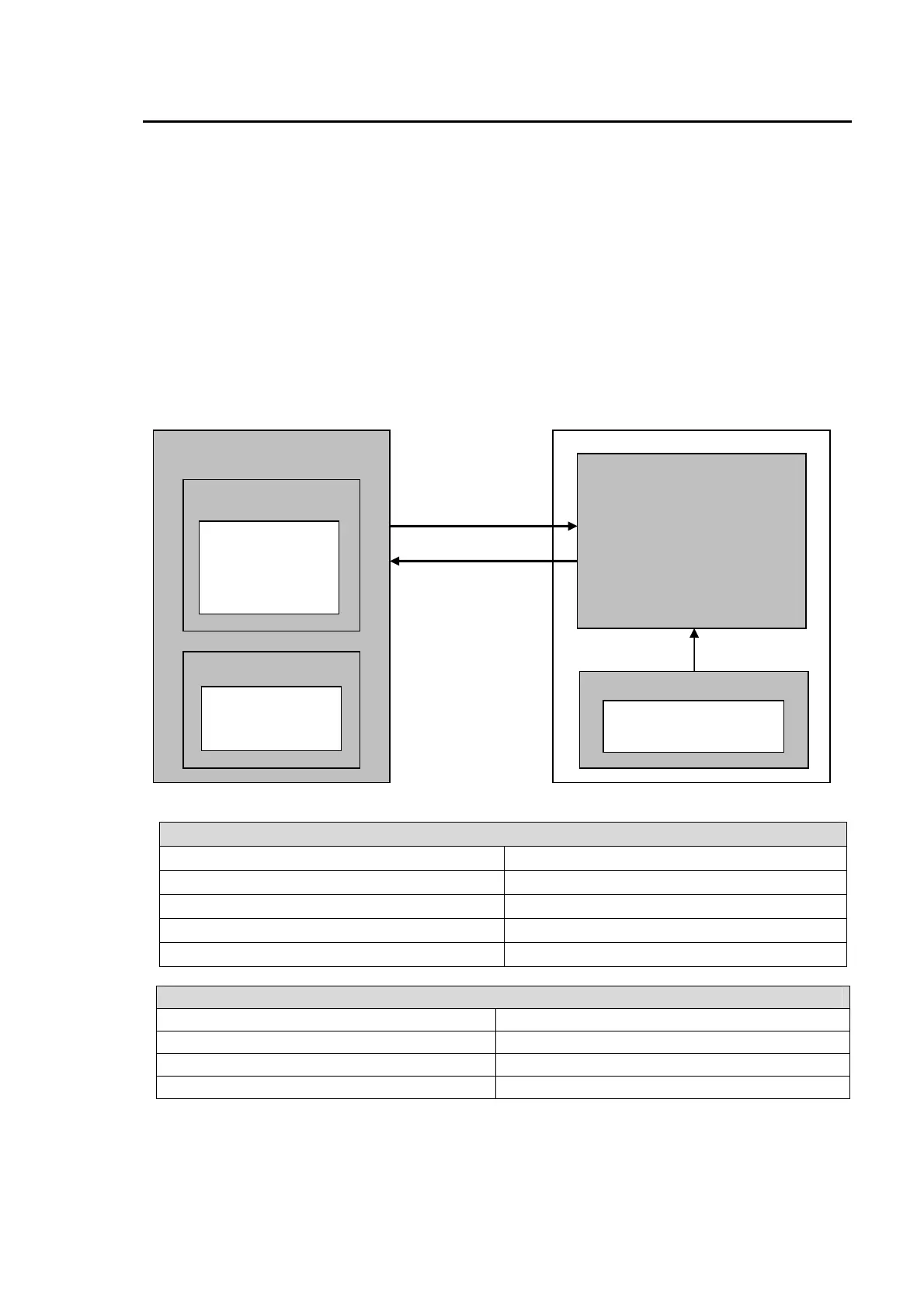
The flow diagram below shows the basic series of sequence operations.
Functions and Information Available for Sequence Control
XPT information for each bus (except AUX) Bus Matte color information
Transition type settings for each bus Setting information for KEY, DSK and PinP
Transition direction settings Pattern modify settings
PGM output bus information Pattern number settings of bus assignments
NEXT TRANSITION settings
Functions and Information Not Available for Sequence Control
Event memory Direct patterns
Still Store SETUP menu settings
File operation User Transitions of KEY, DSK and PinP
Output destination of DSK
Creating and Editing
a Sequence
Clearing Memory
Creating Steps
Adding Steps
Deleting Steps
Overwriting Steps
Sequence Memory 0 (80 steps)
Sequence Memory 1 (80 steps)
Sequence Memory 2 (80 steps)
Sequence Memory 3 (80 steps)
Sequence Memory 4 (80 steps)
Sequence Memory 5 (80 steps)
Sequence Memory 6 (80 steps)
Sequence Memory 7 (80 steps)
Sequence Memory 8 (80 steps)
Sequence Memory 9 (80 steps)
Sequence Playback
Playback Setting
Playback
Sequence Memory Operation
Overwrite Protection
Deleting Memory Data
Working Memory
Store
Recall



 To Next Page