67
8-10-4. Effect Background
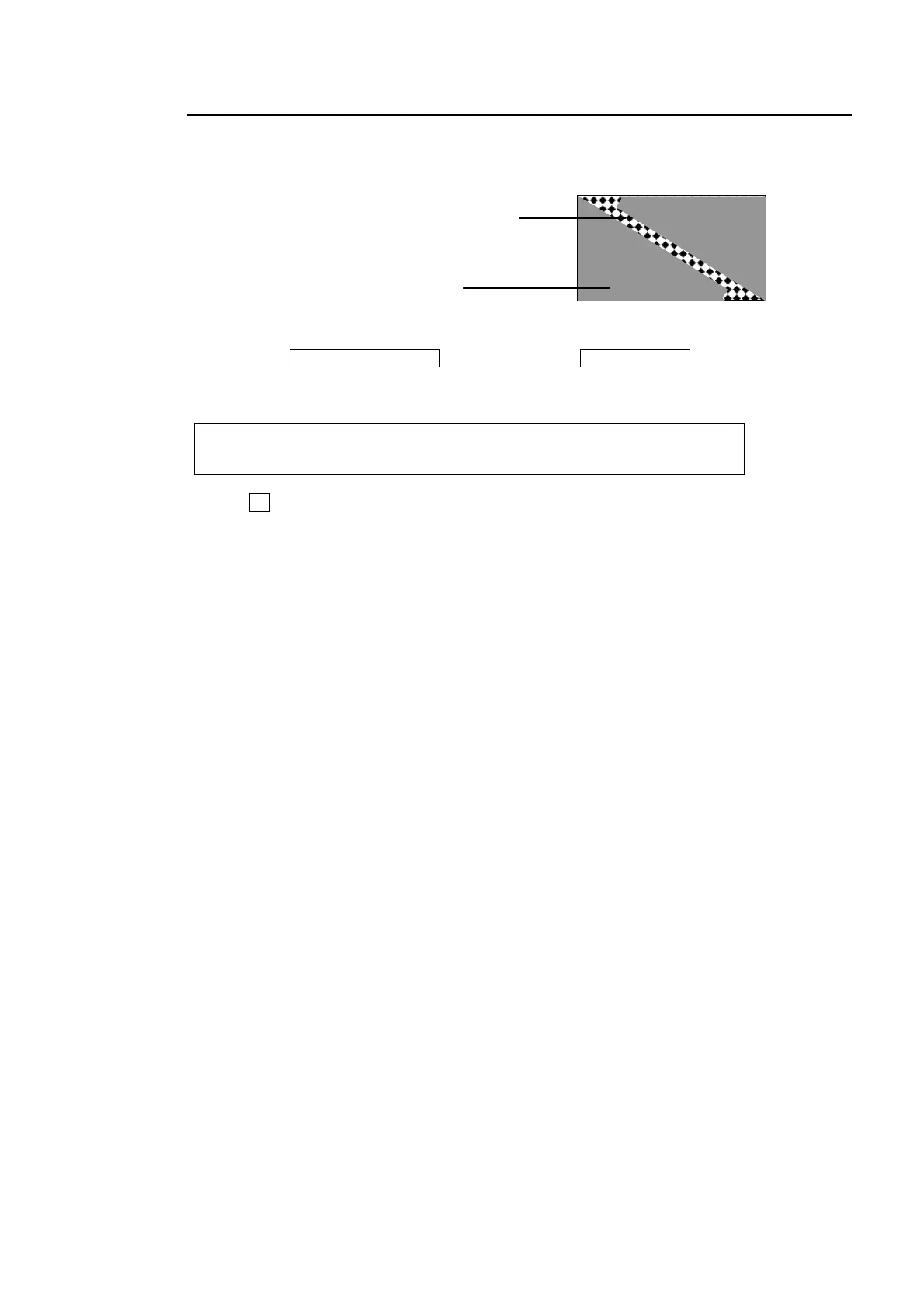
The effect background is the bottom layer placed below the DVE effects. It is used to
transition images with a 2Ch-DVE pattern.
(1) Press the TRANSITION RATE button above the PinP1 ON AIR button to display the
[TRANS] menu.
(2) Press the page down button to go to PAGE 5.
TRANS : XPT : : 5/6
EFF BKGD: =MATT : :
(3) Turn F1 to select the DVE background image from MATT, AUX7 or AUX8.
If AUX7 or AUX8 is set, the currently selected image for AUX7 or AUX8 is used.
If MATT is set, go to the next page (PAGE 6) to specify the color for MATT. See section
5-7-1. "Setting Up the Matte Color" for color setting.
DVE image
Effect background



 To Next Page