186
27. Audio Mixer Control
The switcher can connect and control an Audio Mixer remotely via RS-422 using ESAM II protocol..
The Audio Follow Video function is available, which allows users to set audio playback to follow
video images.
27-1. Connecting Audio Mixers
Connecting the HVS-350HS to an Audio Mixer
Use an RS-422 cable to connect HVS-350HS to an Audio Mixer. Connect the cable to an
RS-422 port (Port1 to 4) on HVS-350HS. Refer to the Audio Mixer user's manual to connect the
cable to the audio mixer.
Assigning a Audio Mixer Channel to an RS-422 port
(1) Display the [SETUP-SYSTEM-RS-422] menu.
(2) Turn F1 to select an RS-422 port under SELECT.
(3) Turn F2 to set MIXER for FUNC. Press F2 to confirm the setting.
(4) Verify that PARITY is set to EVEN and BAUD to 38400. (If FUNC is set to MIXER, PARITY
and BAUD will be automatically set.)
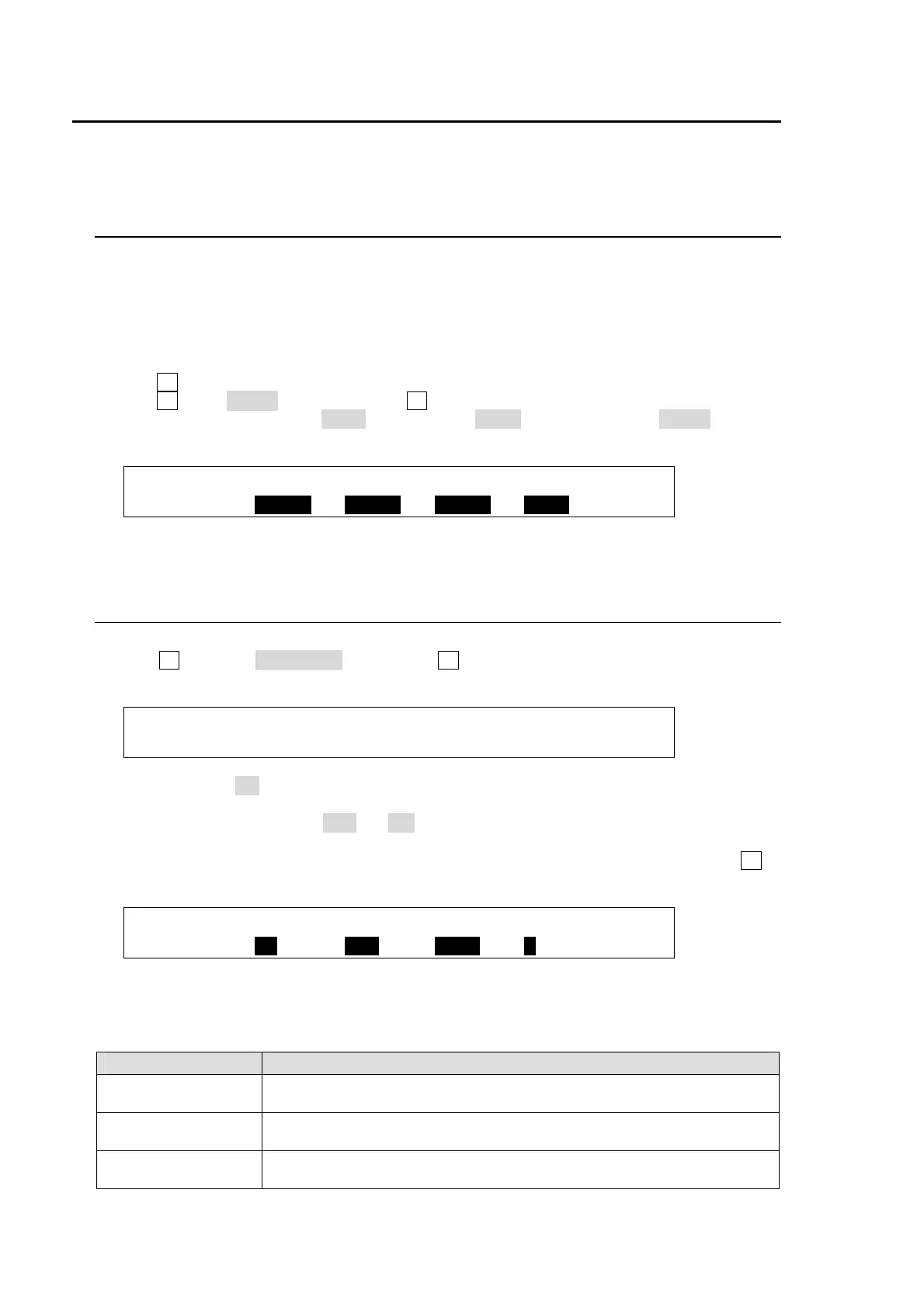
SYSTEM :SELECT : FUNC : BAUD :PARITY : 1/1
RS-422 : =PORT1: =MIXER: =38400: =EVEN :
(5) Restart the switcher.
27-2. Audio-Follow-Video Setting
(1) Display the [SETUP-EXT I/F] menu.
(2) Turn F1 to select >AUD MXR, then press F1 to display the[AUD MXR (AUDIO MIXER)]
menu.
SETUP :>EDITOR >TSL TLY >VTR/VDCP>ROUTER
EXT I/F :>AUD MXR
(3) Set ENABLE to ON to enable Audio-Follow-Video. (The Audio-Follow-Video ON/OFF can be
assinged to a user button.)
(4) Select a video bus between M/E and P/P under BUS.
(5) Select a video signal under SIGNAL.
(6) Select an audio (audio crosspoint) following the selected video under AUD XPT. Press F4 to
confirm the setting.
EXT I/F :ENABLE : BUS :SIGNAL :AUD XPT: 1/1
AUD MXR : =ON : =M/E : =IN04 : =1 :
In the above setting example, the audio playback is set to No.1 on the Audio Mixer, when the
M/E bus signal is changed to IN04 on the switcher.
AUD XPT Setting
Setting Description
NONE Audio selection is not changed, maintaining the last selection, whenever
any video signal is selected.
1-64 Audio Mixer changes audio to the specified bus, if the specified video
signal is selected.
FLWME Audio Mixer changes audio to the specified bus, if the specified video
signal is selected via Re-entry. (See the setting example in the next page.)



 To Next Page