50
8. Transition Operations
Available Transitions on the M/E bus
BLACK transition (M/E or PP selectable)
Background CUT, MIX, Pattern transitions
KEY CUT, MIX, SLIDE IN/OUT, SCALER and Pattern transitions
PinP CUT, MIX, SLIDE IN/OUT, SCALER transitions
-Transitions setup by next transition bus selection (BKGD and KEY)
-Transitions with the AUTO button or the fader lever
-On-Air indicators for KEY, DSK and PinP1/2.
-More than 150 types of various preset patterns.
-Simultaneous pattern transitions of BKGD, KEY1 and KEY2
-2Ch-DVE pattern transitions for BKGD
Available Transitions on the P/P bus
BLACK transition (M/E or PP selectable)
Background CUT and MIX transitions
DSK CUT, MIX and SLIDE IN/OUT and SCALER (M/E or PP selectable)
-Transitions with the AUTO button or the fader lever
-Transitions using M/E re-entry
Other Transitions
AUX image Crossfade transitions (See section 6-1-3)
PinP image Crossfade transitions (See section 15-2-2)
Transitions using Event Recall (See section 17-2-3.)
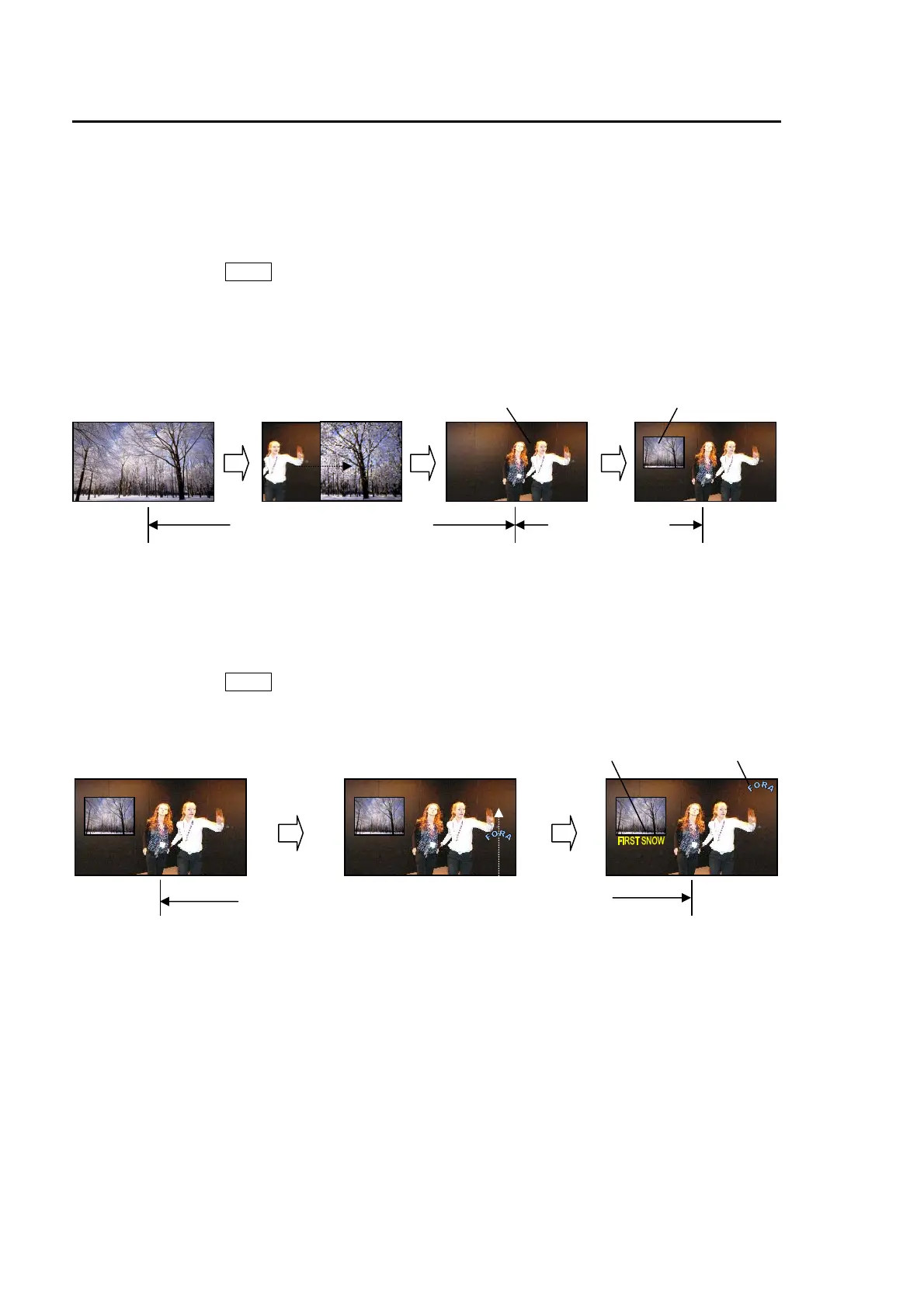
Background pattern transition PinP cutting in
PinP Chromakey
Caption (DSK1) Logo (DSK2)
M/E re-entry
Logo (DSK1) sliding in and Caption (DSK2) cutting in



 To Next Page