122
17-2-2. Using the RECALL Button
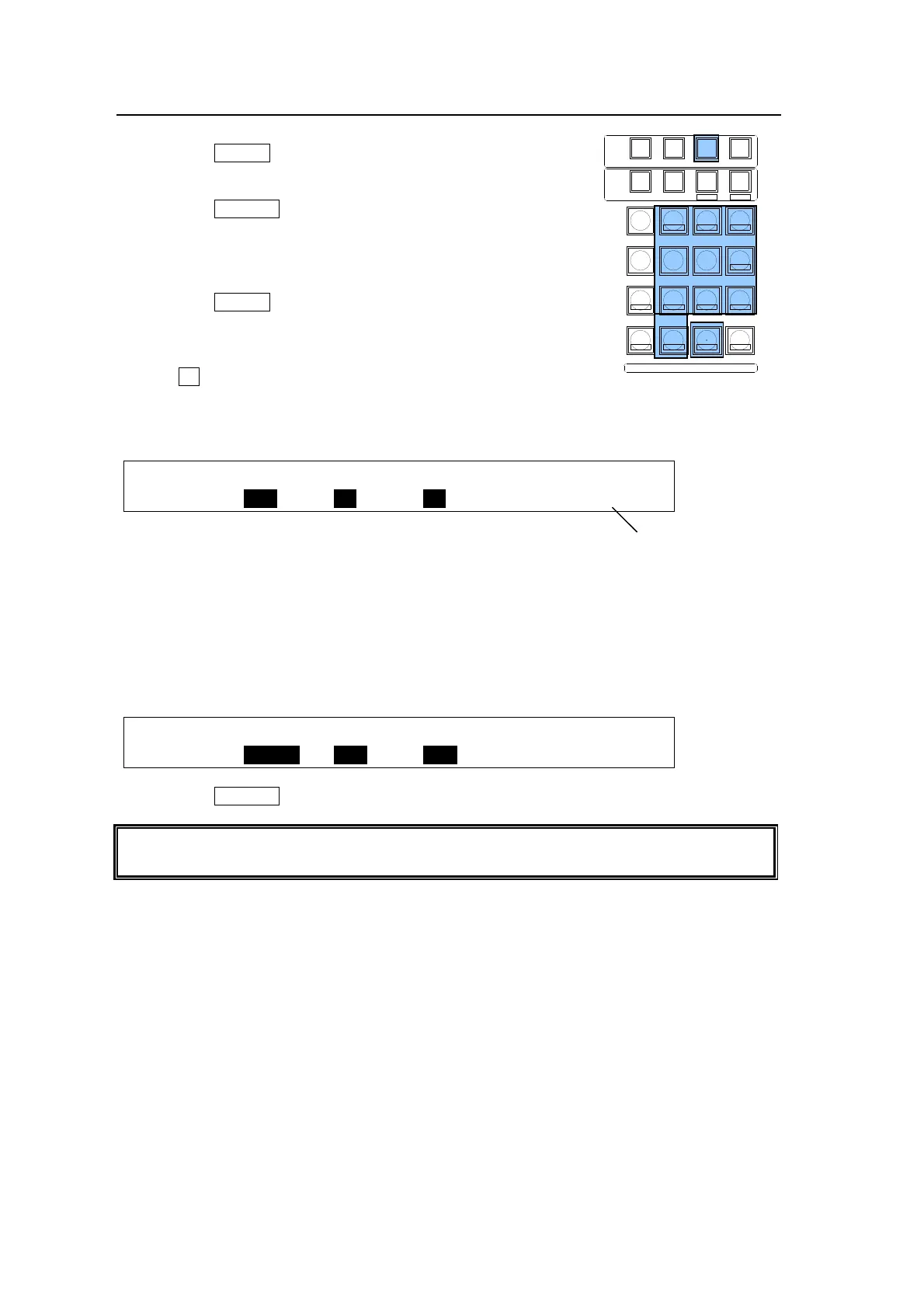
To Recall Events (fastest method):
(1) Press the EVENT memory button.
(2) Press the number button where
the needed data is to be stored.
(3) Press the RECALL button.
The selected event will then be
applied to the panel.
To Recall Events (detailed):
(1) Press the EVENT memory button.
The [EVENT MEMORY] menu is
displayed and the Keypad changed
to Event mode.
(2) Turn F1 to select an event page in
the [EVENT MEMORY] menu.
(3) Press the number button where the needed data is to be stored. The [EVENT RECALL]
menu is displayed and the saved data in the event is set on the [EVENT RECALL] menu.
EVENT :SELECT :XPT :DATA : RATE : 1/3
RECALL : =ALL : =ON : =ON : =OFF :P.00
(4) This time users can select to recall all saved data or specific data within the event by
setting SELECT, XPT and DATA items on PAGE 1. (PAGE 2 has the same items for data
selection as those on PAGE 2 of the [EVENT STORE] menu. See section 17-1. "Storing
Events" for details.)
For example, to recall stored event data except the P/P background information, one must
do the following:
EVENT :SELECT :XPT :DATA : RATE : 1/3
RECALL : =PP BG: =OFF : =OFF : =OFF :P.00
(5) Press the RECALL button. The [EVENT RECALL] menu is displayed.
The number of the last recalled event is displayed at bottom right in the [EVENT MEMORY]
menu. This is useful when checking which event was recalled last.
SELECT / KEYPAD
MEMORY
CONTROL
WIPE
MENU
INC
DEC
+/-
PLAY
STOP
CLEAR
2D DVE
USER BUTTON
7
4
1
CUT
0
COPY
EVENT
COPY/SWAP
8
SWAPCOPY
5
RECALL
PASTE
SEQUENCE
SEQ EDIT
9
NEW
6
INS
3
ADD
STORE
ENTER
OVWR
SETUP STILL MATT FILE
KEY1 KEY2 P IN P1 P IN P2
DSK1 DSK2 DSK3 DSK4
WIPE
2
DEL
Page No.



 To Next Page