158
About TRG EDG (TRIGGER EDGE)
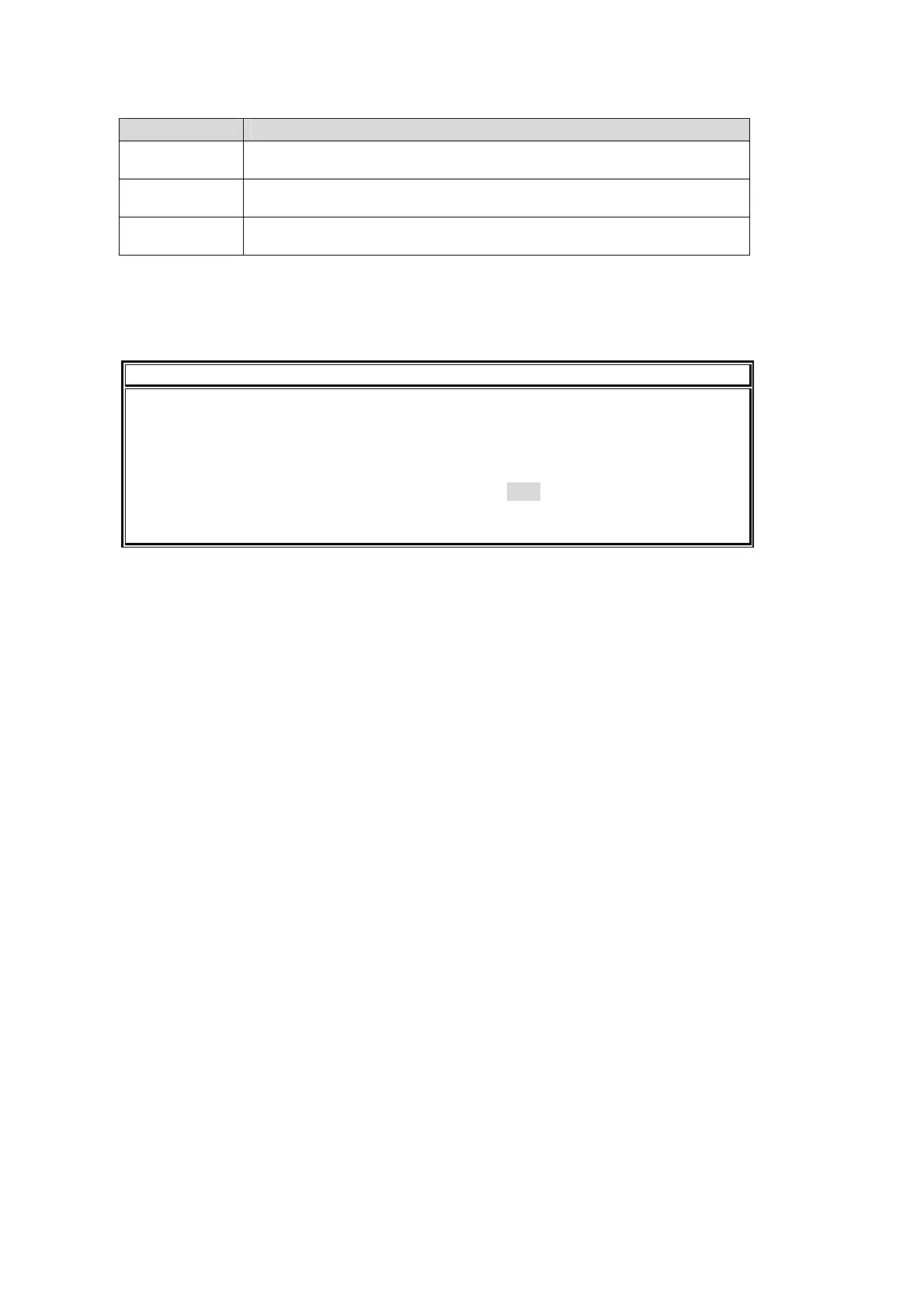
Setting Description
ON (Default) User button function is activated when the state of the specified item
changes to ON.
OFF User button function is activated when the state of the specified item
changes to OFF.
DBL User button function is activated when the state of the specified item
changes to ON or OFF.
About FUNCTION
The FUNCTION item specifies an item to be a trigger. Items available for tallies or GPI IN can
be set. See tables in section 23-1-2. "GPI OUT" and section 23-2. "Tally Output" for details.
NOTE
The following User Button functions cannot be activated by triggers.
-Record on VTR or VDCP (if DIRECT REC mode is off.)
-Record to Clip Memory (if REC MODE is STANDARD.)
The Trigger User Button function can be used only on an Operation Unit whose ID is 1
(The OU NO item in the ARCNET menu is set to OU1.) See section 3-3. "How to
Connect between MU and OU Units" and section 29-1 "Arcnet" for details on OU ID
settings.


 To Next Page