26
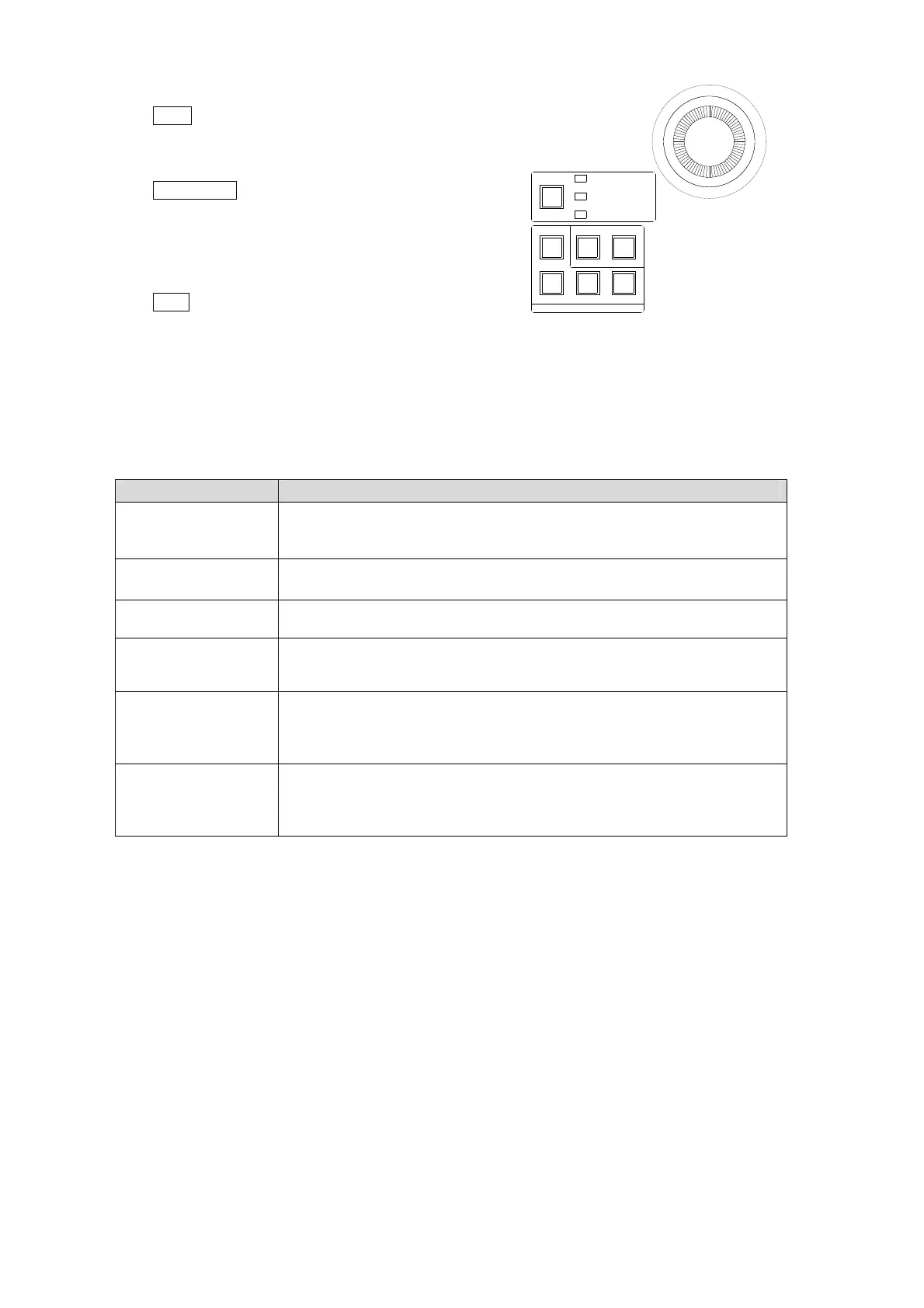
FINE Button
The FINE button allows the user to finely control the
joystick when the button lights up.
WIPE POS button
The WIPE POS button is used to quickly access the
related menu pages in the WIPE MODIFY menu
without moving among submenus. (See the previous
page.)
POS and ROT buttons in KEY/PinP (2D DVE)
The POS button is used to quickly access the menu
pages related to position and size parameters for KEY,
DSK and PinP menus. The ROT button is used to quickly access the menu pages related to
rotation parameters. See below for how to use these buttons.
(1) Select a bus (KEY1-2, DSK1-4 or PinP1-2) by pressing a button in the BUS SELECT
block or displaying a menu for bus.
(2) Pressing POS or ROT as shown in the table below to access menu pages.(See also the
previous page.)
Operation Description
Press POS. Allows users to adjust the position of KEY, DSK and PinP with the
joystick.
For KEY and DSK, 2D DVE must be enabled.
Press ROT. Allows users to adjust positions of KEY, DSK and PinP with the joystick.
For KEY and DSK, 2D DVE must be enabled.
Press POS and ROT
at the same time.
Allows users to set the center of rotation of KEY, DSK and PinP with the
joystick..
Press a menu button
while pressing POS
or ROT.
Allows users to adjust the position or rotation of the selected bus (KEY1,
KEY2, PinP1, PinP2 or DSK1 to4).
Quickly press POS
twice.
Displays the menu page related to position.
If KEY1 - 2 selected: [KEY1-2-POS/SIZE](1/5) is displayed
If DSK1 - 4 selected: [DSK1-4-POS/SIZE](1/5) is displayed.
If PinP1 - 2 selected: [PinP1-2-POS/SIZE](1/5) is displayed.
Quickly press ROT
twice.
Displays the menu page related to rotation.
If KEY1 - 2 selected: [KEY1-2-POS/SIZE](3/5) is displayed
If DSK1 - 4 selected: [DSK1-4-POS/SIZE](3/5) is displayed.
If PinP1 - 2 selected: [PinP1-2-POS/SIZE](3/5) is displayed.
BKGD
KEY1
KEY2
MENUMENU FINE DEF
ROTPOSWIPE POS
JOYSTICK
KEYER/P IN P
(2D DVE)
WIPE
CHANNEL



 To Next Page