Functions and symbols of the AB22A
AB22A in Setup mode
MGCplus A0534-30.0 HBM: public 117
Channel-related activation fields
Channel
Gross
Net
PV1
PV2
PV12
LV status
OK Cancel All channels All signals
SIGNAL PRINTING SELECTION
1 2 3 4 5 6 7 8 10 111213 1415169
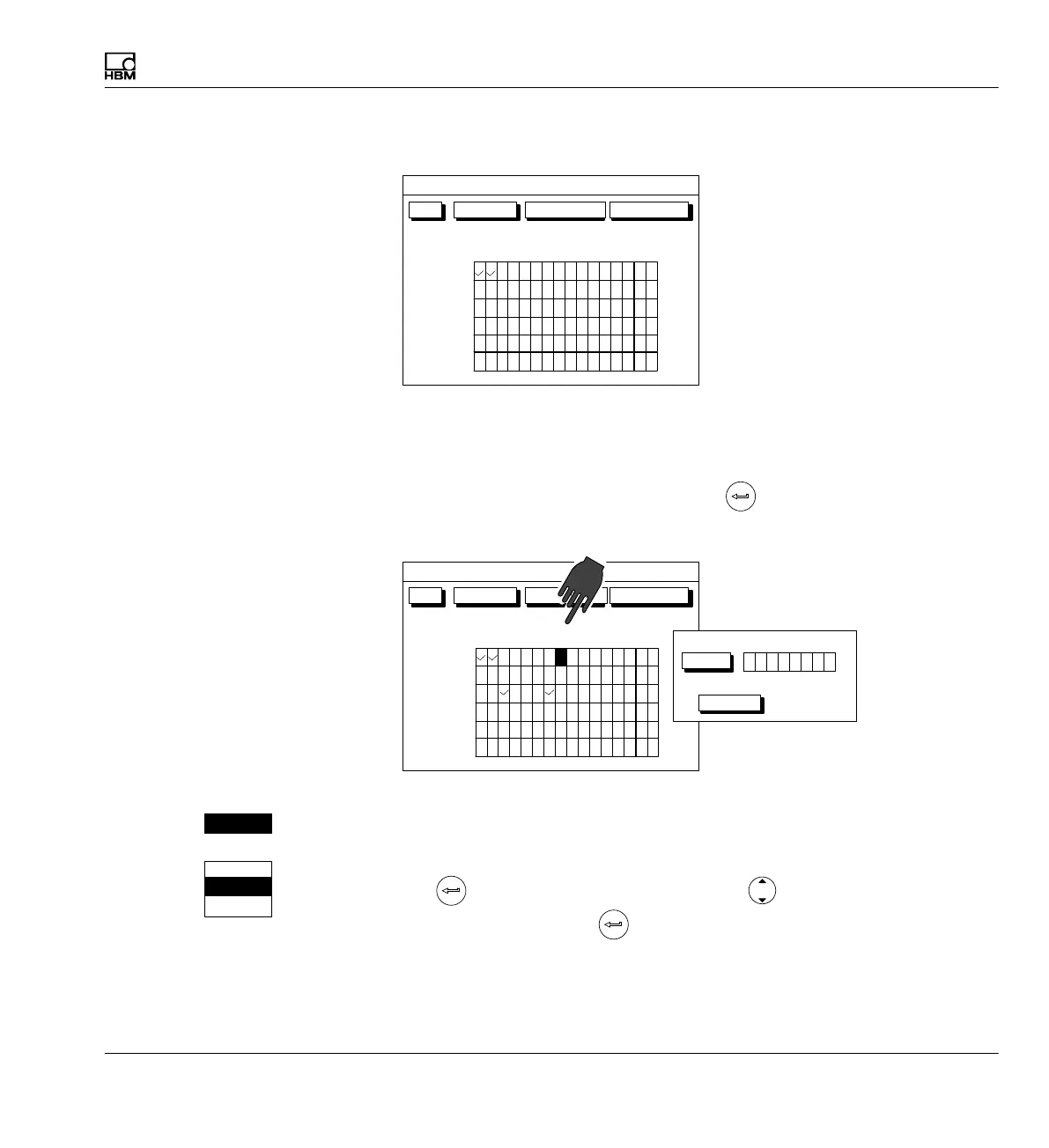
Fig. 6.3 Example of a channel-related activation field
Multi-channel modules are identified by two dots under the channel number
(channel number 8 in the example). If you select the activation field of a
multi-channel module and activate it with
, a new setup window appears
with activation fields for the individual subchannels.
Channel
Gross
Net
PV1
PV2
PV12
LV status
OK Cancel All channels All signals
SIGNAL PRINTING SELECTION
1 2 3 4 5 6 7 8 10 111213 1415169
..
CancelOK
All
12345678
Fig. 6.4 Example of an activation field of a multi-channel module
S Expand and make a selection in the selection fields
The selected field appears in reverse video. After you press the confirmation
key
the selection field opens up. Select with the cursor keys and
confirm your setting with
. In the documentation (not in the display) fields
of this kind are identified by an arrow pointing down .
Current feed:
5V
Current feed:
1V
2.5V
5V
2.5V



 To Next Page