Measuring
Adapting to the transducer
150 A0534-30.0 HBM: public MGCplus
20. Use to select the OK button and confirm with (the amplifier con
verts the nominal (rated) value to 20 mm. The calibration data for 10
mm remains intact).
21. Go back to the pull-up menu with
.
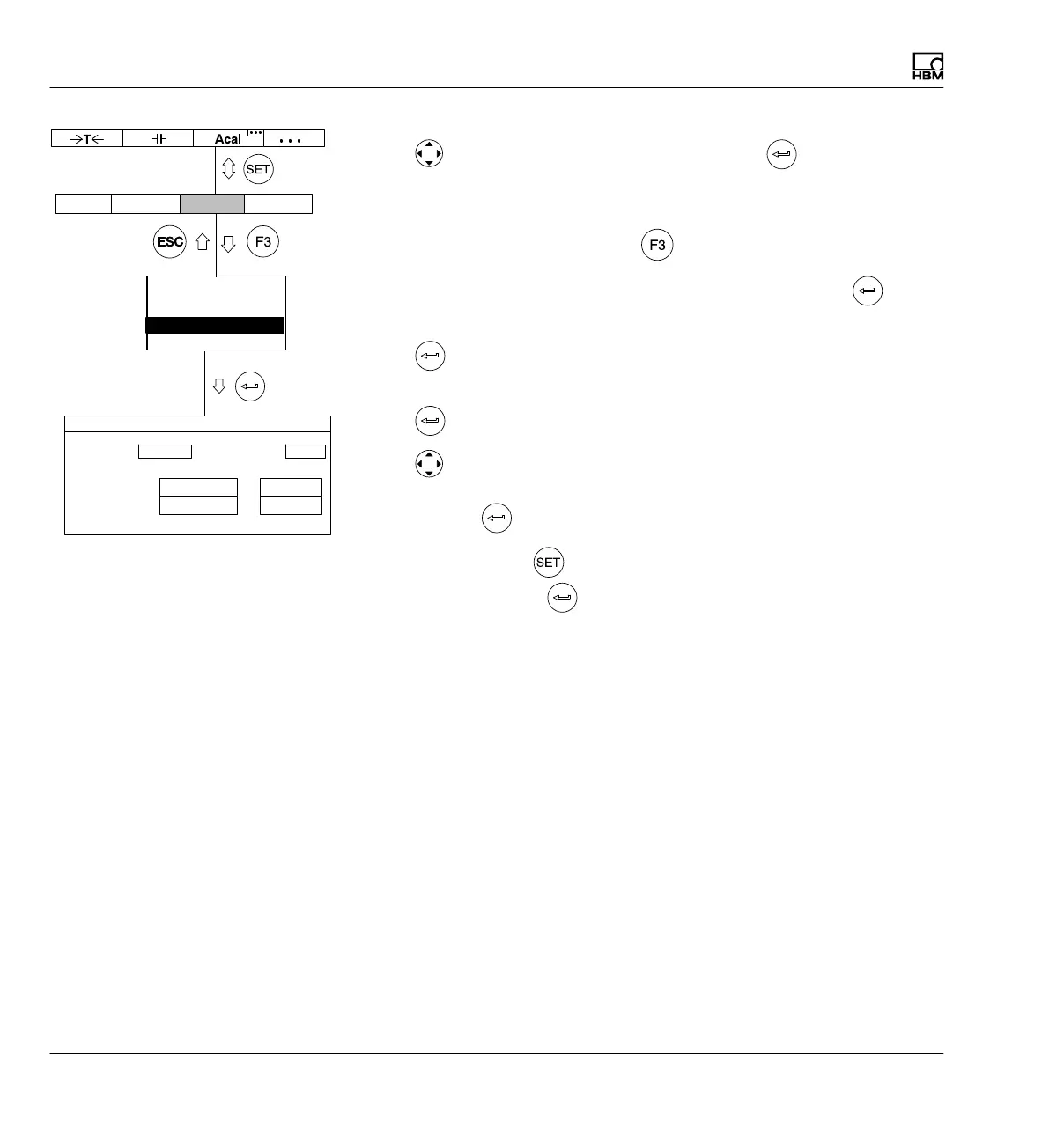
22. In the pull-up menu select Analog outputs and confirm with
.
23. In the Output Vo1 selection field select the gross signal and confirm
with
.
24. In the Output Vo2 selection field select the desired signal and confirm
with .
25. Use
to select the Output characteristics pt.2 edit field and enter
the desired value (left 15 for the display, right 10 for the analog output).
Confirm with .
26. Use the Switch key
to go to measuring mode and confirm the con
firmation prompt with
.
Output Vo1: Output Vo2:
Output characteristics ppm V
Pt.1:
Pt.2:
ANALOG OUTPUTS CHANNEL1
0.0000 ...
Gross Net
0.0000 ...
100.0000 ... 0.0000 ...
AmplifierSystem Display Options
Transducer
Signal conditioning
Display
Analog outputs
Switch



 To Next Page