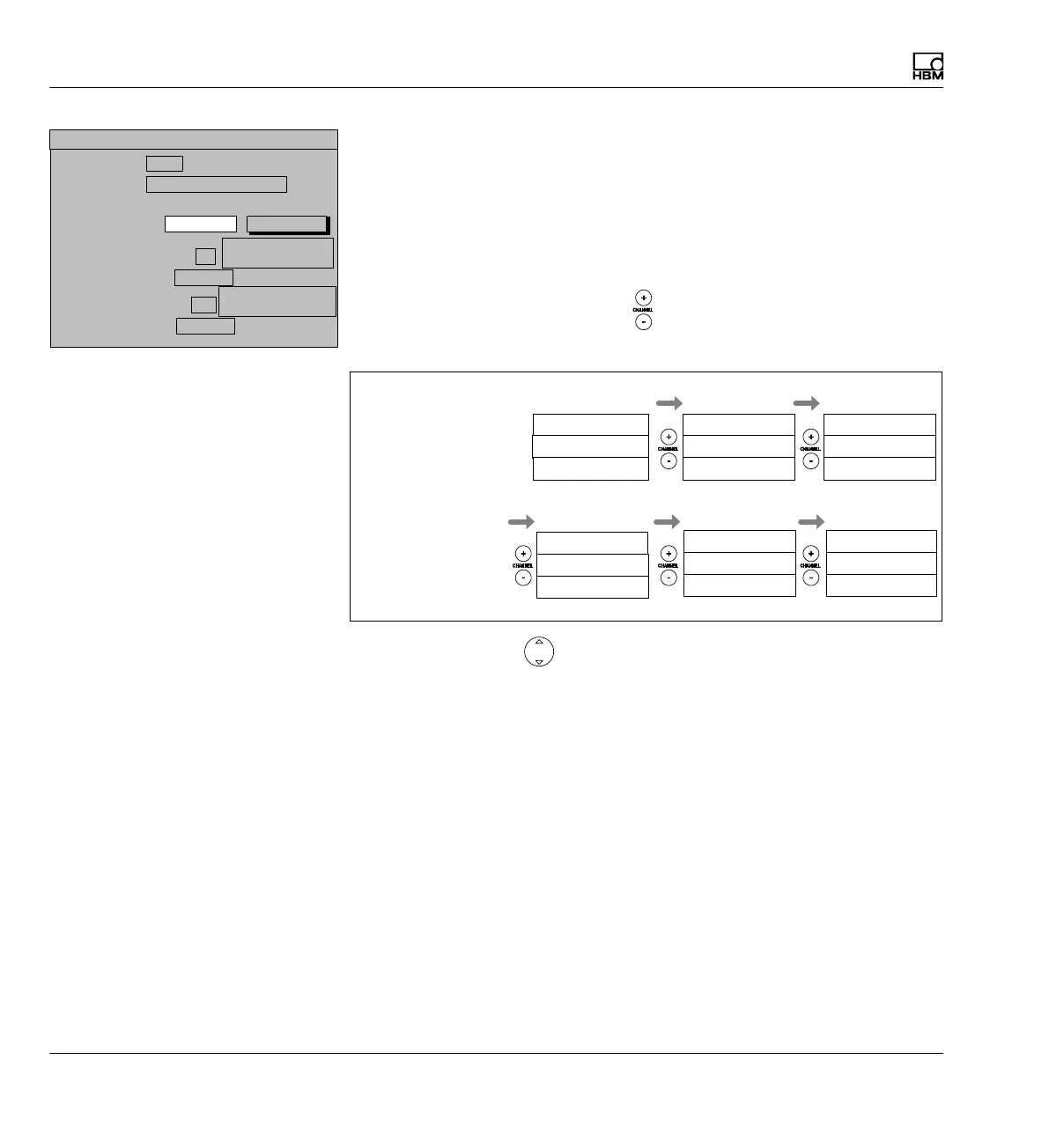
Display
Display format
220 A0534-30.0 HBM: public MGCplus
Example1: 6‐channel device; image type 3 measured values
The setting in the Channels/signals setting field and the relative channel
number affect the order of the measured values displayed in measuring
mode.
Channels/signals: + All
When the channel selection buttons
are activated, all channels are
activated one after the other, starting from the basic channel.
K3 Value 1
K5 Value 2
K2 Value 3
Display
K4 Value 1
K6 Value 2
K3 Value 3
K5 Value 1
K1 Value 2
K4 Value 3
K6 Value 1
K2 Value 2
K5 Value 3
Value 2: Channel+2 relative
Value 3: Channel-1 relative
K1 Value 1
K3 Value 2
K6 Value 3
K2 Value 1
K4 Value 2
K1 Value 3
Basic value
When the cursor keys (SIGNAL) are activated, all signals of the basic
channel set in the Channel/signal selection menu are displayed.
Display value 1 (basic value):
0 ...
3 measured values
Image no.:
Image type:
Display value 2: Channel
DISPLAY FORMAT 3 measured values
2
Relative to basic
value
Signal
Gross
Display value 3: Channel
-1
Relative to basic
value
Signal
Gross
Channels/signals:
Selection
define...



 To Next Page