Display
Display format
MGCplus A0534-30.0 HBM: public 221
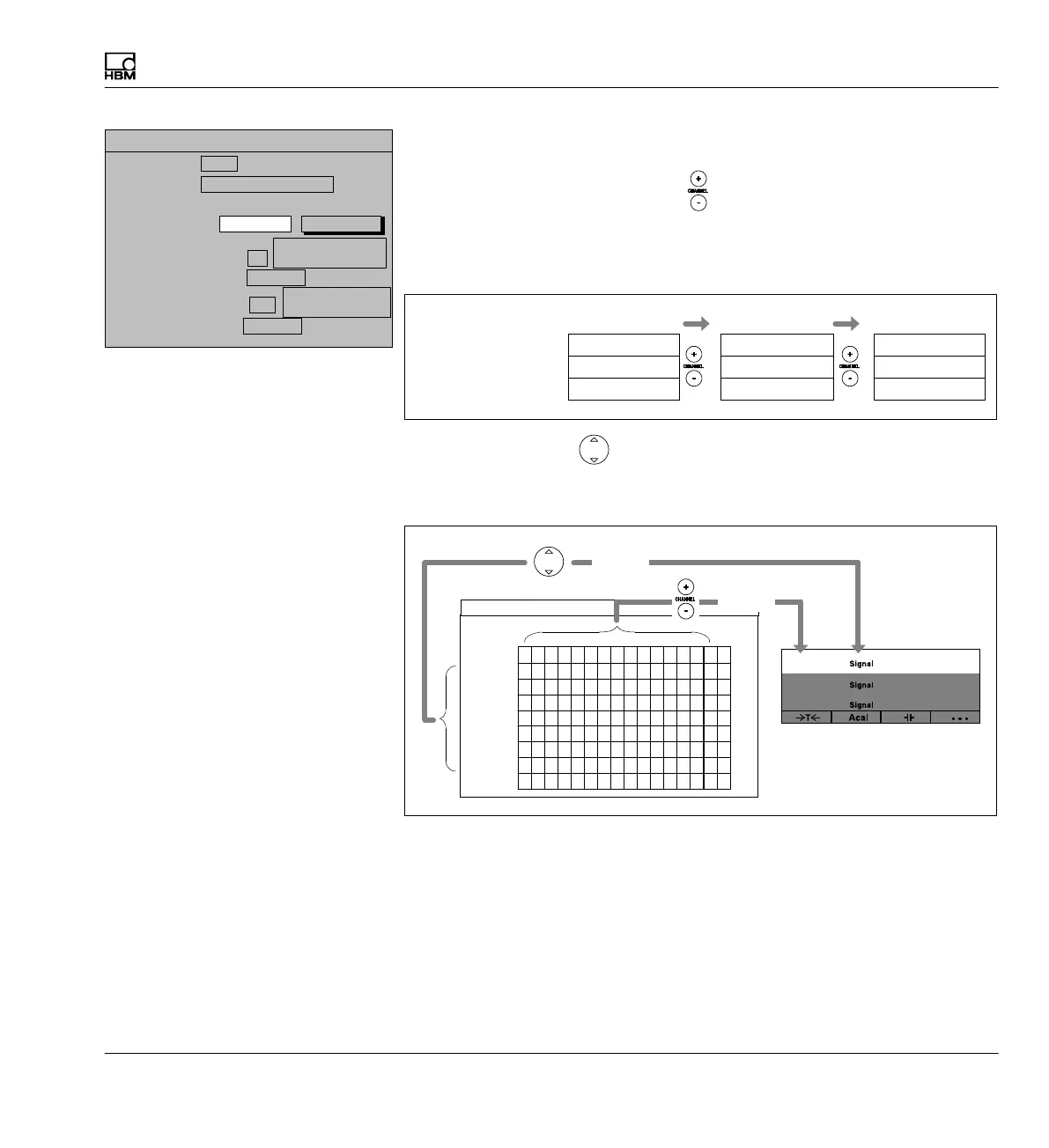
b) Channels/signals: + selection
When the channel selection buttons
are activated in measuring mode,
the selected channels of the basic channel (in this example 1, 3, 5) are acti
vated one after the other. The display fields of channels that are not se
lected remain empty.
K3 Value 1
K5 Value 2
K2 Value 3
Display
K5 Value 1
K4 Value 3
K1 Value 1
K3 Value 2
Value 2: Channel +2
Value 3: Channel -1
When the cursor keys (SIGNAL) are activated, all signals of the basic
channel set in the first display line in the Channel/signal selection menu
are displayed in measuring mode.
Channel
Gross
Net
PV1
PV2
PV12
LV1
LV2
LV3
LV4
OK Cancel All channels All signals
CHANNEL/SIGNAL SELECTION
1
210
35
4
615978
11
12
1413
16
affects
affects
Channel
Channel
Channel
Value 1
Value 3
Value 2
Display value 1 (basic value):
0 ...
3 measured values
Image no.:
Image type:
Display value 2: Channel
DISPLAY FORMAT 3 measured values
2
Relative to basic
value
Signal
Gross
Display value 3: Channel
-1
Relative to basic
value
Signal
Gross
Channels/signals:
Selection
define...



 To Next Page