Display
Display format
222 A0534-30.0 HBM: public MGCplus
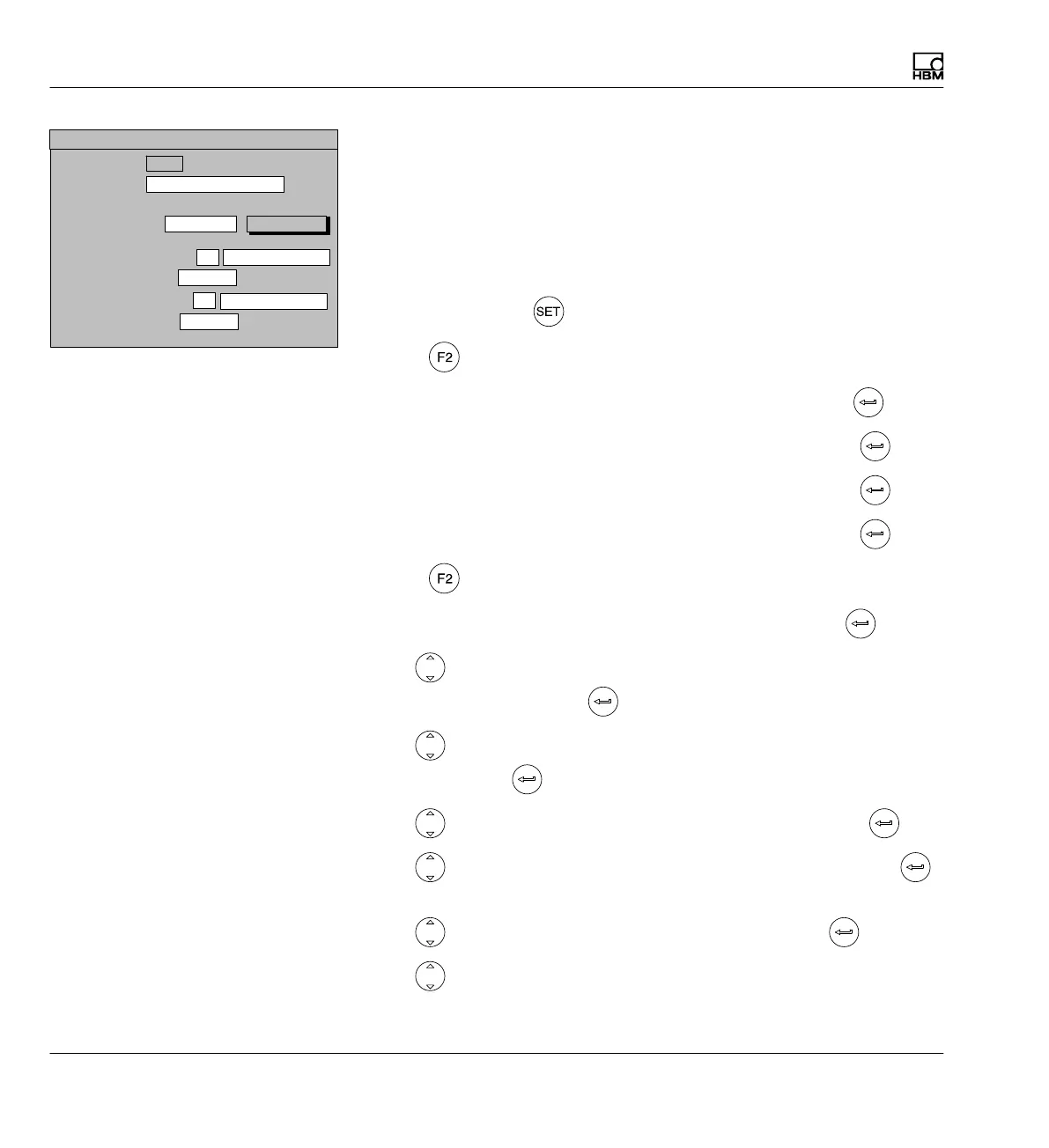
Example2: The net weights of three containers will be displayed simultane
ously. The following assignment will apply:
Container 1 Channel 1
Container 2 Channel 2
Container 3 Channel 3
First the channel names are assigned
1. Use the Switch key
to switch to Setup mode.
2. Press
.
3. In the pull-up menu select Channel names and confirm with
.
4. In edit field Channel 1 enter CONTAINER 1 and confirm with
.
5. In edit field Channel 2 enter CONTAINER 2 and confirm with
.
6. In edit field Channel 3 enter CONTAINER 3 and confirm with
.
7. Press
.
8. In the pull-up menu select Display format and confirm with
.
9. Use
in the Image type selection field to select 3 MEASURED
VALUES and confirm with
.
10. Use
in the Channels/signals selection field to choose SELECTION
and confirm with
.
11. Use
to select the define... button symbol and confirm with .
12. Use
to select the Channel 1/Net control field and confirm with
(a n appears in the control field).
13. Use
to select the OK button symbol and confirm with .
14. Use
to select edit field Value 2:Channel and enter 2.
Display value 1 (basic value):
0 ...
3 measured values
Image no.:
Image type:
Display value 2: Channel
DISPLAY FORMAT 3 measured values
Signal
Display value 3: Channel
Signal
Channels/signals:
Selection
define...
2 Absolute
Net
3
Absolute
Net



 To Next Page