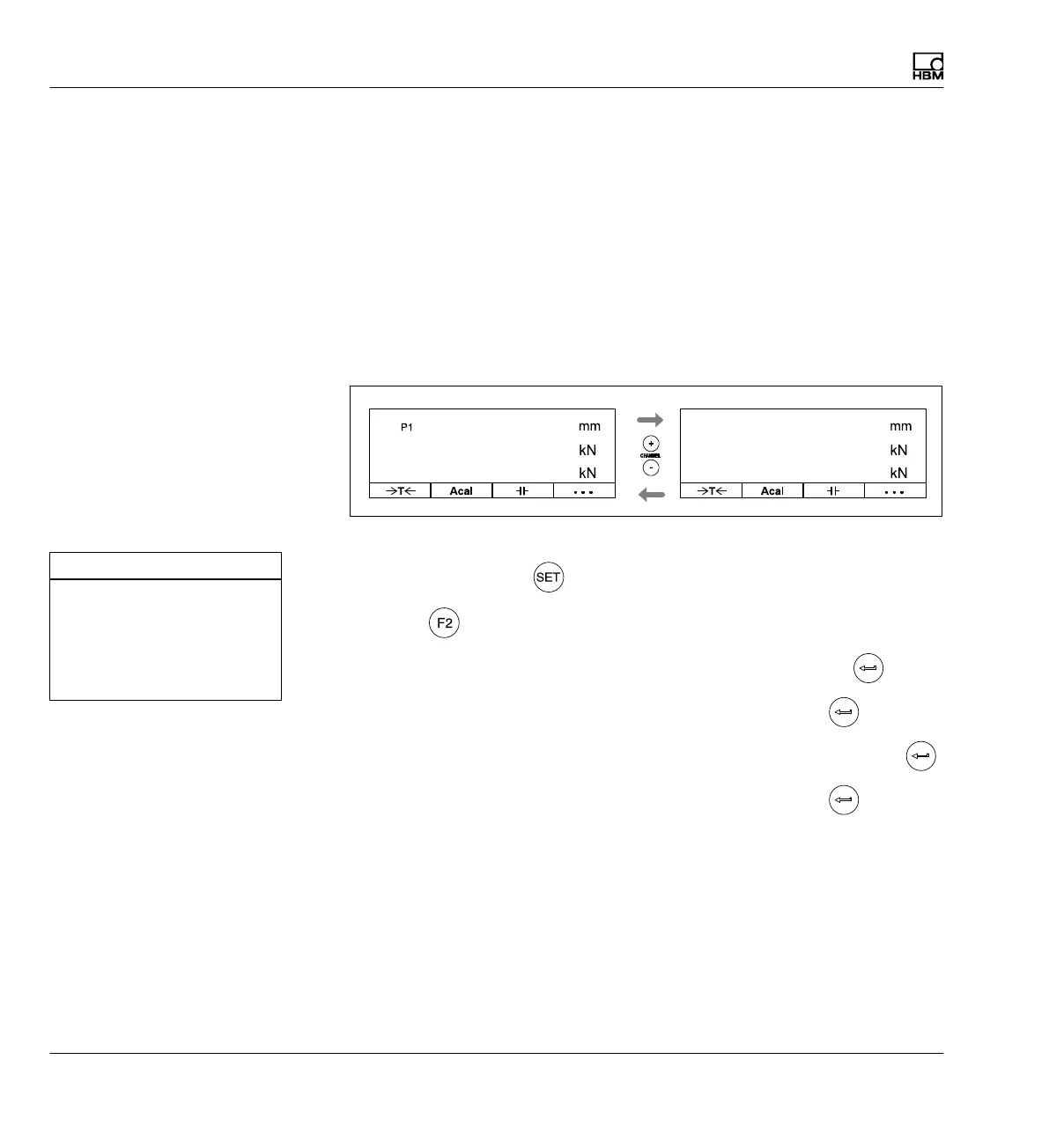
Display
Display format
224 A0534-30.0 HBM: public MGCplus
Example3: Force and displacement will be measured on each of the two
presses. The following assignment will apply:
Force - press 1 Channel 1
Displacement of press 1
Channel 2
Force - press 2 Channel 3
Displacement of press 2
Channel 4
A display with three measured values will be set up. The same signals will
be compared between press 1 and press 2.
Displ. PV 1
PV 1
PV 2
Force P1
Force P1 Force P2
Force P2
Displ. P2
PV 2
PV 1
PV 1
First the channel names are assigned
1. Use the Switch key
to switch to Setup mode.
2. Press
.
3. In the pull-up menu select Channel names and confirm with
.
4. In edit field Channel 1 enter FORCE P1 and confirm with
.
5. In edit field Channel 2 enter DISPLACEMENT P1 and confirm with
.
6. In edit field Channel 3 enter FORCE P2 and confirm with
.
Channel 1: Force P1
Channel 2: Displacement P1
Channel 3: Force P1
Channel 4: Displacement P2
Channel 5:
Channel 6:
CHANNEL NAMES



 To Next Page