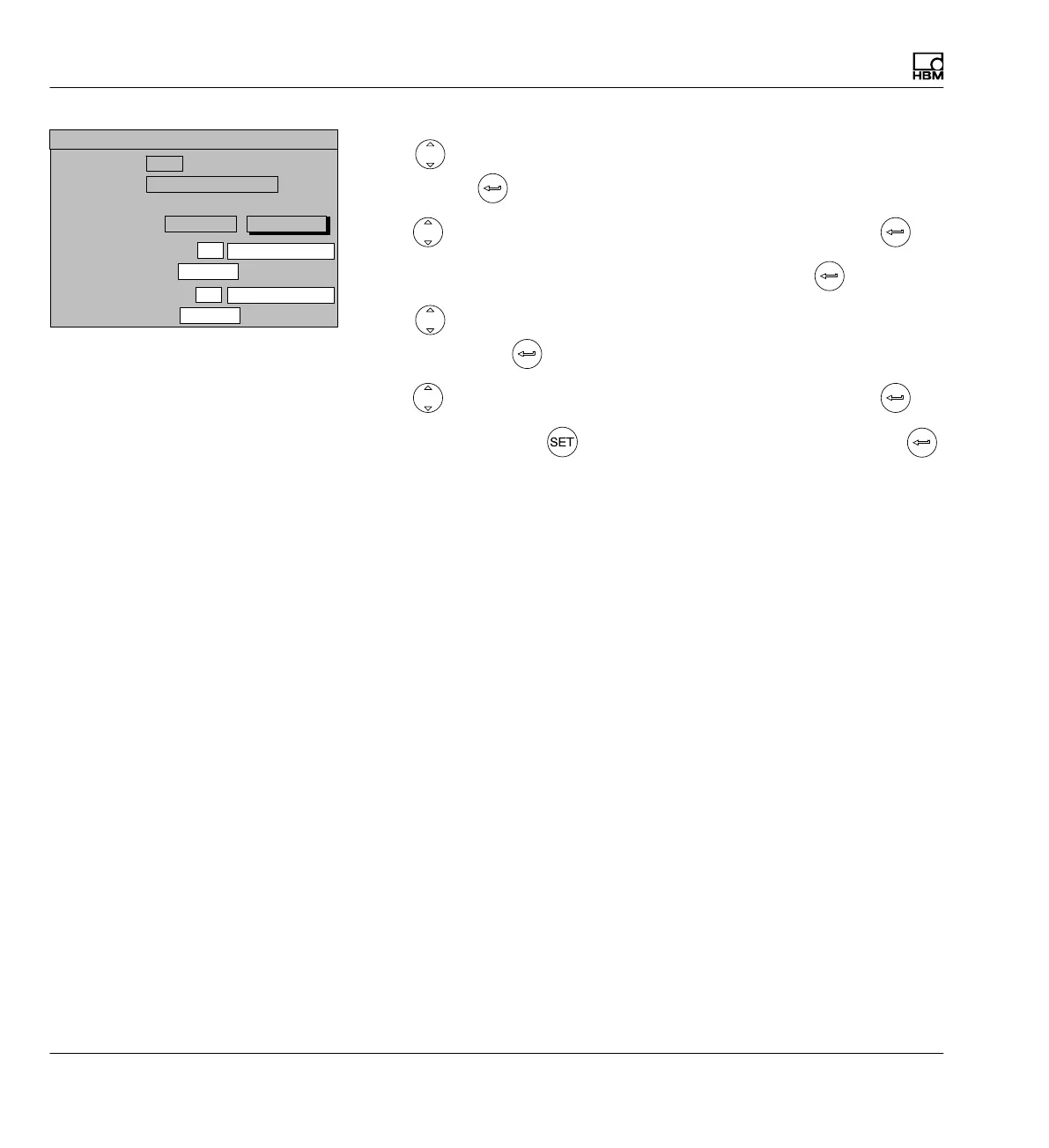
Display
Display format
226 A0534-30.0 HBM: public MGCplus
18. Use in the Absolute/relative selection field to select Relative and
confirm with
.
19. Use
in the Signal selection field to select PV1 and confirm with .
20. In edit field Value 3: Channel enter -1 and confirm with
.
21. Use
in the Absolute/relative selection field to choose Relative
and confirm with
.
22. Use
in the Signal selection field to select PV2 and confirm with .
23. Press the Switch key
and confirm the confirmation prompt with .
Display value 1 (basic value):
1
3 measured values
Image no.:
Image type:
Display value 2: Channel
DISPLAY FORMAT 3 measured values
Signal
Display value 3: Channel
Signal
Channels/signals:
Selection
define...
-1
relative
PV1
-1 relative
PV2



 To Next Page