System
Recording series of tests
MGCplus A0534-30.0 HBM: public 265
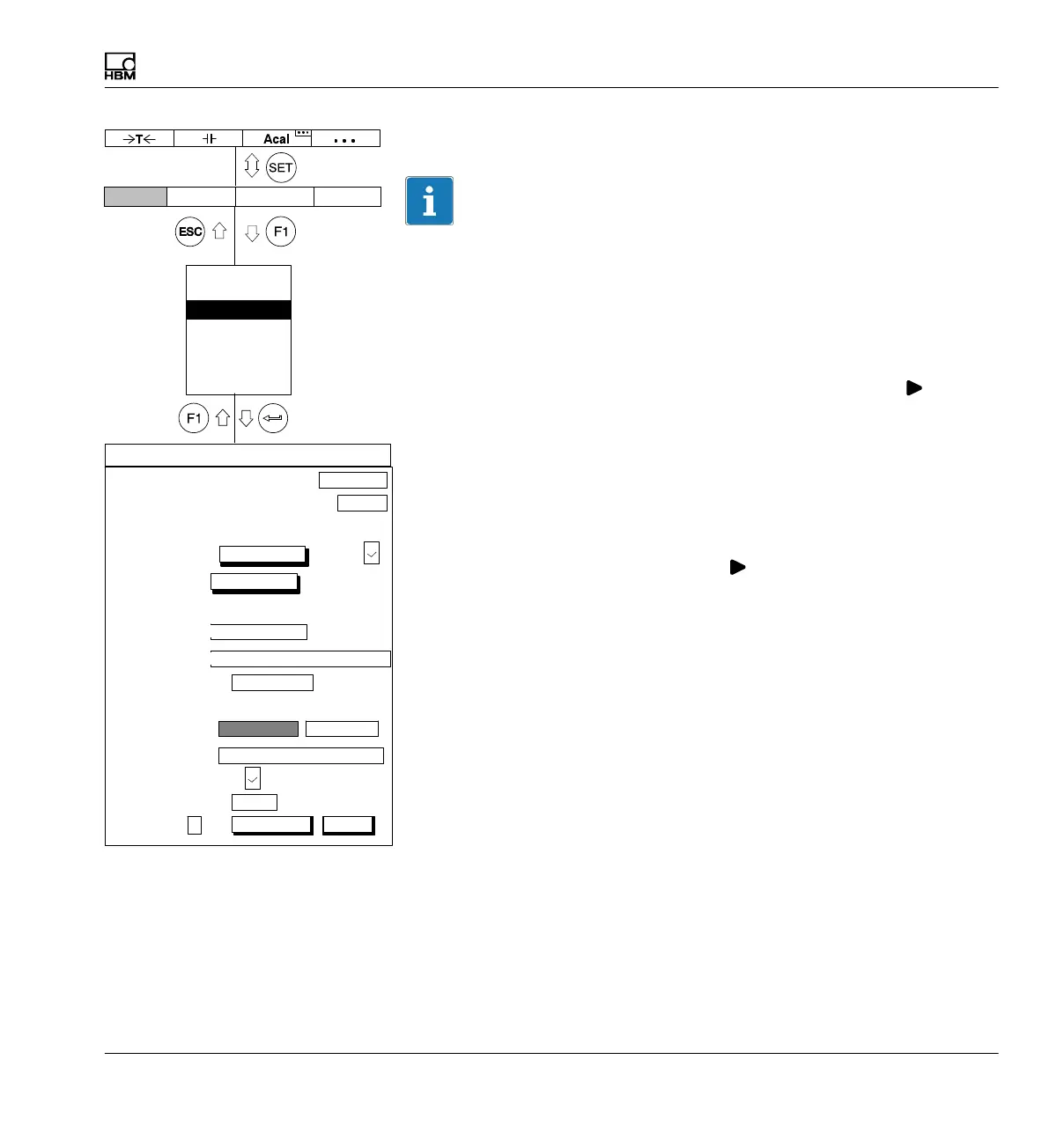
Autostart
Information
You can save all the settings (start/stop conditions, etc.) in a recording
parameter set and reload it. To use a parameter set, you must assign two
function keys:
S Assign one function key with the Load recording parameters function.
Press the F‐key to read the parameter set.
S Assign a second function key with the Start/stop recording (
)
function. Press the F‐key to start the recording program.
The Autostart function defines what will happen after loading a recording
parameter set.
YES: After the recording parameter set is loaded, a recording starts
automatically. A second function key is not needed.
NO: After the recording parameter set is loaded, the recording must be
started with a second function key (
).
ParaSetNo
You can enter parameter set numbers between 0 and 16 (0: parameter set
will be saved in Flash‐PROM of the communication processor; 1 - 16:
parameter set will be saved on the hard disk of the MGCplus). The numbers
must be assigned first so that the next higher one will be displayed.
Number:
RECORDING PARAMETERS
Measuring interval/sampling rate:
300Hz
Duration: 4.0
Measurement periods:
Channels/signals:
Password
Save/load
Recording
Interface
Print
Language
Time
Time
channel:
Trigger:
PreTrigger:
Immediately
Start condition:
20.00 % ...
Number of measured values
Stop condition:
Recording to:
a file
Recording information file:
MGCP0000.MEA ...
Recording format:
4−byte integer LSB.. MSB
Autostart:
No
Param.set:
1
1200 ...
1 ...
s...
Rec. Comments:
change
Compression factor:
480
Display Amplifier OptionsSystem
save load
define...
define...
save loadsave load



 To Next Page