L-INX User Manual 107 LOYTEC
Version 4.0 LOYTEC electronics GmbH
6. Edit the state texts as needed.
7. Change back to the Assign tab.
8. Select the newly created multistate map and click the Assign button. The assigned map
is now displayed next to the data point.
6.2.6 Organizing Favorites
There is a special Favorites top-level folder in the device data point folder hierarchy. This
folder contains freely configurable symbolic links to data points, which may actually reside
anywhere in the folder structure. This folder represents a way to assemble an alternate view
to the data point hierarchy.
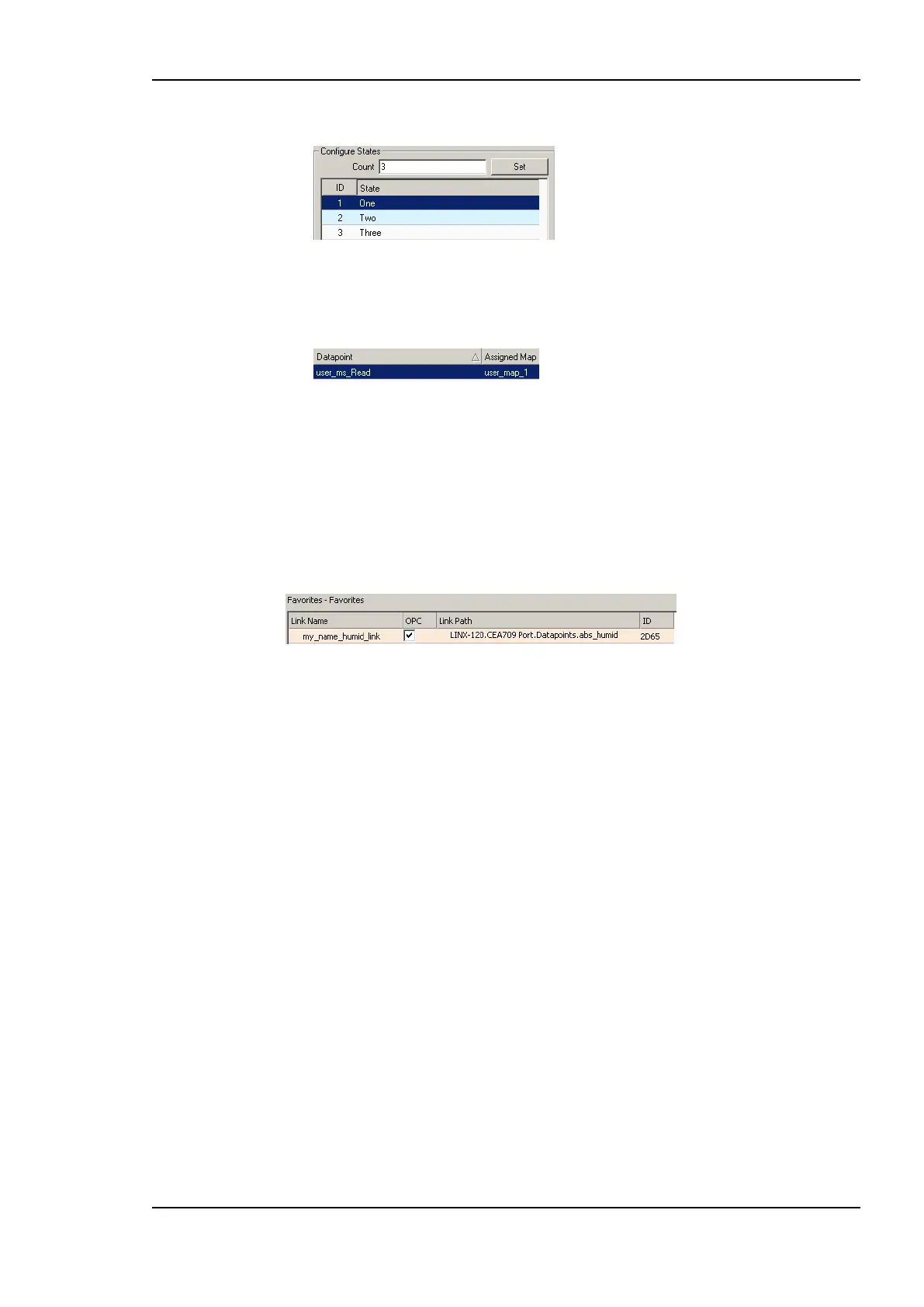
To configure favorites, select any data point from any location in the data point folder
hierarchy and drag it onto the favorites folder. This will create a data point link, which is
displayed in the data point list:
The link name can be edited to something different that the original data point name. The
contents of this folder are also available on the Web UI or the LCD UI. The link names are
displayed there. The data point links can also be individually exposed to the OPC server
notwithstanding if their original source is exposed or not.
Furthermore, the user can create sub-folders in the favorites folder and beneath to build a
hierarchy of data point links.
6.2.7 CEA-709 Properties
Apart from the common data point properties discussed in Section 6.2.4 the data points of
the CEA-709 technology have additional properties. Depending on if a NV is local or
external (remote), the properties may vary.
NV Allocation: This property defines how a data point shall be allocated on the device.
Choices are ―Static NV‖, ―Dynamic NV‖, and ―External NV‖. If the allocation type
cannot be changed, this property is locked.
SNVT: This property defines the SNVT of the NV, e.g., ―lux (79)‖.
Invalid Value: This property defines the ―invalid value‖ for the NV. If set, this specific
value will be interpreted as ―invalid‖ in the data point. If known by the SNVT, the
invalid value is filled in. Otherwise, the user can specify an invalid value.
CEA-709 Mapping Information: This information is derived from the SNVT. It
defines how the NV contents are mapped to the data point.
NV Scaling A, B, C: These are the scaling factors known from the SNVT table. The
scaling factors are applied to translate a raw NV value into the scalar representation of
the data point.



 To Next Page