L-INX User Manual 158 LOYTEC
Version 4.0 LOYTEC electronics GmbH
To Delete a Connection
1. Change to the Connections tab of the main window.
2. Select the connection for removal. Use multi-select to select more than one connection.
3. Click Remove.
6.10.4 Connection Overview
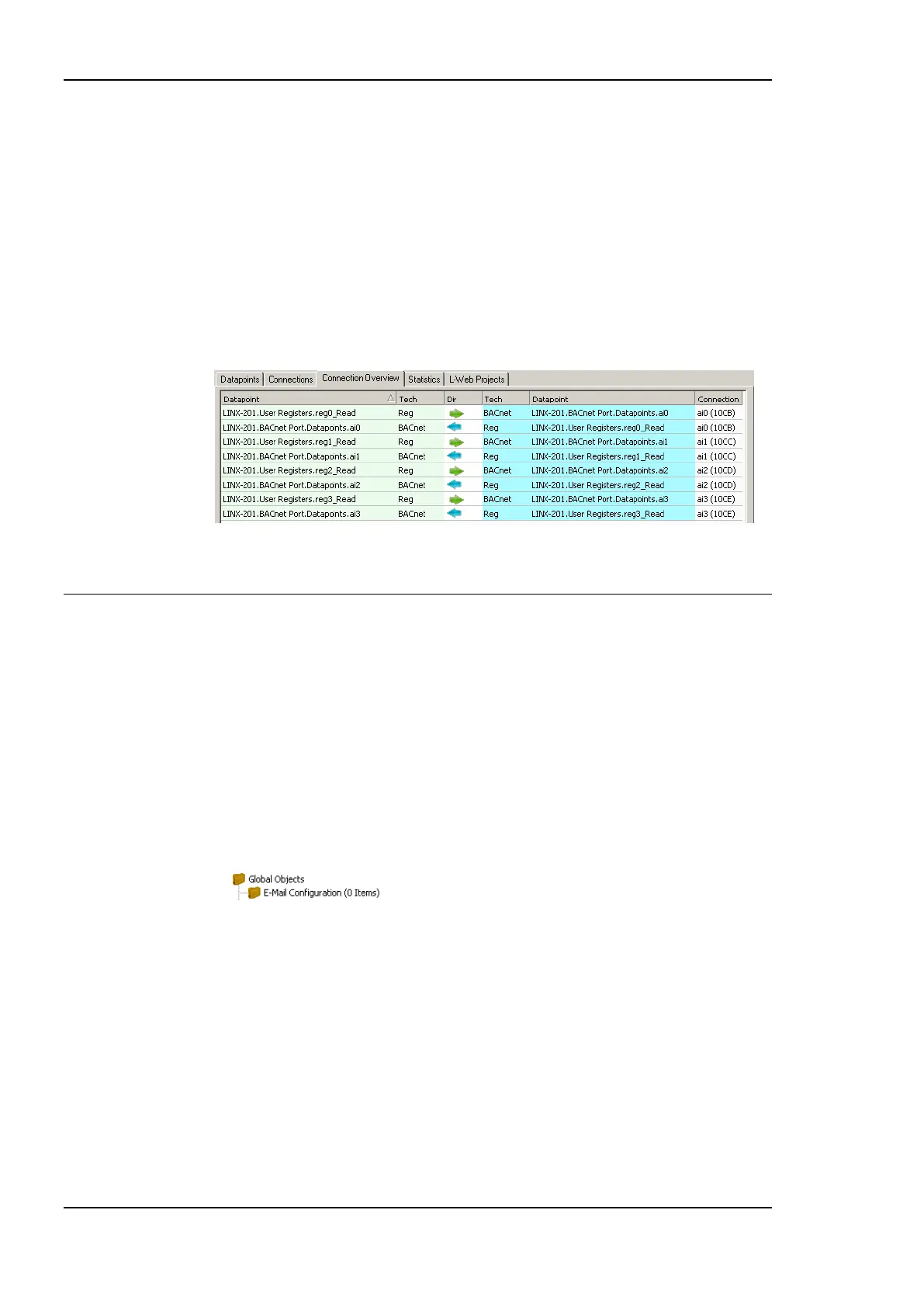
Select the Connection Summary tab to get a graphical representation of all connections. It
represents the two connected data points, their technology they are based on and the
direction of the connection. An example for the overview is shown in Figure 139.
Figure 139: Connections Summary.
6.11 E-mail Templates
6.11.1 Create an E-mail Template
E-mail templates are used to assemble and transmit e-mails when certain trigger conditions
occur. The e-mail template contains the destination e-mail address, the subject, and text.
Variable parameters can be added to the text by using data point sources. The transmission
of an e-mail is triggered by one or more trigger data points. For setting up e-mails, the
e-mail account information has to be configured on the device, e.g., on the Web UI (see
Section 4.2.15).
To Create an E-mail Template
1. Under the Global Objects folder, select the E-mail Configuration sub-folder.
2. Right-click and select New E-mail Template … from the context menu.
3. In the Configure E-mail Template dialog, which is shown in Figure 140 enter the To
address and the Subject. Optionally, Cc and Bcc addresses can be specified.



 To Next Page