L-INX User Manual 255 LOYTEC
Version 4.0 LOYTEC electronics GmbH
12 IEC 61131
To design the IEC61131 program which should run on the L-INX device, the graphical
programming tool logiCAD is required. The tool allows creating IEC61131 programs using
various IEC61131 programming languages. It offers additional features downloading and
debugging of the created program.
In addition to logiCAD, the L-INX Configurator necessary to create an appropriate data
point configuration in the automation server. The usage of logiCAD itself is beyond the
scope of this manual. Please refer to the logiCAD online help in case of additional
questions.
12.1 Overview
The PLC in the L-INX device is intended to perform IEC61131 programs operating on
IEC61131 data points. The operating principle is to connect IEC61131 data points to data
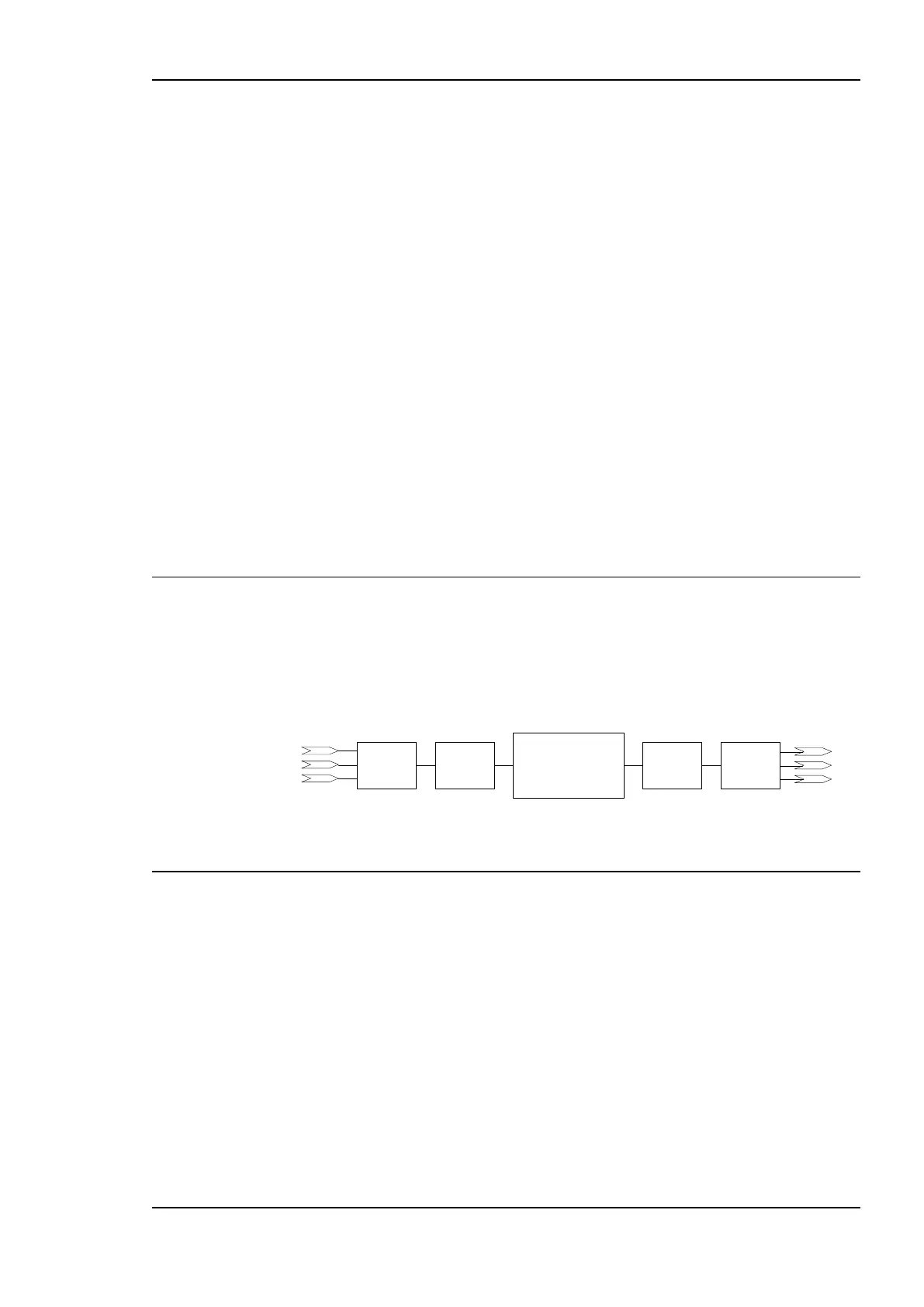
points derived from CEA-709, BACnet or LIOB network. Figure 200 depicts the usage of
data points for IEC61131 programs at the example of using CEA-709 network variables.
CEA-709
variables
IEC61131 program
CEA-709
variables
Input NVs DP
DP
Output NVs
IEC61131
variables
IEC61131
variables
Figure 200 Usage of data points.
12.2 Installing logiCAD
For developing IEC61131 programs with logiCAD the following components must be
installed:
1. Hardlock driver for USB keys. For the logiCAD license, an Aladdin USB key may be
used. If no driver for this type of keys is installed on the PC and the software is licensed
via the USB key, install this driver first. This driver is not required if a logiCAD
softlock license is used.
2. L-logiCAD setup package. This package installs the logiCAD software, which is
needed to design PLC programs for the L-INX device.
3. L-INX Configurator. This software is required to configure the L-INX device to
provide the necessary data points to the PLC and integrate the device into the network.



 To Next Page