L-INX User Manual 252 LOYTEC
Version 4.0 LOYTEC electronics GmbH
To Create a Trigger-Based Modbus Poll Group
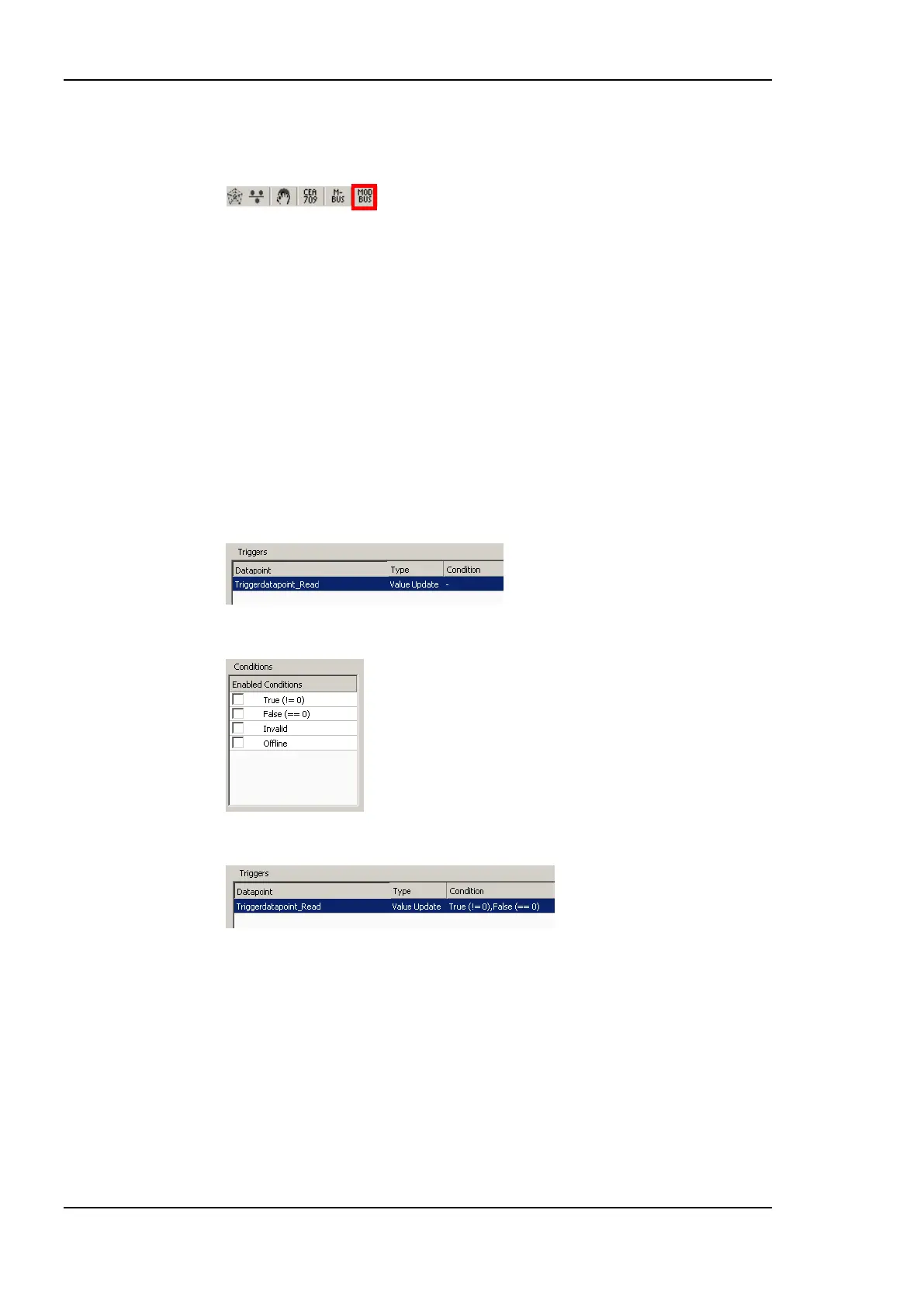
1. Select the Modbus dialog by clicking on the Modbus button
in the tool bar of the Datapoints tab. This opens the Modbus Management dialog.
2. In the Modbus Management dialog, open the Pollgroups tab. This displays the poll
groups management tab displayed in Figure 196.
3. Enter a new poll group name and select Trigger-based.
4. Create the poll group by pressing the Create New button.
5. Select the new poll group. This enables the Add… and Remove buttons from the
triggers.
6. Press the Add… button and select a trigger data point. This can for example be a
binary user register.
7. The selected trigger data point appears in the trigger list as shown:
8. Select the trigger from the list and check the desired trigger conditions.
9. The trigger conditions are then displayed in the trigger list.
10. Press the Save button to store the changes in the poll groups.
11.5.6 Modbus Protocol Analyzer
When connected to a device a protocol analyzer is available for each Modbus port. The
protocol analyzer can be found in the Modbus Management dialog. On every Modbus port a
protocol analyzer tab is available. Figure 197 shows the Modbus protocol analyzer
The status on the right hand side of the dialog shows, if the device is connected or if the
protocol analyzer is stopped or started. When connected to a device, the protocol analyzer
can be started by pressing the Start Protocol button. This starts the protocol analyzer in the
device. Every time a transmission is made on the Modbus port, the transmission is displayed
in the list. Additionally the protocol data is stored in the device in a rotating log file. The
protocol log can hold up to 40 kB of protocol data. So also when the Configurator was not



 To Next Page