L-INX User Manual 278 LOYTEC
Version 4.0 LOYTEC electronics GmbH
The log_info line specifies the fields UID and name of the trend log object. The line
log_create has two fields specifying the date and time when this CSV log was generated.
The line log_capacity has two fields: the current number of log entries in the file and the log
capacity.
Following are one or more lines of log_item. Each line specifies a trended data point. The
first field is the index, the second the ID of the logged data point, the third the data point
name. The data point name can be augmented by engineering units in square brackets. Log
entries in the CSV refer to the item index to identify the data point, for which the entry was
logged.
#log_csv_ver,2
#log_device;LOYTEC;Product Code;Firmware Version;Device ID String;Serial No
#log_info;Log-ID;Log Name
#log_create;YYY-MM-DD;HH:MM:SS
#log_capacity;filled;capacity
#log_item;index;UID;data point name [units]
After those lines any number of comment lines starting with a hash character ‗#‘ are
allowed. One line contains the column headings. Lines that are not comments specify one
log record per line, using the column information as described below. The columns are
separated by commas ‗,‘ or semi-colons ‗;‘. If commas are used as a separator, the decimal
point must be a point ‗.‘. If semi-colons are used, the decimal point must be a comma ‗,‘.
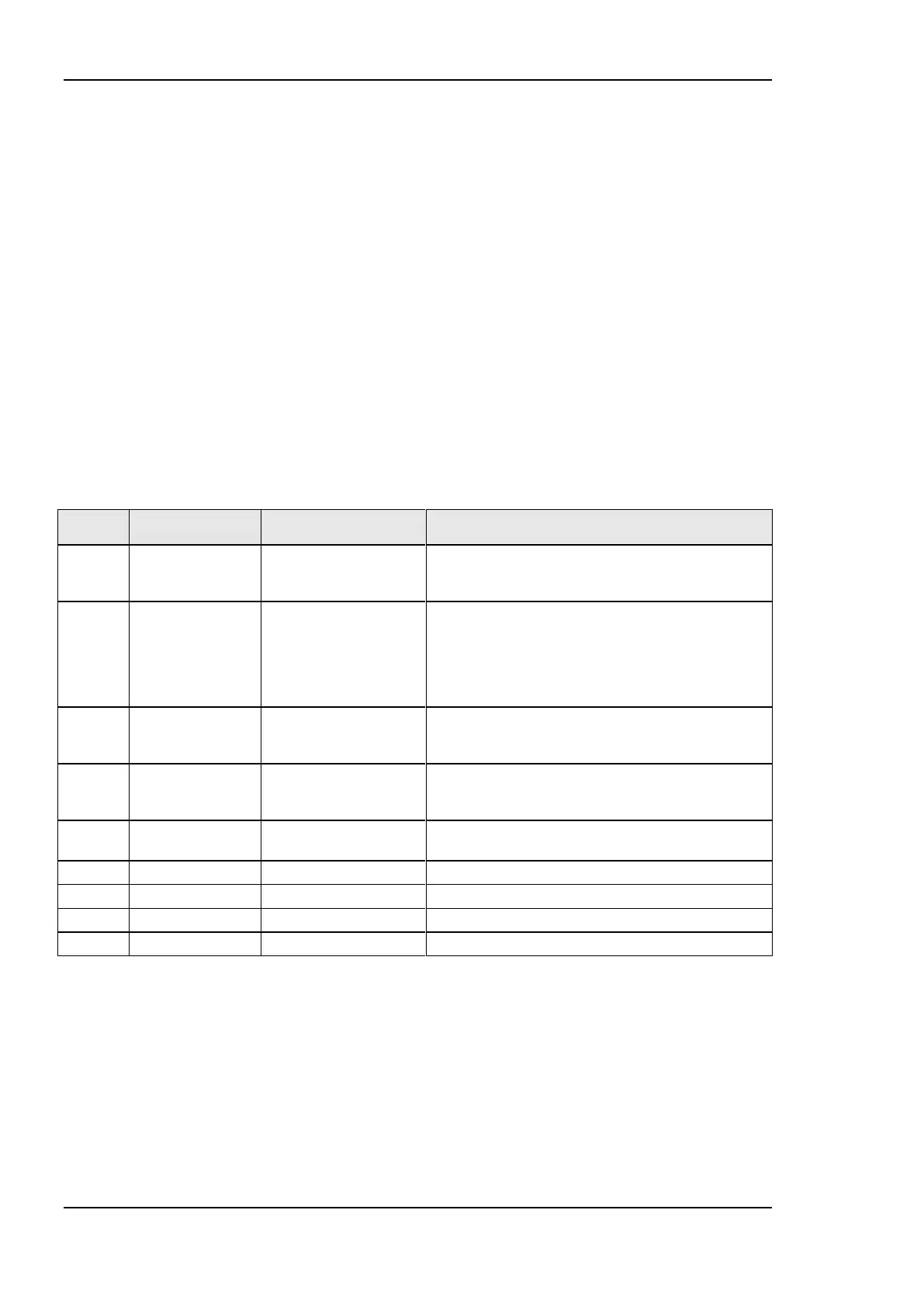
The log record sequence number. This is the
monotonously increasing sequence number, which is
unique for each log record.
Data point source identifier. Indexes into logger_entry
header. For value lines in a multi-column CSV, this
field indexes the first column, which has a value. For the
ERROR record type, the field indexes the data source
that caused the error. For LOGSTATE, TIMECHANGE
records this field is not applicable and set to 255.
The record type: LOGSTATE (0), BOOL (1), REAL
(2), ENUM (3), UNSIGNED (4), SIGNED (5), NULL
(7), ERROR (8), TIMECHANGE (9)
Error/Time
Change/Log
Status
This field is valid for records of type ERROR,
TIMECHANGE, and LOGSTATUS.
The date/time of the log record. This is in the format
YYYY-MM-DD HH:MM:SS.
Logged value from source 0 or empty
Logged value from source 1 or empty
Logged value from source n – 1 or empty
Table 13: Columns of the Trend Log CSV File.
There are as many value columns as value sources specified in the header. If at a given
date/time more values are logged, all of them appear in the same line. If at that given time
some sources did not log values, those columns are left empty. The ―Source‖ column in a
multi-value CSV refers to the first data source that supplied a value in a given line.
13.1.3 Alarm Log CSV File
The historical alarm logs are also accessible as CSV-formatted files. The alarm log CSV
files are accessible either via their UID only, or in combination with contents of the alarm
log object name. The files are located in



 To Next Page