L-INX User Manual 82 LOYTEC
Version 4.0 LOYTEC electronics GmbH
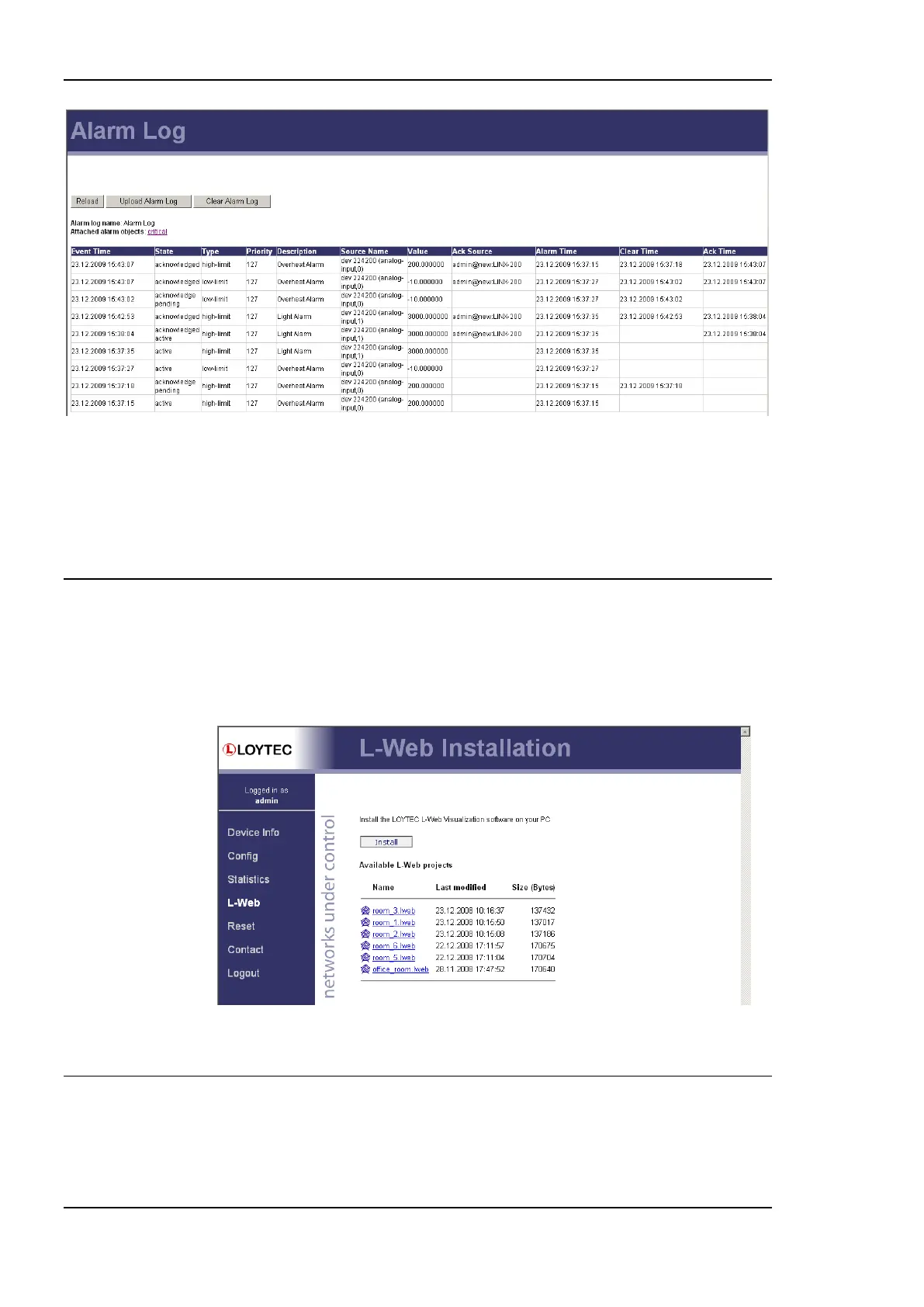
Figure 72: Alarm Log Page.
The alarm log contents can be uploaded from the device in a CSV formatted file. Click on
the button Upload Alarm Log to upload the current log. To clear the log, press the button
Clear Alarm Log. Please note, that this permanently purges all historical alarm log data of
this alarm log.
4.4 L-WEB
This configuration page provides a download link to the L-WEB application installer and a
listing of L-WEB projects available on the device (see Figure 73). Clicking on Install will
download the installer for L-WEB and start the installation process. See Section 9.2 for
more information on working with the L-WEB visualization.
Figure 73: L-WEB Page.
4.5 Reset, Contact, Logout
The menu item Reset allows two essential operations:
Rebooting the device from a remote location, or



 To Next Page