L-INX User Manual 29 LOYTEC
Version 4.0 LOYTEC electronics GmbH
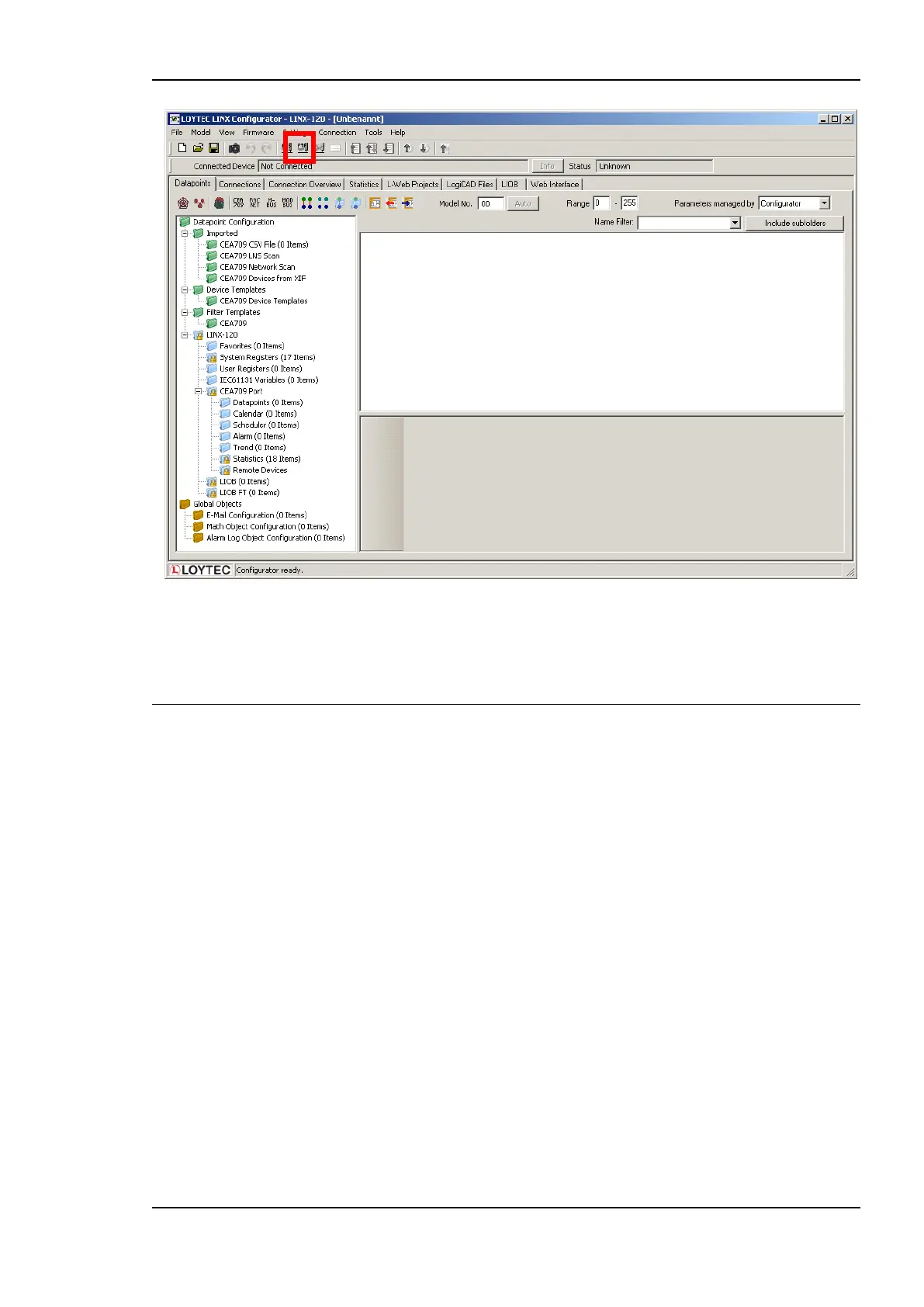
Figure 8: L-INX Configurator main screen.
3. For detailed information on how to create data points out of the network please refer to
Section 6.7 for CEA-709 or 6.9 for BACnet.
2.4 Configuration of the L-IOB I/O Modules
The L-IOB I/O modules can be attached either directly to the LIOB Connect bus or to the
LIOB-FT bus with standard TP/FT-10 wiring rules. Please visit the L-IOB User Manual [7]
for detailed hardware installation and terminal configuration instructions.
The L-INX Configurator uses a separate tab to configure the L-IOB devices. The L-IOB
device configuration can be done off-line and is shown in the following steps.
To Configure L-IOB I/Os
1. Add L-IOB devices on the LIOB tab from the supplied L-IOB templates using the Add
Device(s) button as shown in Figure 13.



 To Next Page