L-INX User Manual 133 LOYTEC
Version 4.0 LOYTEC electronics GmbH
4. Click on Save. The backup is being uploaded.
To Restore a Backup
1. Choose the menu Tools Restore Device Configuration ….
2. In the file requestor choose a backup ZIP file and click Open.
3. The Configurator restores and reboots the device. The process is complete when the
device has finished rebooting.
6.7 CEA-709 Configuration
6.7.1 Starting as an LNS Plug-In
In LonMaker the plug-in is started by right-clicking on the L-INX device shape or the
Gateway/PLC functional block and selecting Configure… from the pop-up window.
In NL-220, the Plug-in is started by right clicking on the L-INX node, then selecting the
Option LOYTEC LINX Configurator in the PlugIns sub menu.
In Alex, the Plug-in is started by right clicking on the L-INX device and selecting the
LOYTEC LINX Configurator in the Starte PlugIn sub menu.
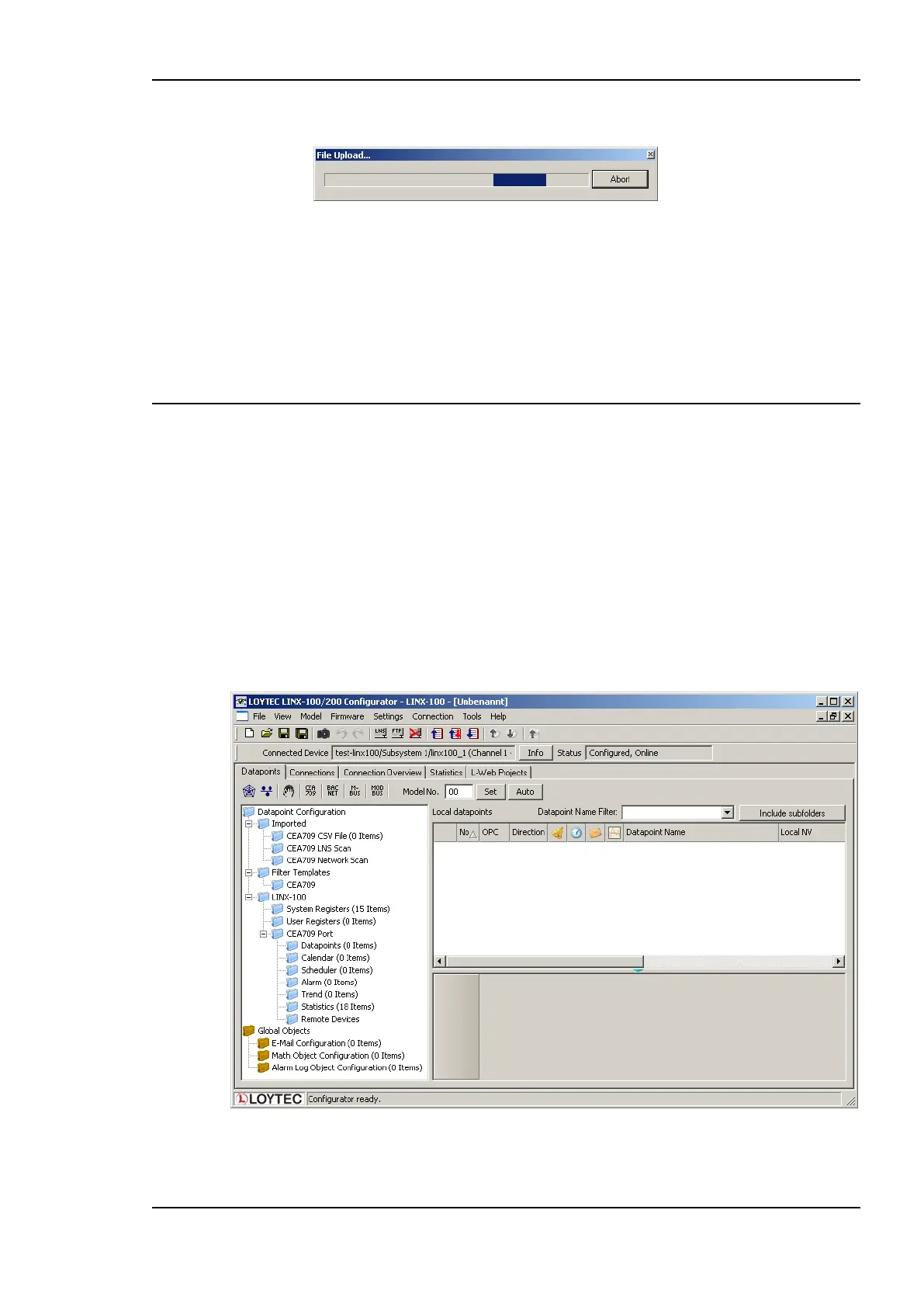
A window similar to what is shown in Figure 116 should appear.
Figure 116: L-INX Configurator main window.



 To Next Page