L-INX User Manual 119 LOYTEC
Version 4.0 LOYTEC electronics GmbH
Start the Configurator stand-alone
Section 6.6.1
Import network variables from file
Section 6.7.3
START
DONE
Download configuration to device
Section 6.6.4
Select NVs and use on device
Section 6.7.5
Create other static NVs manually
Section 6.7.7
Switch NVs to „static“
Section 6.7.6
Export XIF file
Section 6.7.11
Enable Legacy NM Mode
Section 6.7.10
Tool supports
ECS ?
yes
no
Import network variables from FIX
Section 6.8.1
Scan online for network variables
Section 6.7.4
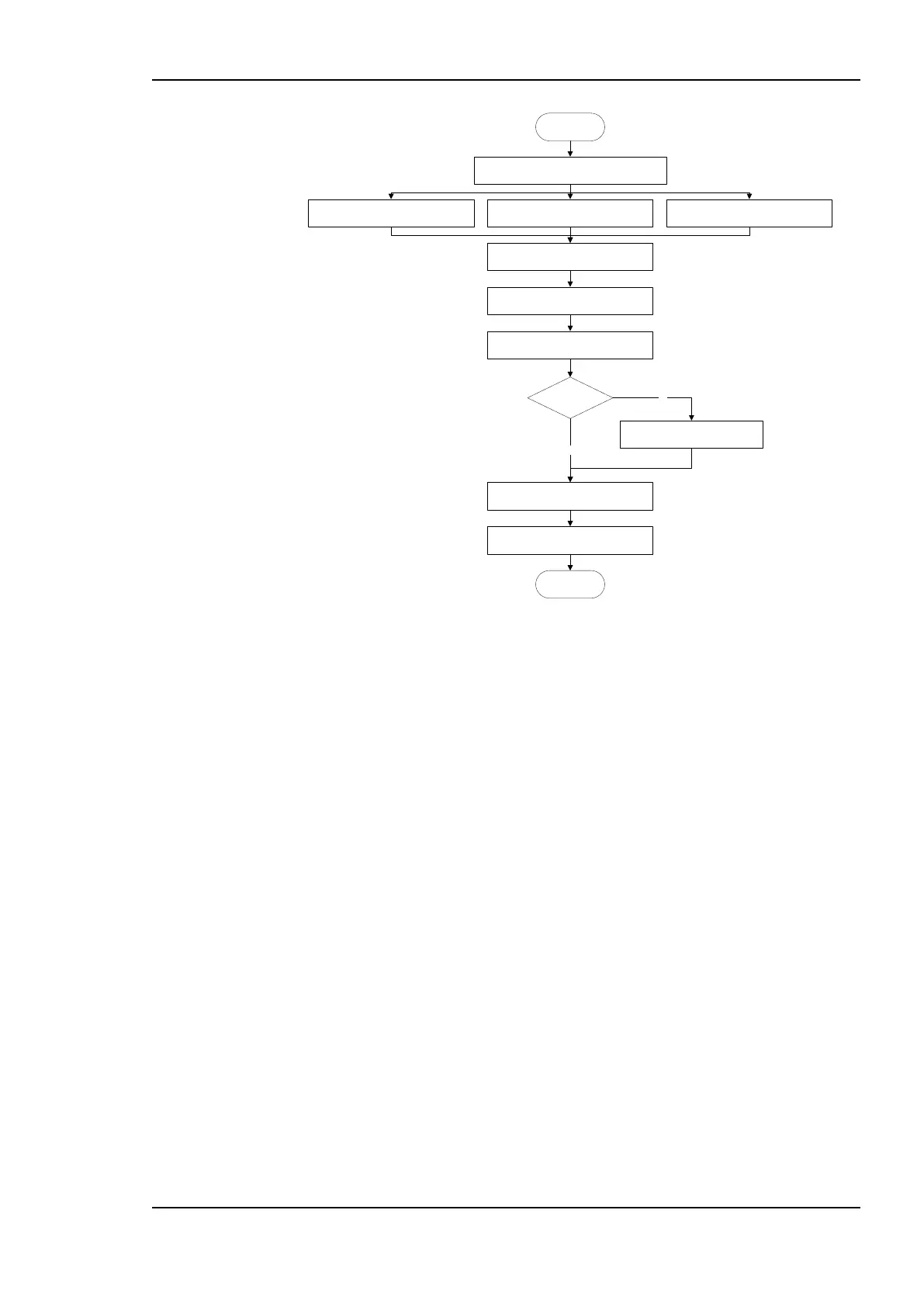
Figure 93: Basic design-flow without LNS using bindings.
To use the device in the non-LNS management tool, commission the device using the
exported XIF file and create the bindings.
When changing a running device configuration with existing bindings, it is recommended to
create additional data points as external NVs with polling as described in Section 6.4.3.
Otherwise, depending on the third-party tool, a new XIF file may be required to be exported
for replacing the device in the non-LNS tool. In this case the user would need to create all
bindings again from scratch (see Section 5.4.3).
6.4.5 Replace a L-INX
A device can be replaced in the network by another unit. This might be necessary if a
hardware defect occurs. First of all, the replacement device needs to be configured with the
appropriate IP settings. The remainder of this section focuses on restoring the device
configuration from a backup file. The work flow is depicted in Figure 94.



 To Next Page