L-INX User Manual 135 LOYTEC
Version 4.0 LOYTEC electronics GmbH
6.7.3 Importing Network Variables
Without LNS, the tool cannot connect to an LNS database, where it scans for network
variables (NVs). Therefore, the list of NVs to be used on the device has to be available in a
CSV file. This file can be produced by external software or created by hand. The CSV
format for importing NVs is defined in Section 13.2.1.
To Import NVs from a File
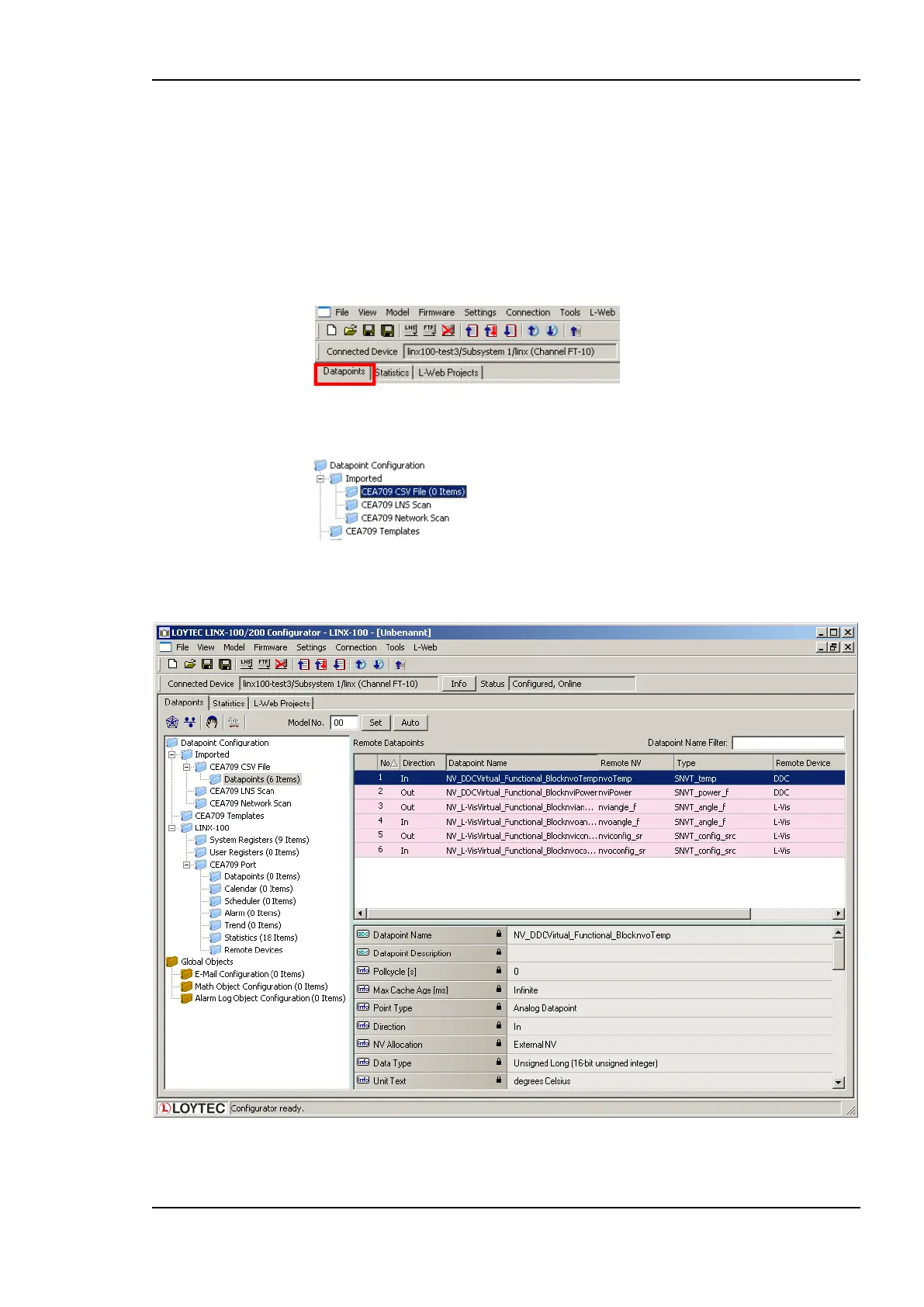
1. Click on the Datapoints tab.
2. Select the import folder CEA709 CSV File
3. Right-click and select Import File. In the following file selector dialog, choose the
CSV import file and click OK.
Figure 118: Imported NVs.
4. Now the CSV File folder is populated with the imported NVs as shown in Figure 118.



 To Next Page