L-INX User Manual 144 LOYTEC
Version 4.0 LOYTEC electronics GmbH
4. Click OK.
5. Download the configuration to activate the change.
6.7.11 Build XIF for Port Interface
When using static NVs on the device, the Configurator can export a new XIF file for the
changed static interface.
To Create a XIF File
1. Select the CEA-709 Port folder
2. Right-click on that folder and in the context menu select Build XIF ….
3. This opens a file requestor where the XIF file name needs to be entered. Select a useful
name to identify the device, e.g., as ―linx-10X_1.xif‖.
6.7.12 Upload Dynamic NVs from Device
In LNS-based tools it is possible to create dynamic NVs on the device manually. This is a
possible workflow to engineer the NV interface of the device in the LNS database. To use
those manually created dynamic NVs, the Configurator must synchronize its dynamic NV
information with the port.
To Upload Dynamic NVs
1. Select the CEA709 Port folder.
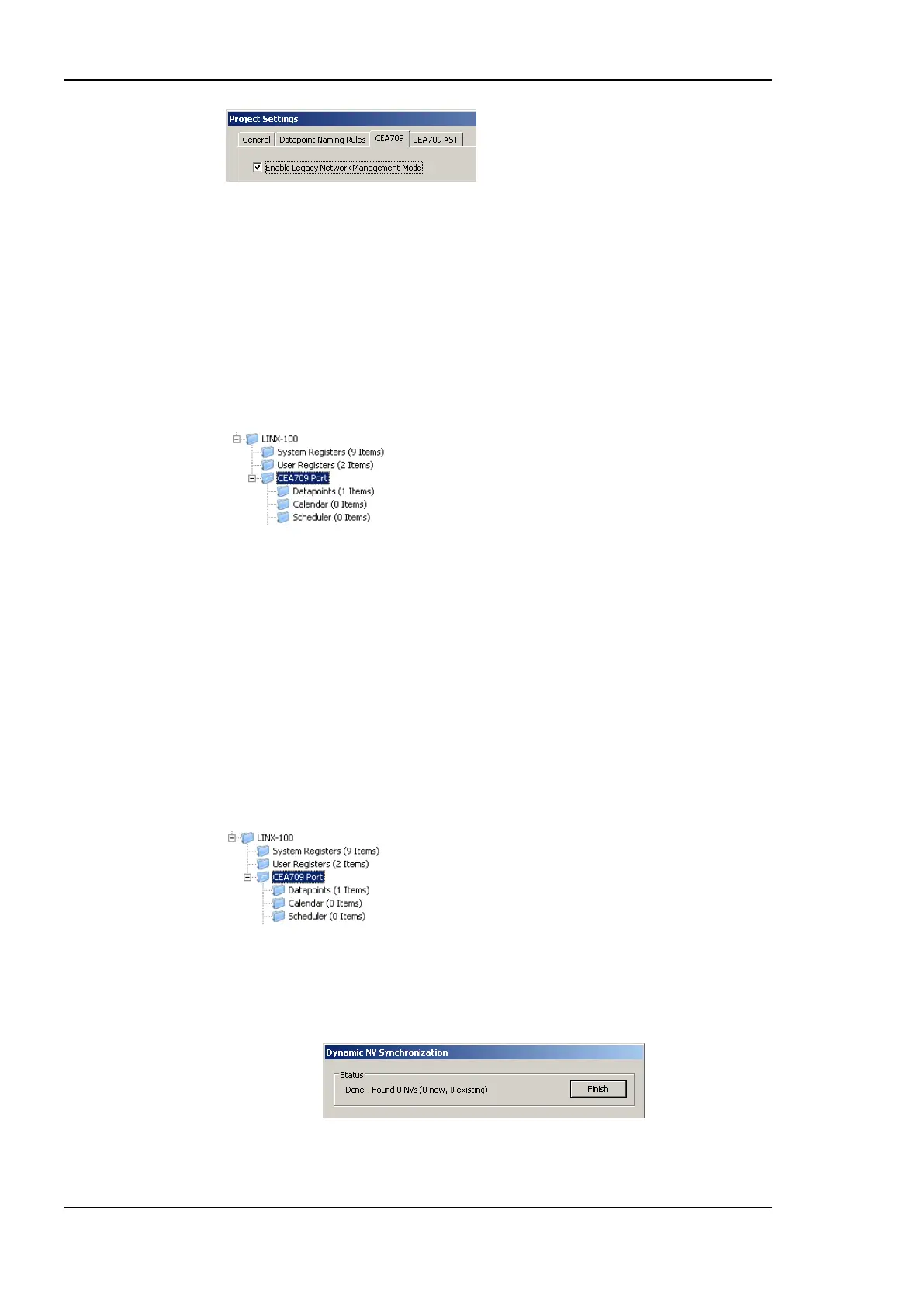
2. Right-click and select Sync Dynamic NVs in the context menu. The Configurator then
loads any new dynamic NVs, which have been created and are not yet part of the port
interface definition. The process completes when the dialog shown in Figure 127
appears.
Figure 127: Synchronizing dynamic NVs from the device.



 To Next Page