L-INX User Manual 36 LOYTEC
Version 4.0 LOYTEC electronics GmbH
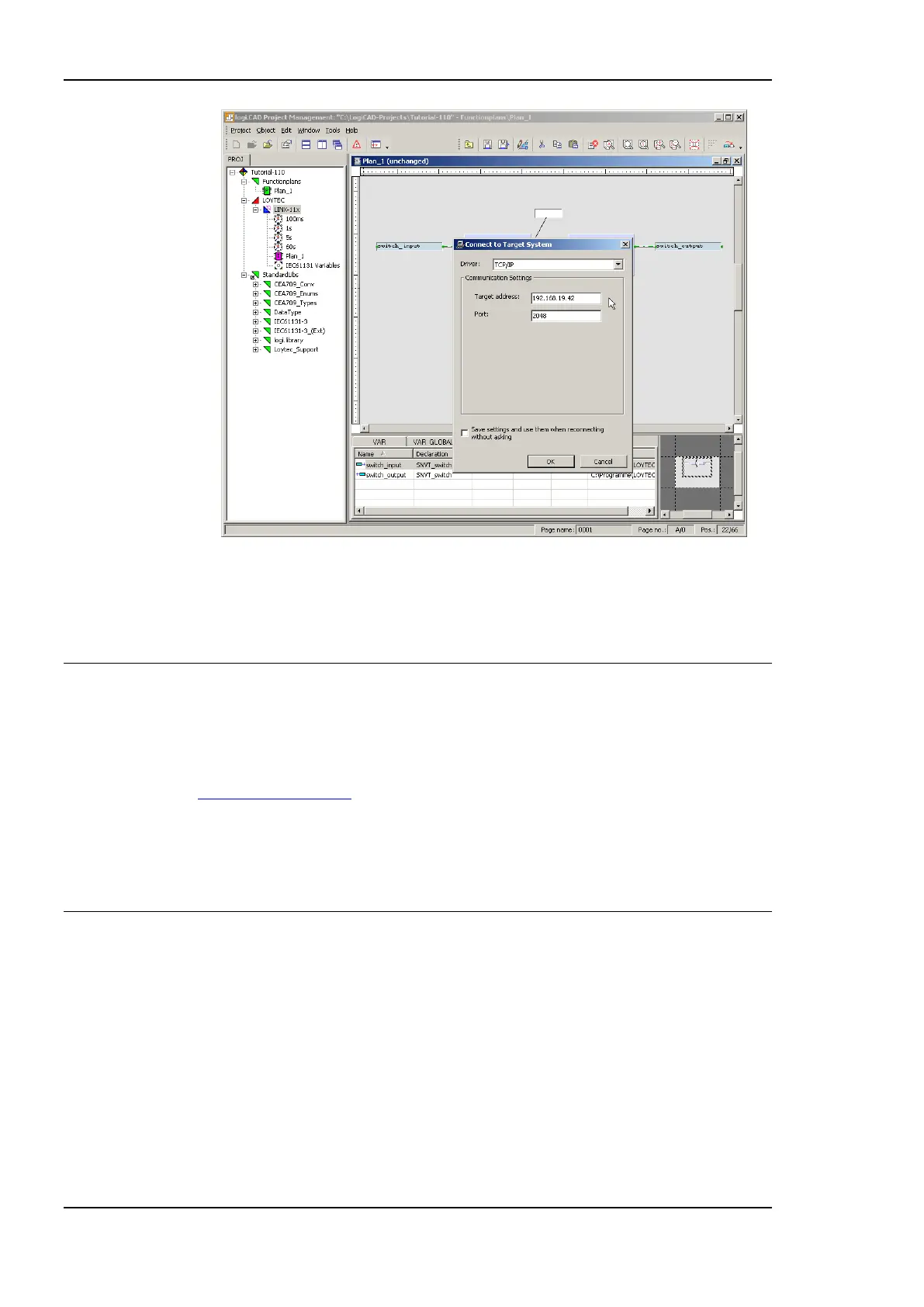
Figure 21: IEC61131 program download
16. Select the TCP/IP communication driver and enter the target address as configured in
section 2.2. Start the download process by pressing the OK button.
2.6 Connect with an OPC XML-DA Client
After the configuration has been downloaded to the L-INX it is ready to serve OPC XML-
DA clients. All data points with the OPC check box activated will be exposed. Connect to
the L-INX using the URL
http://192.168.24.99/DA,
given that 192.168.24.99 is the IP address of the device. Note, that by default, writing to
OPC tags needs basic HTTP authentication using the password for the operator user. This is
‗operator‘ by default.
2.7 Reset to Factory Defaults
In case the password of the device or the PIN code of the LCD UI has been forgotten you
may need to reset the device back to factory defaults to gain access again. On the L-INX
models 10X, 11X, 20X, 21X press the service button and power-cycle the device. On the
L-INX models with the jog dial press the jog dial and power-cycle the device. Keep the
button/jog dial pressed until the port LEDs illuminate orange permanently. Release the
button/jog dial within five seconds from that time on to reset the device to factory defaults.



 To Next Page