L-INX User Manual 75 LOYTEC
Version 4.0 LOYTEC electronics GmbH
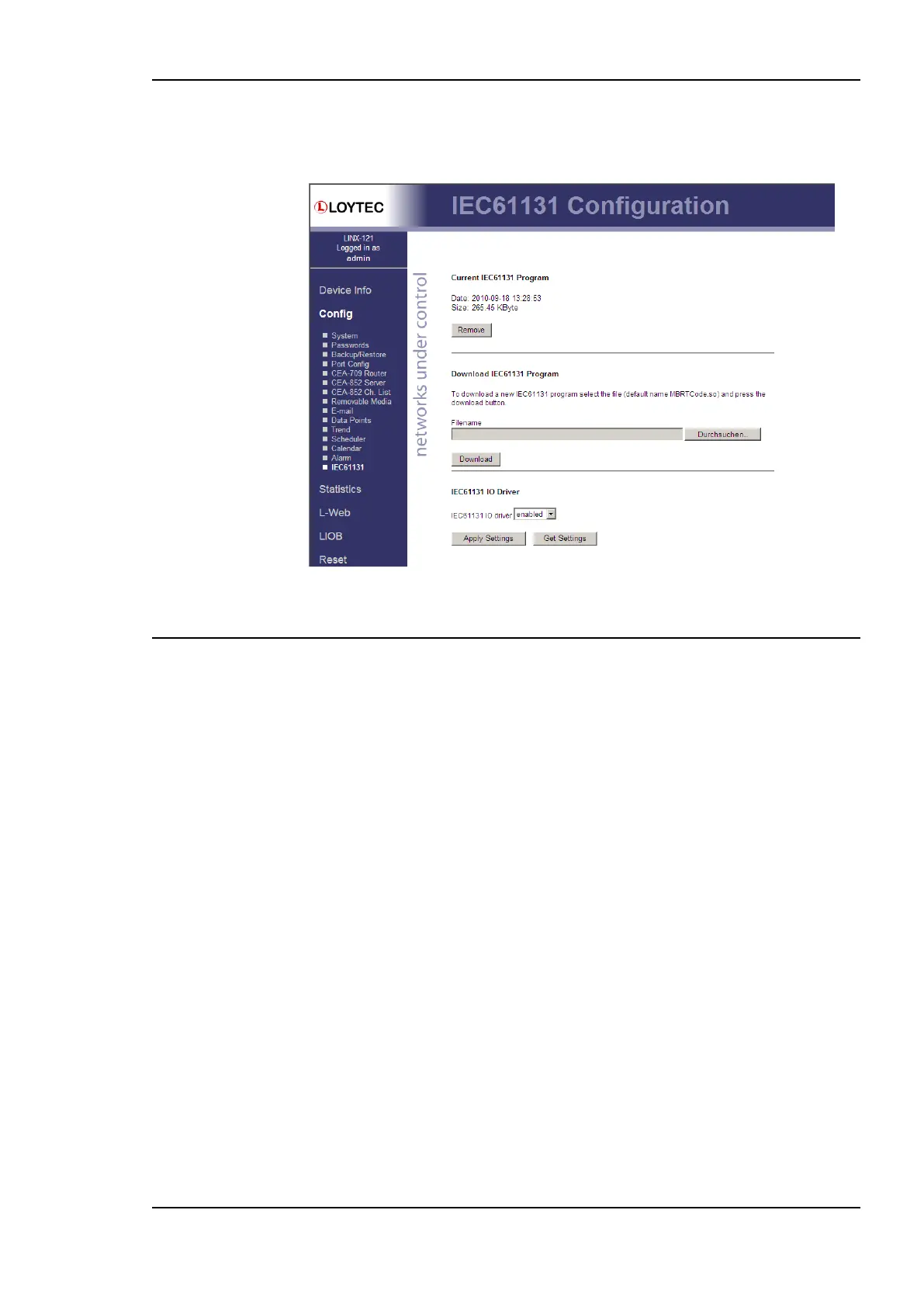
The information about the running program is also displayed. The IEC61131 program can
be removed from the device by clicking the Remove button. The device needs to reboot
after this action.
Figure 63: IEC61131 Configuration Page.
4.3 Device Statistics
The device statistics pages provide advanced statistics information about the CEA-709
device, the CEA-852 device, the BACnet device, the system log, the scheduler, the alarm
log and the Ethernet interface.
4.3.1 System Log
The System Log page prints all messages stored in the system log of the device. An example
is shown in Figure 64. This log data is important for trouble-shooting. It contains log entries
for reboots and abnormal operating conditions. When contacting LOYTEC support, have a
copy of this log ready.



 To Next Page