L-INX User Manual 228 LOYTEC
Version 4.0 LOYTEC electronics GmbH
Tip: Data points can be added to the data points of the template by right clicking in the data
point list and selecting New Datapoint.
Importing a device template from the folder list does not create a device instance. Device
instances can only be created using the import in the Network Management Dialog.
To Use Imported Data Points
Using imported data points is a little different to the use of scanned data points. For a
scanned device a device instance already exists – the important information address and
Baud rate – devices imported from templates do not have an address or Baud rate.
1. Go to the Datapoints folder of the device of the M-Bus Templates.
2. Select the desired data points, also multi-select is possible.
3. Either press on the Use on Device button or right-click and select Use on Device.
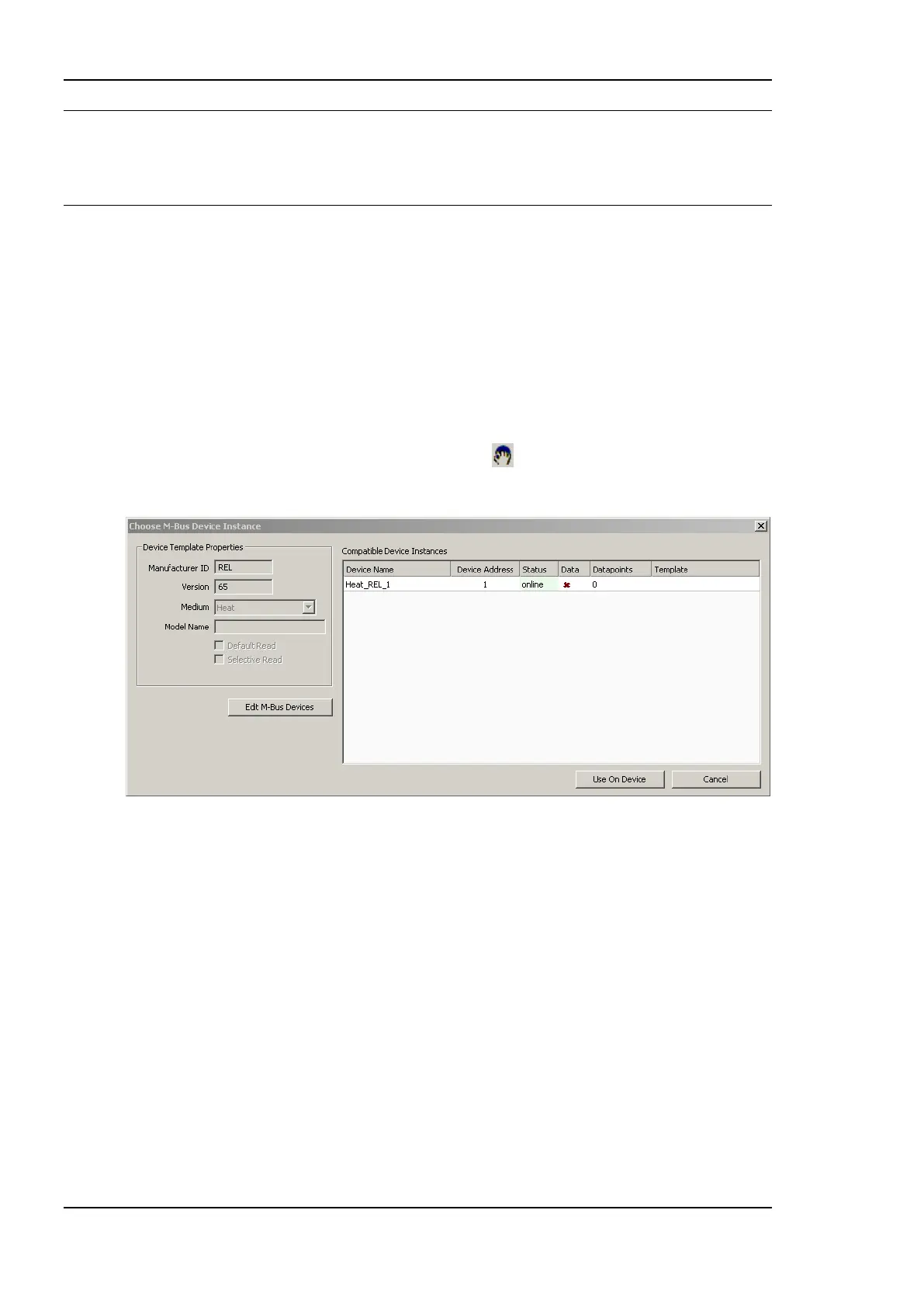
This opens the M-Bus Configure Device For Use dialog shown in Figure 177.
Figure 177 Use on Device dialog.
4. The device list displays all devices which have the same Manufacturer ID, version
number and Medium. If no device instance matches the device template, create one by
entering the network management dialog. The dialog can be entered by pressing the
Edit M-Bus Devices button. In the management dialog, the device instance can be
either created manually (take care of entering the correct Manufacturer ID, Version and
Medium) or by simply importing the template again.
5. Select one or more device instances from the list and press the Use On Device button.
This creates for each selected data point and each selected device one data point in the
M-Bus Port‘s data point list.
10.7.6 Creating Device Templates
M-Bus device templates can be created from a data point configuration. In fact, it is only
possible to create a device template using an existing device or an existing device template
with data points. This device and its data points can either be configured manually, by a
scan or also imported from a device template itself.



 To Next Page