L-INX User Manual 26 LOYTEC
Version 4.0 LOYTEC electronics GmbH
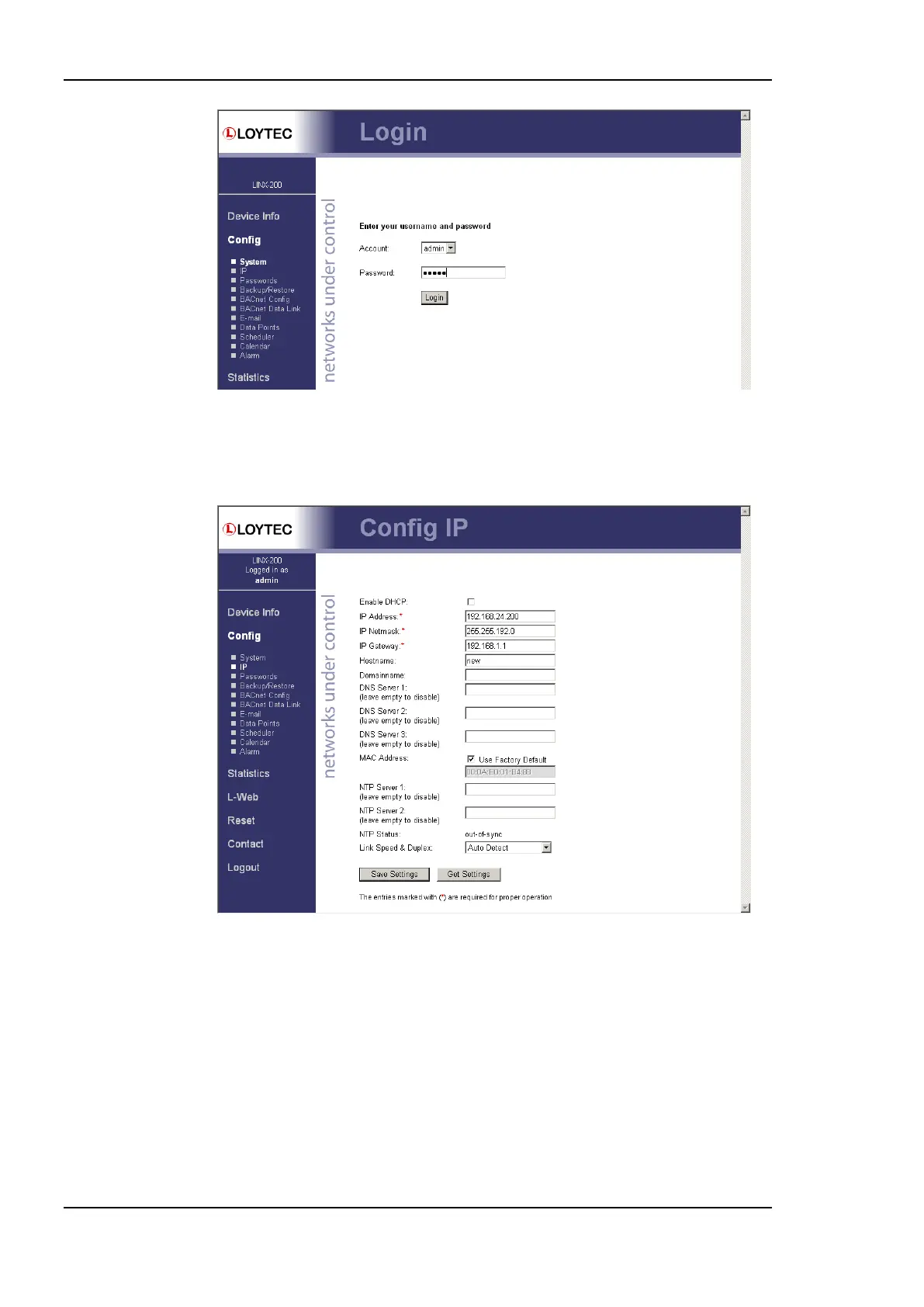
Figure 5: Enter ‗admin‘ as the default administrator password.
6. The Config menu opens. Click on IP in the Config menu and enter the IP address, the
IP netmask, and IP gateway for this device as shown in Figure 6.
Figure 6: Enter IP address and gateway.
7. Press Save Settings and then reset the device by selecting Reset in the highlighted text.
This changes the IP settings of the device.
2.2.3 IP Configuration via the LCD Display
L-INX models with an LCD display can also be configured to their basic settings through
jog dial navigation on the LCD UI. Turn the jog dial to navigate between menu items and
press to enter a menu or go into selection mode. When in selection mode turn the jog dial to
alter the value and press again to quit the selection.



 To Next Page