L-INX User Manual 139 LOYTEC
Version 4.0 LOYTEC electronics GmbH
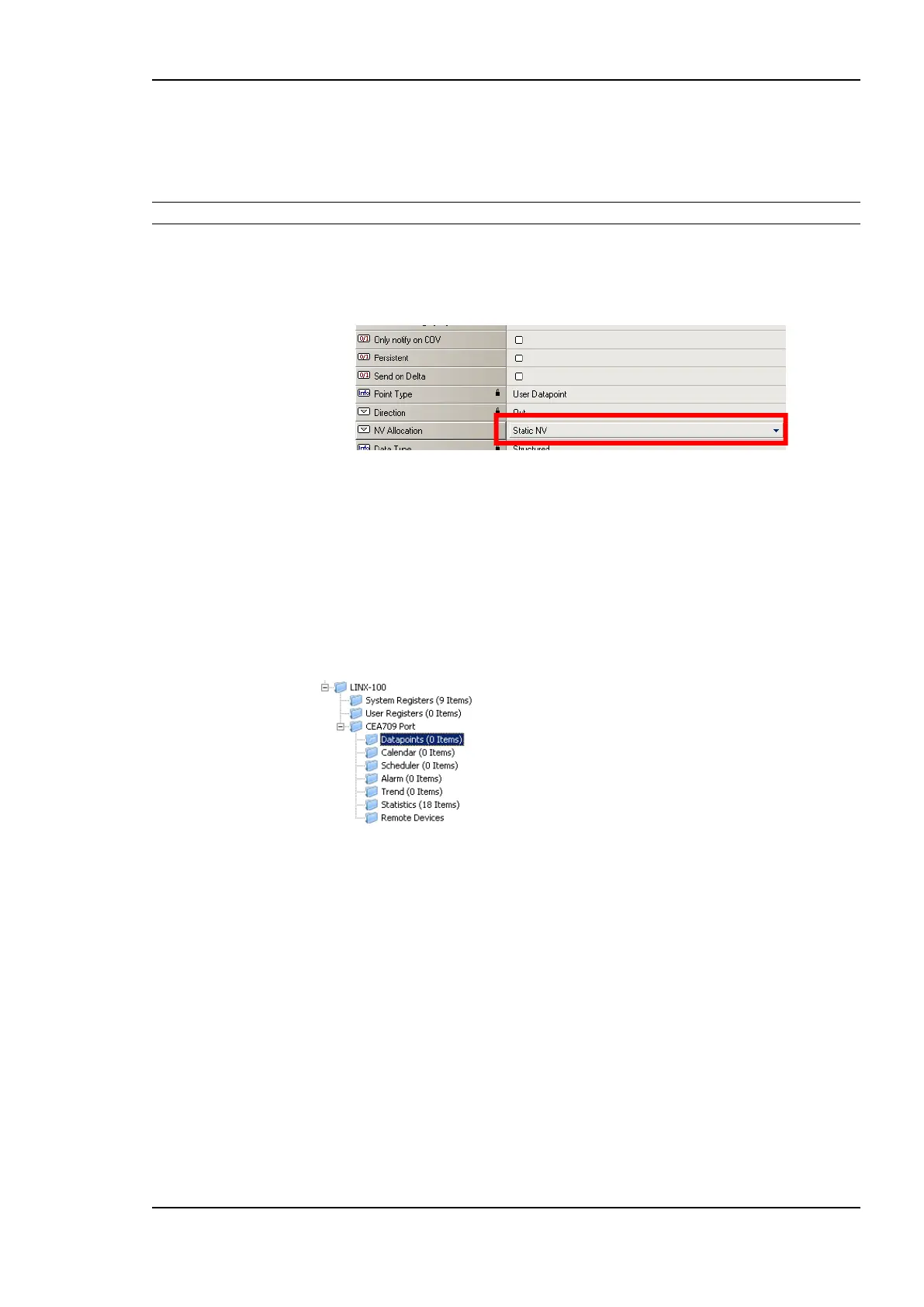
To Change the NV Allocation Type
1. In the data point view, select the NVs in the CEA709 port folder, for which the NV
allocation shall be changed.
Tip! By using Ctrl-A all NVs can be selected.
2. Select the NV allocation property as indicated by the red rectangle in Figure 122.
3. To make the data points static NVs on the device, select Static NV.
Figure 122: Change the NV allocation type.
6.7.7 Create Static NVs
The LOYTEC device can be configured to change its static interface and boot with a new
one. Apart from creating static NVs from scanned or imported data points, static NVs can
also be created manually in the CEA709 port folder.
To Create Static NVs Manually
1. Select the Datapoints folder under the CEA-709 port folder.
2. Right-click in the data point list and select New Datapoint… in the context menu. This
opens the NV creation dialog as shown in Figure 123.



 To Next Page