L-INX User Manual 271 LOYTEC
Version 4.0 LOYTEC electronics GmbH
12.5.2 Based on Network Information
Start the Configurator
Scan network variables
Section 6.7.2
START
DONE
Download configuration to device
Section 6.7.9
Select NVs and use on device
Section 6.7.5
Select Generate and Connect NVs
Export IEC61131 variables
Start logiCAD
Import global Variables
Use (Drag&Drop) global variables in IEC61131
program
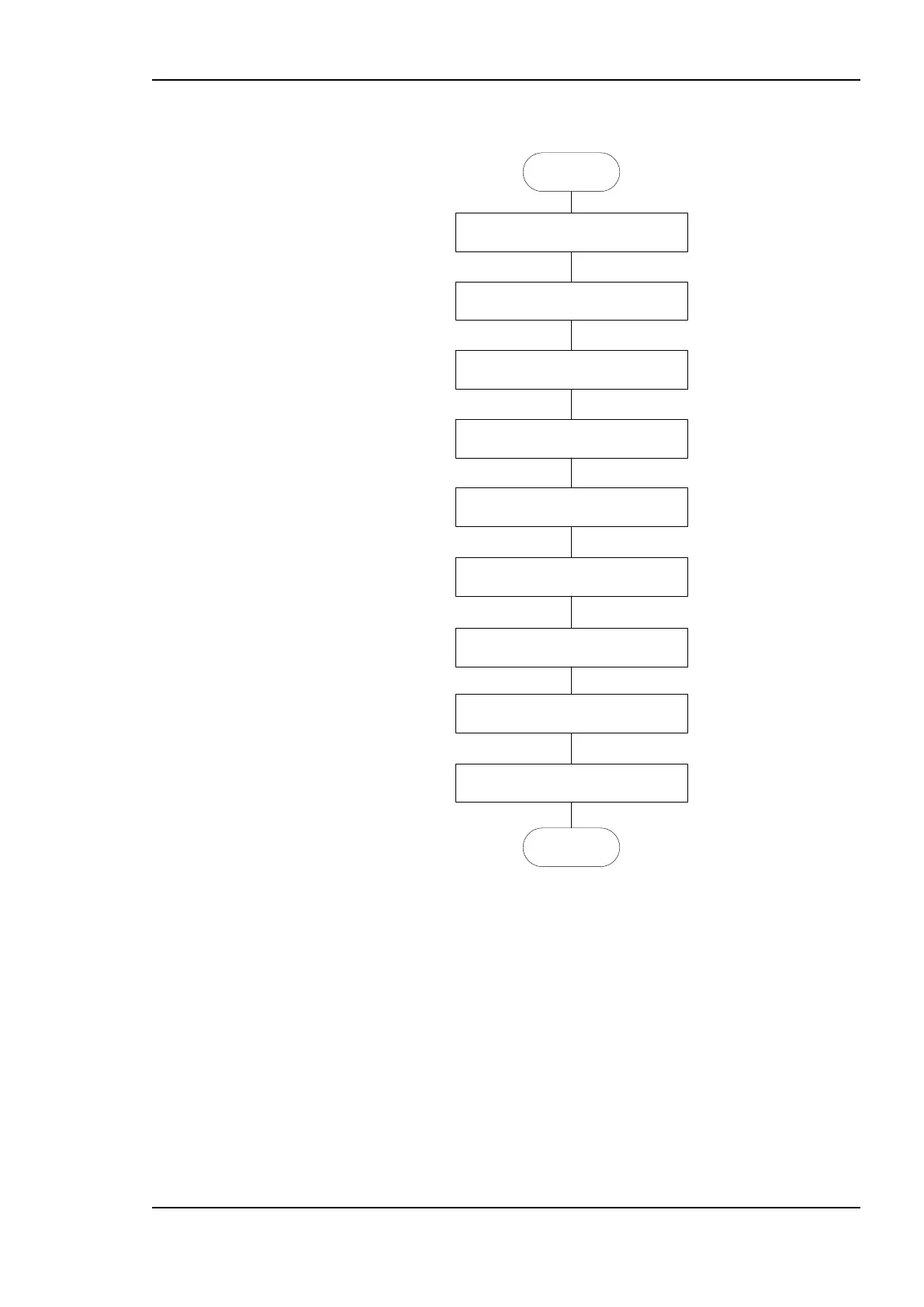
Figure 223: Start with network based information
In opposite to the workflow presented before, the data points used for the IEC61131
program are not derived form logiCAD but from the network side, refer to Figure 223.
Refer to section 6.7.2 about additional information how to gather information from the
network.
It is assumed that there are already CEA-709 data points available. The corresponding
IEC61131 Variables are created by selecting the CEA709->Datapoints folder and pressing
the Generate and Connect NV <-> IEC61131 variable from folder button, see Figure 224.
Check the log output for errors and verify that all required IEC61131 variables were
created. Finally download the new configuration into the LINX-110 device.



 To Next Page