L-INX User Manual 270 LOYTEC
Version 4.0 LOYTEC electronics GmbH
The tool starts importing the CSV file and finally reports the results of the import process.
For the import process the following rules are applied:
New variables are added
Variables with same name and type are ignored
If there are variables with the same name but different type or direction, the
variable to import is ignored and a warning is added to the import log.
The name of the folder to import the new variables corresponds to the name of the global
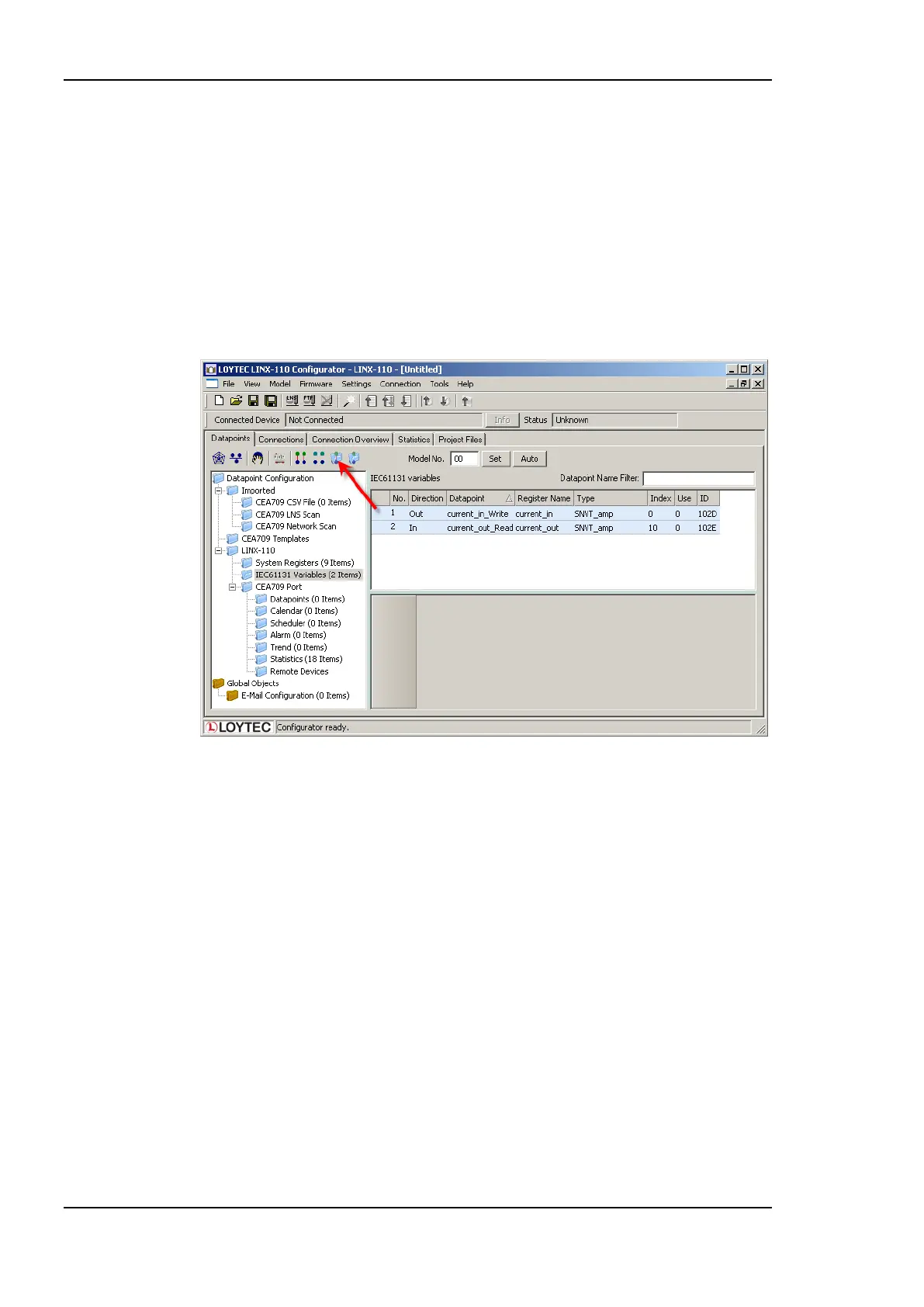
variables object. Figure 222 shows the result of the import process.
Figure 222: Connect IEC61131 variables
To create the appropriate CEA709 data points for all imported IEC61131 variables select
the IEC61131 Variables folder and press the button Generate and Connect NV <->
IEC61131 variable from folder. Check the log output for errors and finally download the
configuration to the LINX-110 device. See chapter 6 for more information about the LINX
Configurator.
After rebooting the LINX-110 device the IEC61131 program is up and running. Check the
PLC LED.



 To Next Page