L-INX User Manual 269 LOYTEC
Version 4.0 LOYTEC electronics GmbH
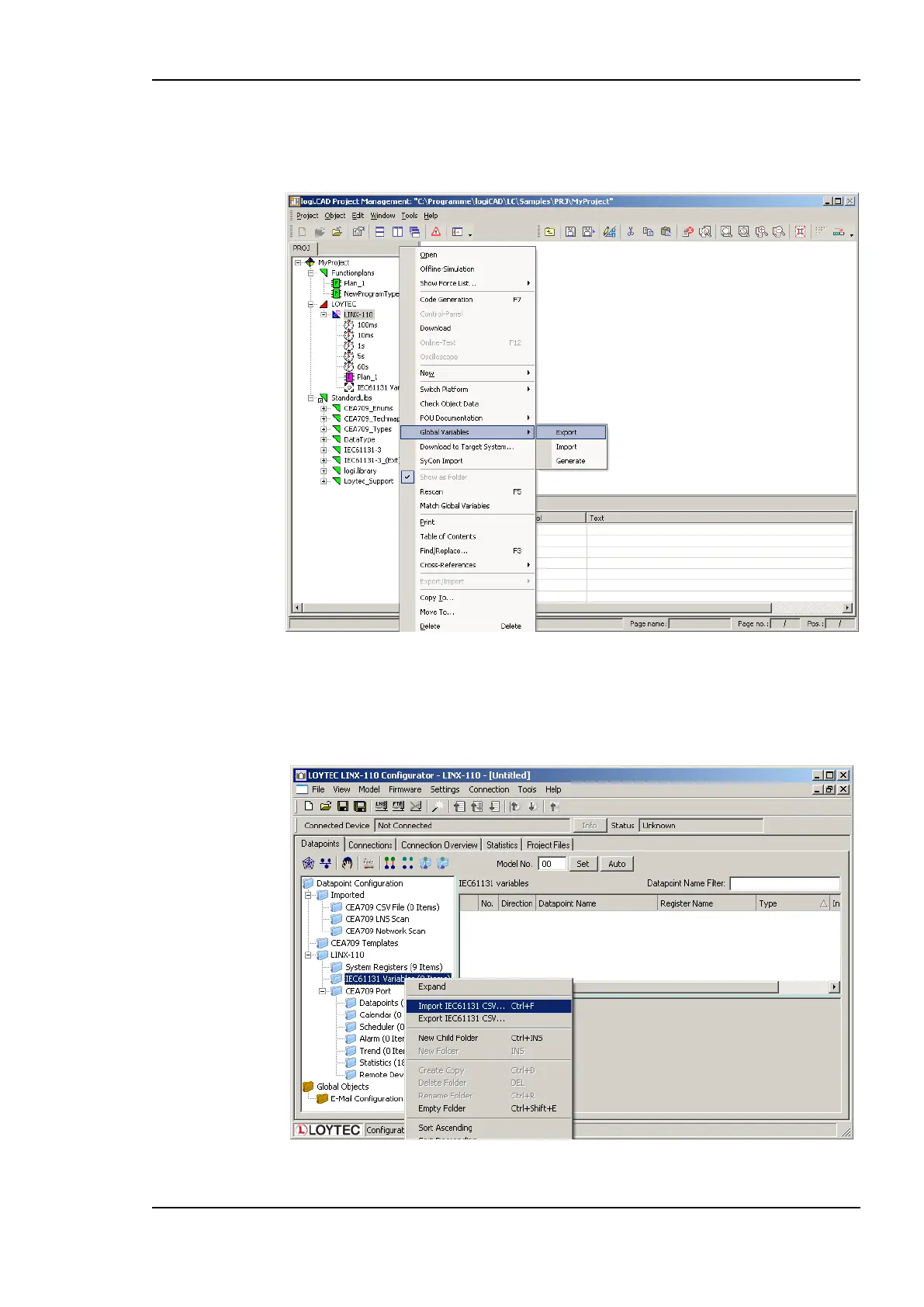
configuration and resource name. The export file is located in the base directory of the
currently opened project. The result of the export process is displayed in the Error-state
viewer and the generated file is added to the project view.
Figure 220: Export global variables
Open the LINX Configurator to import the created CSV-file. Right click on the IEC61131
folder, select Import IEC61131 CSV, navigate to the project directory and select the file
LOYTEC_LINX-110.csv, see Figure 221.
Figure 221: Import IEC61131 variables



 To Next Page