L-INX User Manual 64 LOYTEC
Version 4.0 LOYTEC electronics GmbH
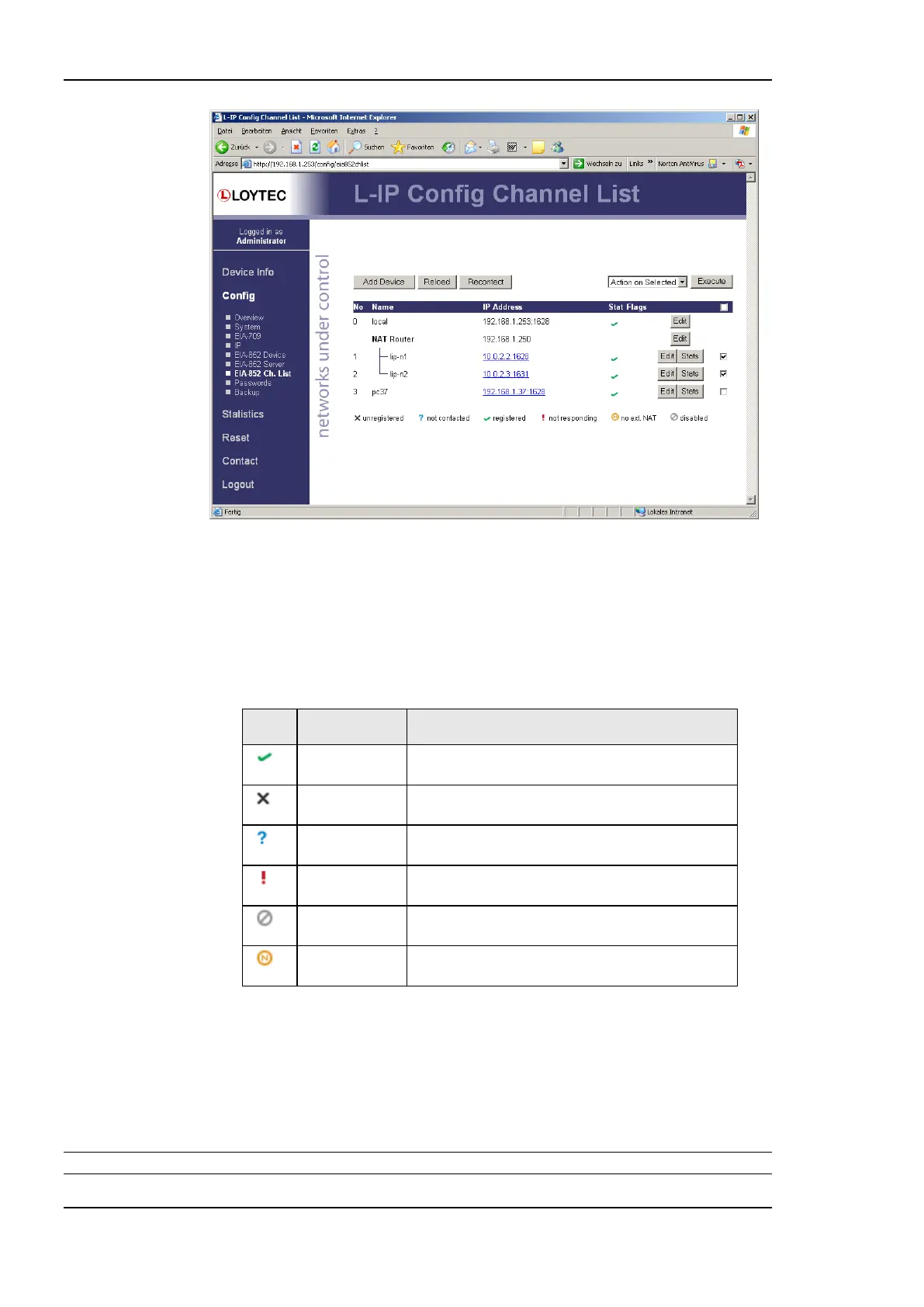
Figure 49: CEA-852 channel membership list.
The device status information is indicated with descriptive icons of different colors. The
description for the different status indicators is shown in Table 8. The Flags column
indicates with an A that the device is an auto member.
Click on the Edit button to change the device name, IP address, and port number for this
device. Click Edit on a NAT router to change the NAT router address. The Stats button
retrieves the statistics summary page from the client device.
The CEA-852 device has been successfully registered
with the IP-852 channel and is fully functional.
The CEA-852 device has never been registered with
the IP-852 channel.
The CEA-852 device has not been contacted since
the configuration server has started.
The CEA-852 device has been registered but is not
responding at the moment.
The CEA-852 device has been disabled on the
channel (or rejected).
The CEA-852 device does not support the extended
NAT mode. This device is disabled.
Table 8: Possible Communication Problems in the Configuration Server.
4.2.11 BACnet Configuration
Figure 50 shows the BACnet device configuration page. This configuration page allows
setting the Device ID, which is the instance part of the Object_Identifier property of the
BACnet Device object. The field Device name holds the name of the BACnet device object
(property Object_Name).
Important: The device ID and device name must be unique within the BACnet internetwork.



 To Next Page