L-INX User Manual 65 LOYTEC
Version 4.0 LOYTEC electronics GmbH
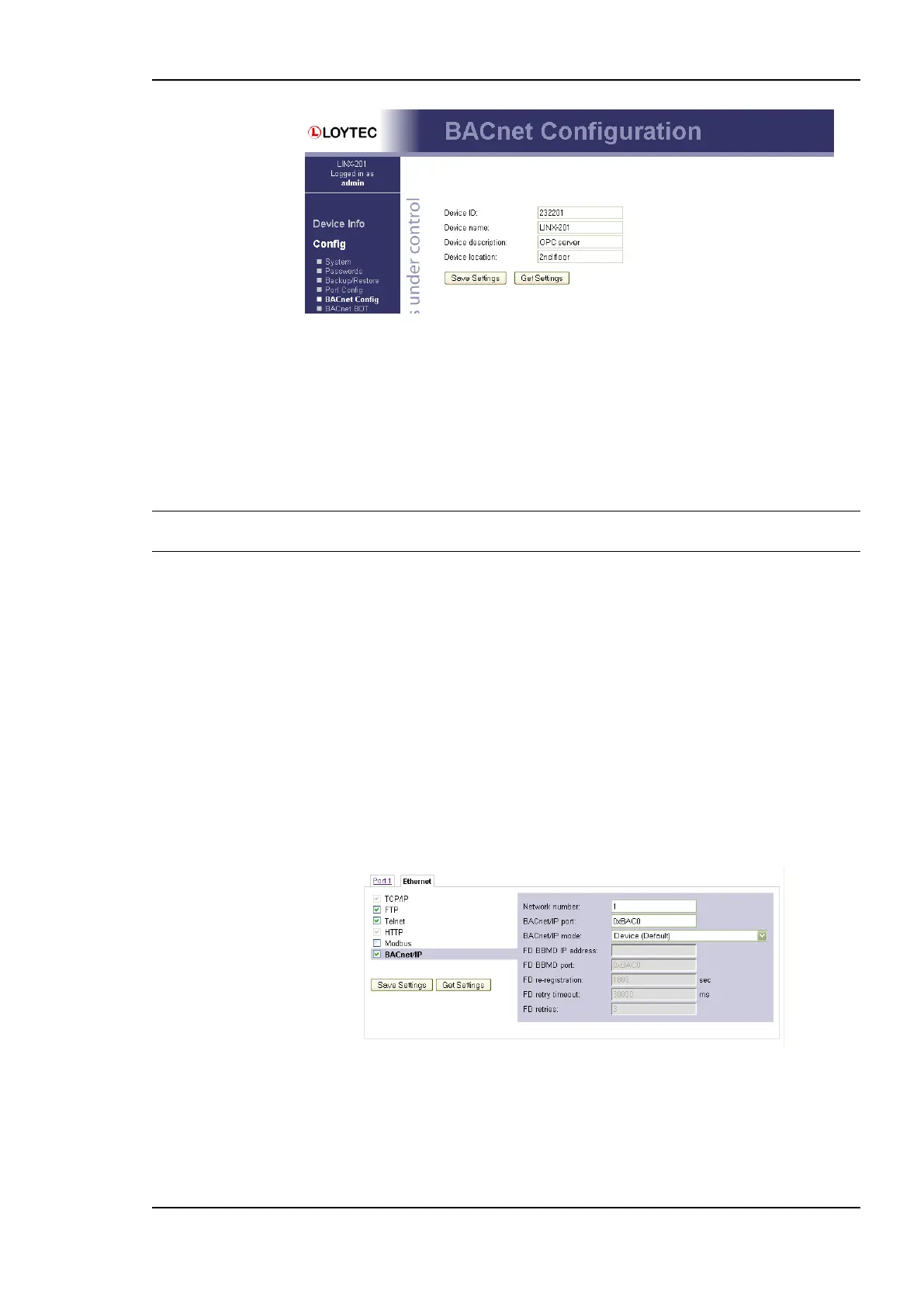
Figure 50: BACnet Device Configuration.
Further, the description and location can be configured. These configuration items
correspond to the properties Description, and Location respectively of the BACnet Device
object.
Depending on the selected BACnet/IP mode, applicable fields are enabled and others are
grayed-out. Note, that on the LINX-200, the BACnet/IP modes are restricted to Device and
Foreign Device, while the LINX-201 also supports Broadcast Management Device.
Important! For operating the LINX-151,201,211,221 as a BACnet router between BACnet/IP and
MS/TP, the BACnet network numbers for the BACnet/IP and MS/TP ports must be set.
On the settings for BACnet/IP refer to Section 4.2.12. For configuring the MS/TP data link
refer to Section 4.2.13.
4.2.12 BACnet/IP Configuration
The BACnet/IP protocol is available on the Ethernet port. To enable BACnet/IP on the
device, select the BACnet/IP checkbox on the Ethernet tab of the port configuration page.
Please note that on device models without a router, the BACnet MS/TP protocol on other
ports will be disabled (e.g., LINX-200, L-Gate).
The BACnet/IP protocol settings are displayed in the settings box on the right-hand side as
shown in Figure 51. On devices with a router (e.g., LINX-201) the Network Number of the
BACnet/IP port must be configured to operate the build-in router. If the BACnet/IP network
uses a non-default UDP port number other than 47808/0xBAC0, enter this port in the
BACnet/IP port field. Enter ‗0‘ in this field for switching back to the default setting.
Figure 51: BACnet/IP Configuration.
In the field BACnet/IP mode the operation mode of the device is selected:
Device (Default): In this mode the device operates as a regular BACnet/IP device on
the local network without other advanced features.



 To Next Page