L-INX User Manual 152 LOYTEC
Version 4.0 LOYTEC electronics GmbH
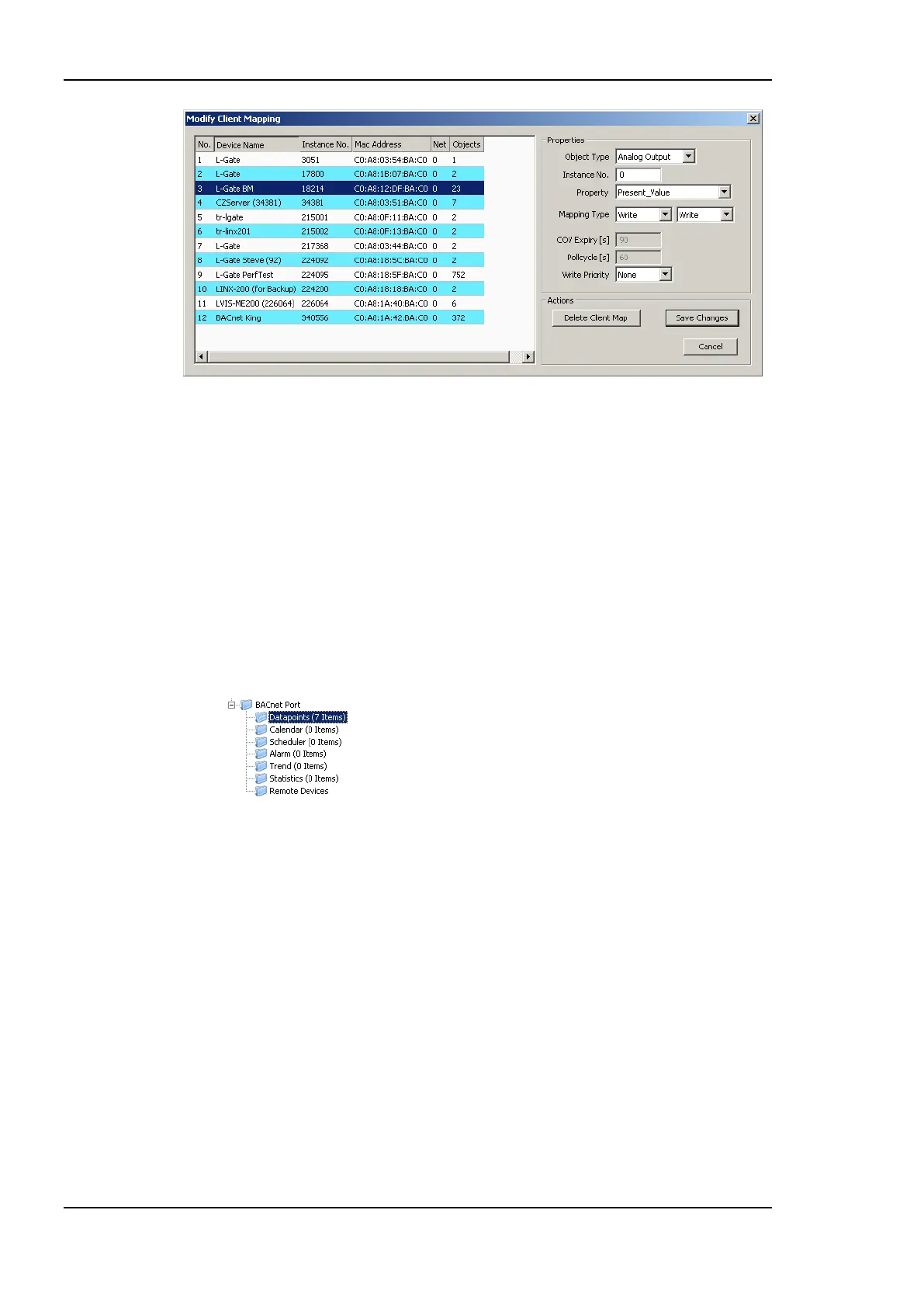
Figure 133: Modify Client Mapping Dialog.
4. Edit the target device by selecting a different device in the list of known devices. Edit
the target object instance number. For read client mappings edit the COV expiry or
Pollcycle setting. For write client maps edit the Write Priority. When finished click
Save Changes.
6.9.5 Create Server Object
On the BACnet port server objects can also be created manually. These BACnet objects are
visible on the BACnet network and can be modified by other devices. They appear as data
points in the BACnet/Datapoints folder.
To Create Server Objects Manually
1. Select the Datapoints folder under the BACnet Port folder.
2. Right-click in the data point list and select New Datapoint… in the context menu. This
opens the Create New BACnet Point dialog as shown in Figure 134.



 To Next Page