L-INX User Manual 80 LOYTEC
Version 4.0 LOYTEC electronics GmbH
The Connection Details list shows more information on the history of client connections.
The green lines at the top denote currently active connections. Active connections have an
idle time figure specified in seconds. The following lines in black represent a history of the
most recent connections. Inactive connections read ―n/a‖ in the Idle column.
All lines contain client information, which specifies the client IP address and port of the
connected client. The Srvc column specifies the type of Web service (Web, DA, and DL).
The Agent column contains information on the HTTP agent of the client, and the Last
Action column contains information on the last known Web service SOAP action the client
has requested.
4.3.7 BACnet MS/TP Statistics
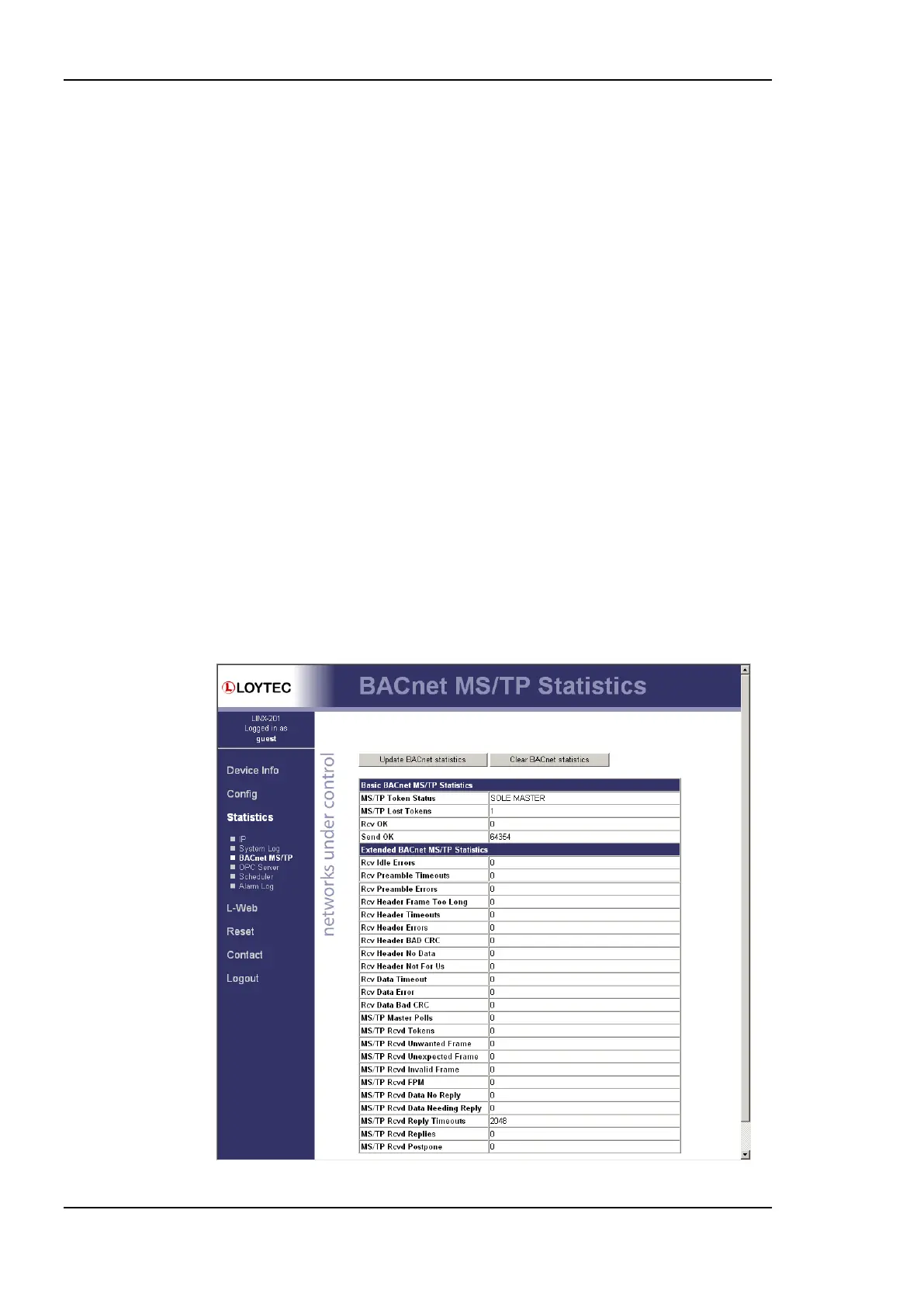
The BACnet MS/TP statistics page is only available, when the MS/TP data link layer is
enabled (see Section 4.2.13) and supported by the L-INX model. An example is shown in
Figure 70. The separated part on the top of the table contains the most important statistics
data.
The MS/TP token status reports the current token passing state. In state OK, the token is
circulating between the masters. This is the normal state, when multiple masters are on the
MS/TP network. The state SOLE MASTER is the normal state when the device is the only
master on the network. If there are multiple masters on the network, this state is a hint to a
broken cable. In state TOKEN LOST, the token is currently not circulating.
The counter MS/TP lost tokens is an indicator for communication problems on the
MST/TP network. If it increases, there is a cabling, ground, or termination problem. The
counters Rcv OK and Send OK reflect the number of successfully received or transmitted
MS/TP frames. Check these counters to verify that communication is flowing on the MS/TP
segment.
Figure 70: BACnet MS/TP Statistics Page.



 To Next Page