L-INX User Manual 167 LOYTEC
Version 4.0 LOYTEC electronics GmbH
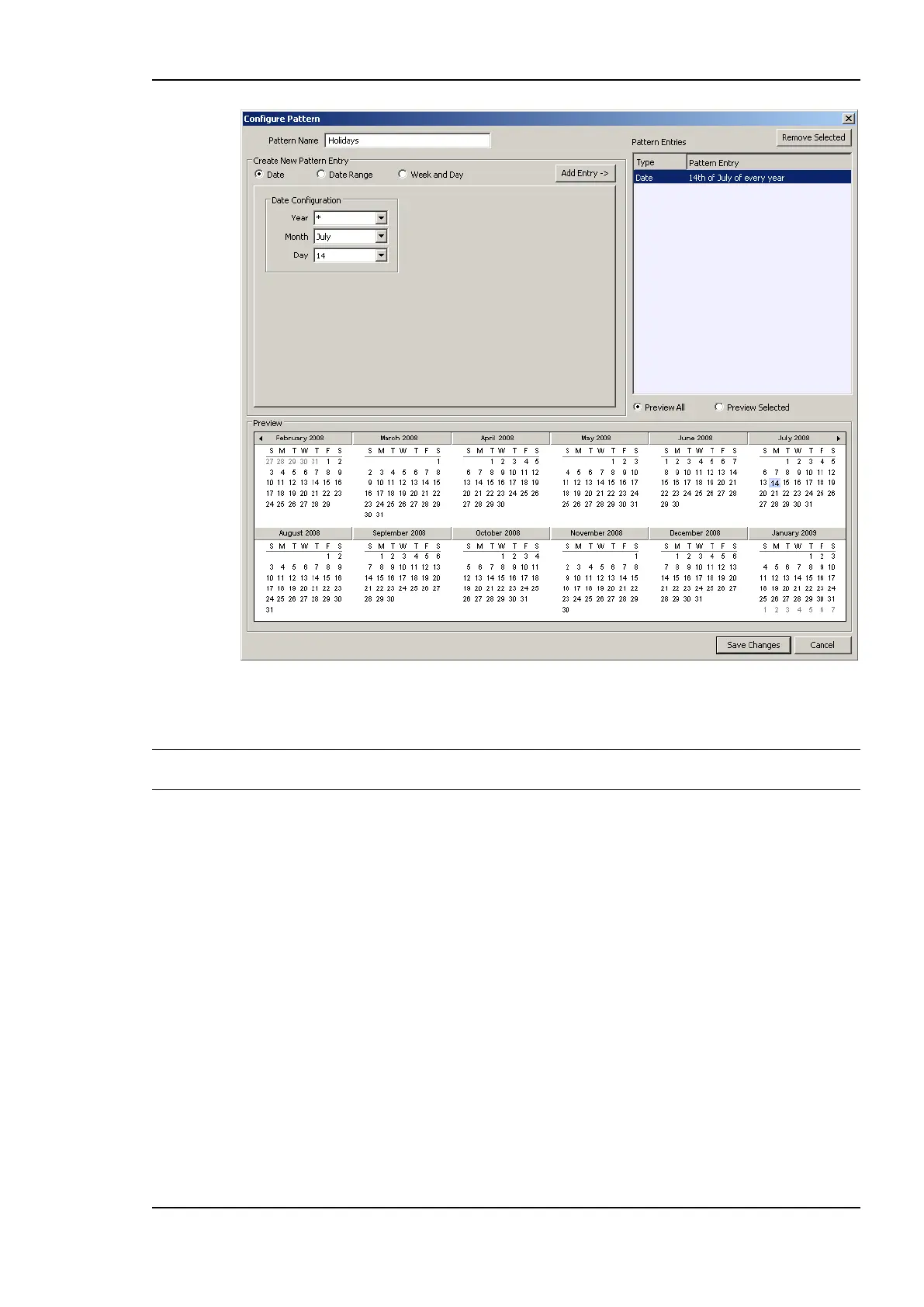
Figure 142: Configure Calendar Pattern Dialog.
6. Click Save Changes when all exception days have been entered.
Tip! If not sure, how a date configuration affects the calendar days, click on a pattern in the
Pattern Entries list and the affected days will be highlighted in the Preview.
6.12.7 Configure Embedded Exceptions
Besides exception days of the calendar, special exception days can be embedded into the
scheduler. These embedded exception days are not visible or accessible in other scheduler
objects.
To Configure an Embedded Exception
1. Open the Configure Schedule dialog to configure daily schedules as described in
Section 6.12.4.
2. Click on the Create button below the Weekly/Exception Schedule Configuration list



 To Next Page