L-INX User Manual 215 LOYTEC
Version 4.0 LOYTEC electronics GmbH
Next to the button the status of the protocol analyzer is shown. If the analyzer is started, an
automatic refresh is performed every 60 seconds. By pressing the button Start Protocol
Analyzer / Stop Protocol Analyzer the protocol analyzer can be started / stopped.
For every frame sent or received a line is presented using comma separated values.
10.5 Configurator
This section describes how to use the Configurator software for the management of M-Bus
data points. For further information on the Configurator software refer to Chapter 6.
10.5.1 Activating M-Bus Configuration
Before a new M-Bus configuration can be managed, the M-Bus option must be enabled.
The project settings are described in detail in Section 6.3.
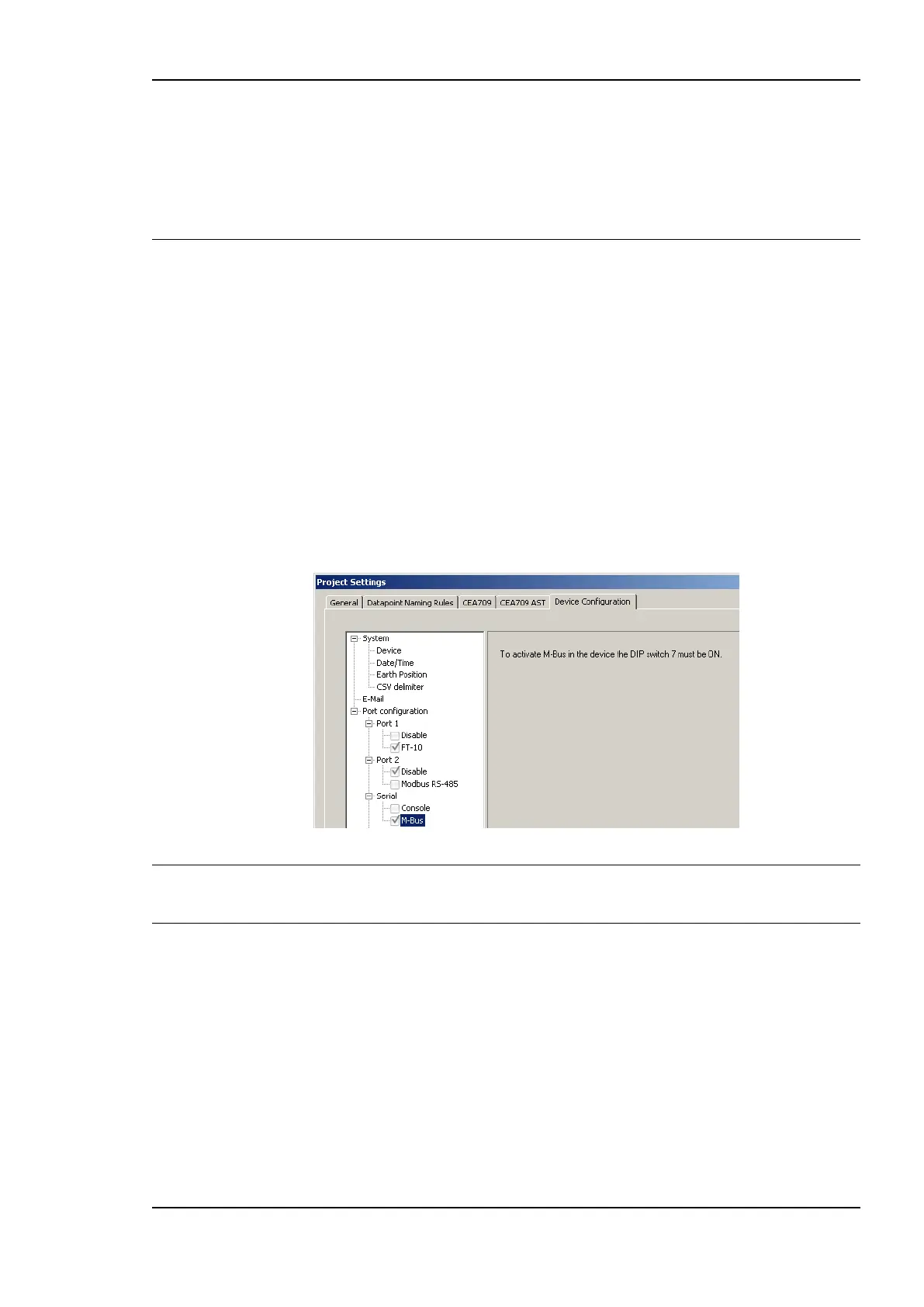
To Activate the M-Bus Configuration
1. Open the project settings dialog.
2. In the Device Configuration tab enable the M-Bus check box.
3. Press the OK button.
Important: If the M-Bus Port is deactivated via the checkbox or a firmware or model version is
chosen, which does not support M-Bus, the complete M-Bus configuration is deleted. In
this case a dialog is displayed, which has to be confirmed.
10.5.2 Data Point Manager for M-Bus
The Configurator uses a central concept to manage data points. The data point manager is
used to select, create, edit and delete data points. The dialog is divided into three sections:
The folder list (Figure 168)
The data point list (Figure 169),
And a property view.



 To Next Page