L-INX User Manual 146 LOYTEC
Version 4.0 LOYTEC electronics GmbH
2. If devices have been imported via a XIF file, they do not have a node ID (all zero). To
assign the physical node to the device, select the imported device.
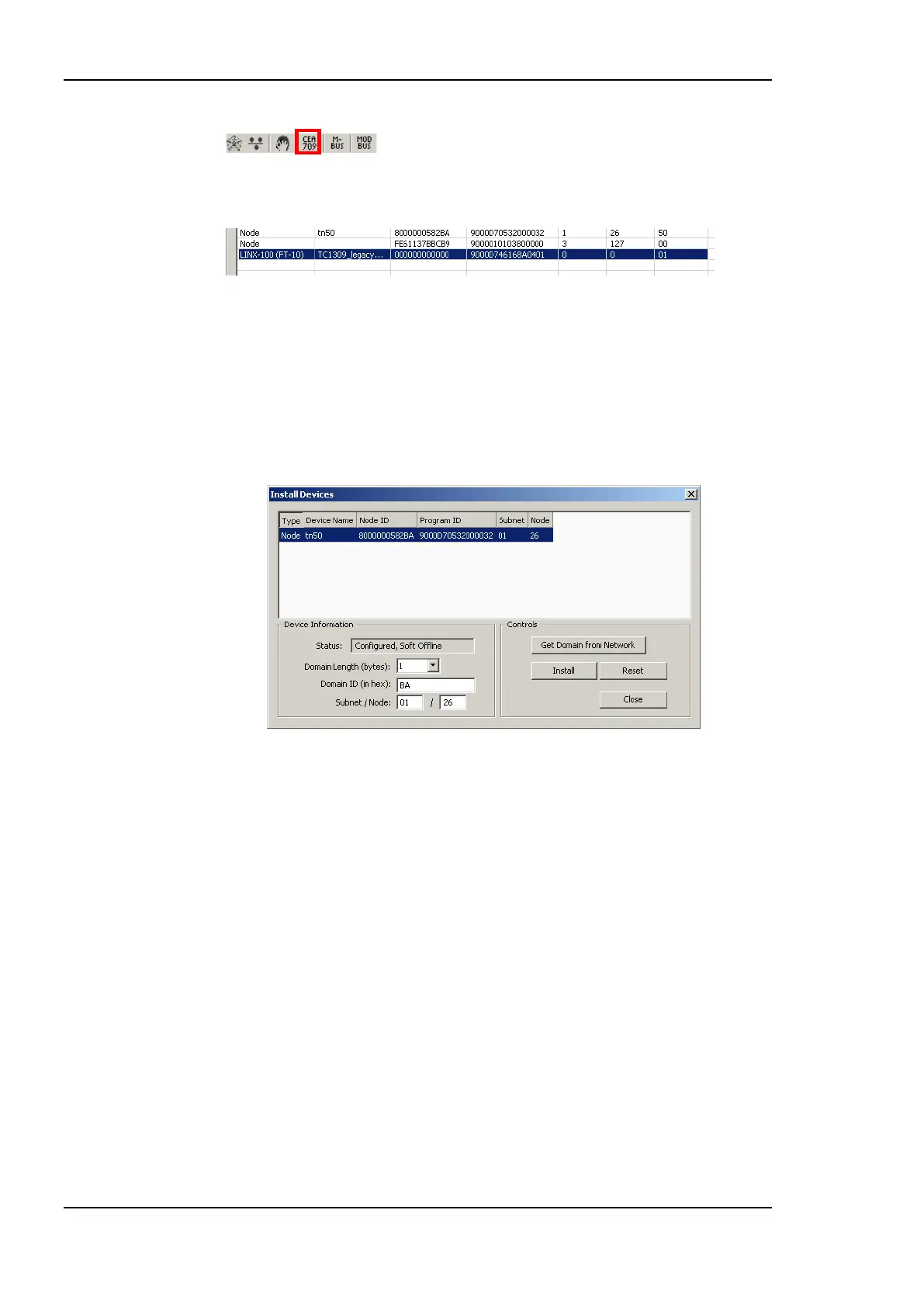
3. Click the Update NodeID button and press the service button on the network node.
The node ID will be filled in to the selected device. Alternatively the node ID can also
be entered manually.
4. After node IDs have been assigned to all unassigned devices, select the device(s) to
install in the Device List of the CEA-709 management dialog. Multi-select of devices
is possible.
5. Click the Install button. This opens the Install Devices dialog as shown in Figure 128.
Figure 128: Install devices dialog.
6. Select the device to be installed.
7. Enter the domain information or click Get Domain from Network and press a service
pin.
8. Enter a subnet and node address and click Install.
9. Some nodes won‘t be operable on the new settings until they are reset. Click the Reset
button to reset the selected node.
10. Repeat this step for other unconfigured devices on the network.
6.8.3 Using Feedback Data Points
Feedback data points allow reading back the value written out over an output data point. In
LONMARK systems getting a feedback value is normally accomplished by creating a
dedicated feedback NV on the device, which can be bound back to the devices that are
interested in the currently active value on an output.
Some nodes, however, do not possess such feedback NVs for certain functions. To support
getting feedback values on such nodes, the Configurator can create feedback data points
based on existing output data points. This is especially interesting for bound output NVs
(static and dynamic alike). The corresponding feedback data point is an input, which uses



 To Next Page