L-INX User Manual 182 LOYTEC
Version 4.0 LOYTEC electronics GmbH
7 The CEA-709 Router
LOYTEC devices, which are equipped with a standard CEA-709 router (i.e., an embedded
L-IP), connect the FT port and the CEA-852 port. Depending on the use case, the CEA-709
router supports different operating modes how packets are routed between the CEA-709
side and the IP-852 side. LOYTEC devices with the router option also contain a
configuration server (CS) to manage members on an IP-852 channel.
7.1 CEA-709 Router
135.23.2.52135.23.2.51
FT-10
TP-1250
IP Channel
NV Binding
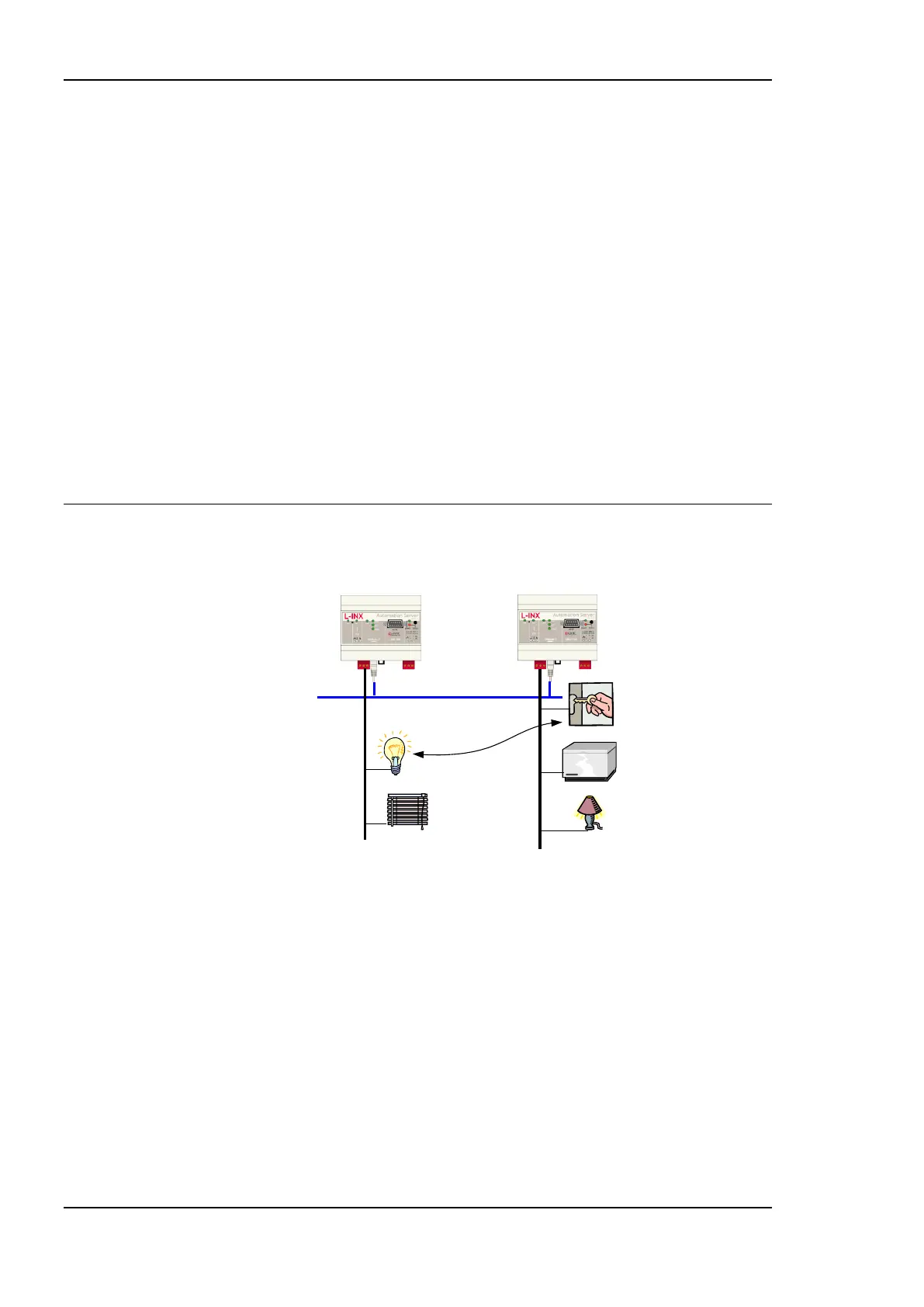
Figure 149: The L-INX supports different methods to route packets between the CEA-709 and IP-852
channel.
Depending on the CEA-709 router configuration (see Section 4.2.8) the CEA-709 router
supports 4 different methods to route packets between the CEA-709 and the IP-852 channel.
Those operating modes are listed below and described in more detail in the subsequent
sections.
Configured Router: The device acts like a standard CEA-709 configured router (i.LON
1000/600 alike)
Smart Switch: The device acts as a self-learning plug&play router (―smart switch
mode‖)
Store-and-Forward Repeater: To freeze a learned configuration and operate the switch
based on the existing forwarding tables, disable group learning and Subnet/Node
learning.
Smart switch with no broadcast flooding: Set Subnet/Node Learning to ―subnet‖. In this
mode the router learns the network topology but doesn‘t flood subnet broadcasts.



 To Next Page