L-INX User Manual 181 LOYTEC
Version 4.0 LOYTEC electronics GmbH
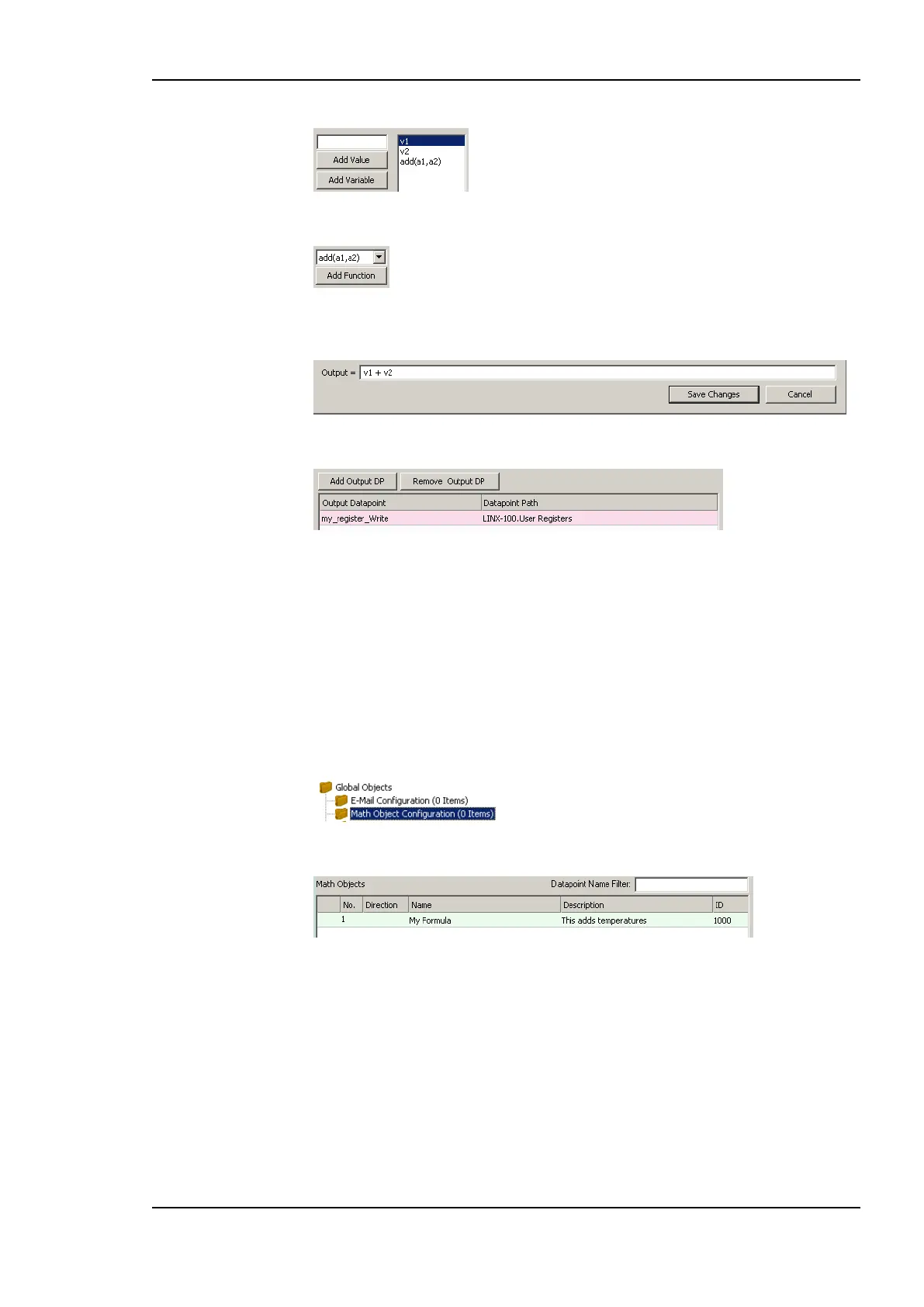
8. Select a function to be applied on the variables and click the Add Function button.
9. Te resulting formula is displayed at the bottom of the dialog. Alternatively, the formula
can be entered there.
10. Add output data points by clicking the Add Output DP button.
11. In the data point selector dialog select the output data points and click OK.
12. To create the math object click Create.
6.16.2 Editing a Math Object
Math objects can be edited once created. The formula can be changed, new variables added,
or additional output data points added.
To Edit a Math Object
1. Under the Global Objects folder, select the Math Object sub-folder.
2. Select the math object in the data point list.
3. Right-click and select Configure Math Object … from the context menu.
4. Edit the math object as described in Section 6.16.1.
5. To replace an input data point by another input data point without re-writing the entire
formula, click the Replace Input DP … button. This opens a data point selector
dialog. Select the replacement data point there.
6. To detach an input data point, click the Detach Input DP button. This leaves the
respective variable slot empty.
7. To finalize the edit click on Save Changes.



 To Next Page