L-INX User Manual 232 LOYTEC
Version 4.0 LOYTEC electronics GmbH
in the tool bar of the Datapoints tab.
2. In the M-Bus Management dialog, open the Pollgroups tab. This displays the poll
groups management tab displayed in Figure 179.
3. Enter a new poll group name and select Trigger-based or Trigger-based with
synchronization.
4. Create the poll group by pressing the Create New button.
5. Select the new poll group. This enables the Add… and Remove buttons from the
triggers.
6. Press the Add… button and select a trigger data point. This can for example be a
binary user register.
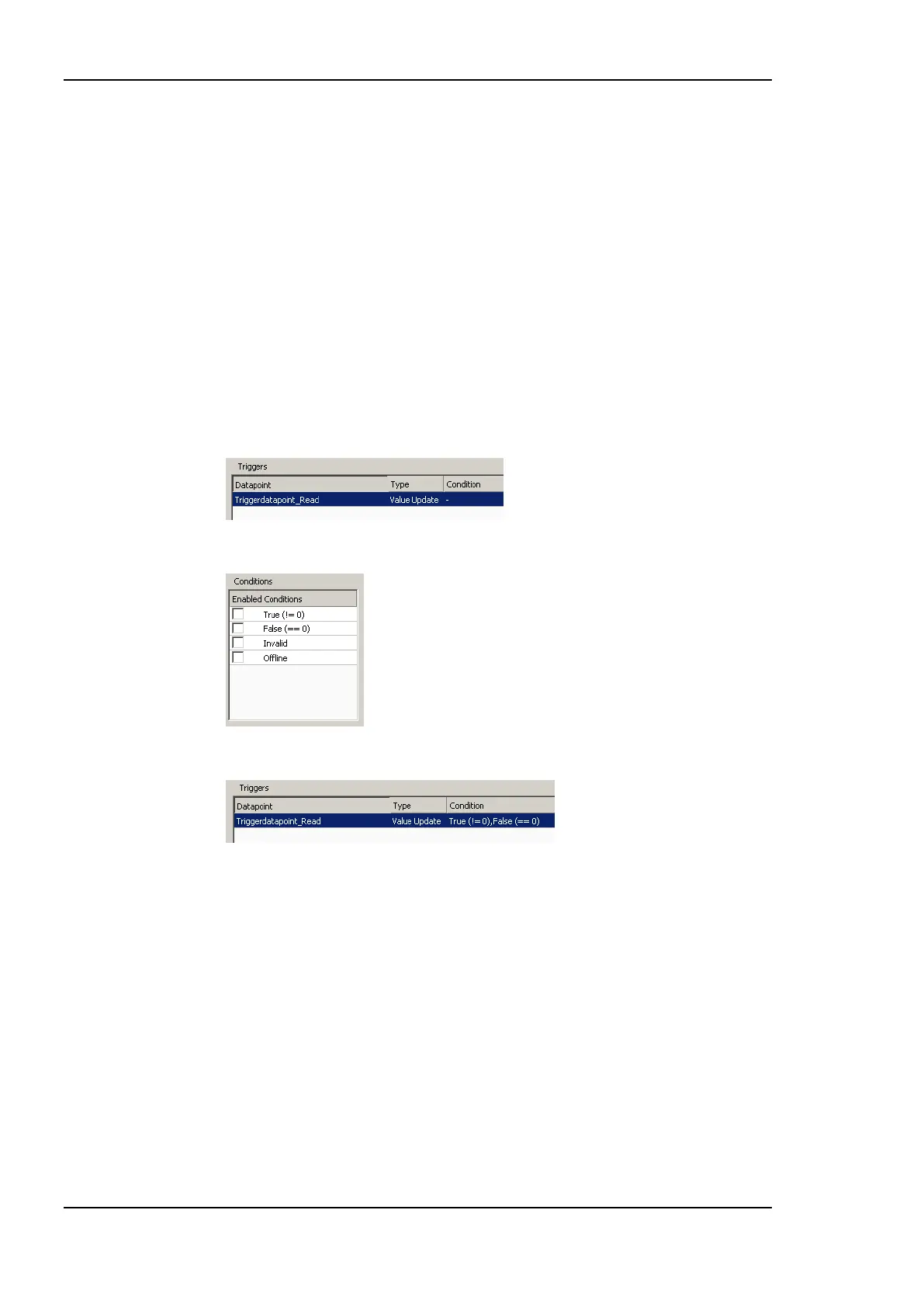
7. The selected trigger data point appears in the trigger list as shown:
8. Select the trigger from the list and check the desired trigger conditions.
9. The trigger conditions are then displayed in the trigger list.
10. Press the Close button to leave the dialog.
10.7.8 Trending Synchronized Meter Data
The use of trigger-based poll groups with synchronization allows trending synchronized
meter data. A trigger data point triggers a synchronization message over the M-Bus
network. The M-Bus meters which are able to perform the synchronization action store the
meter values. These values are read out afterwards.
To Trend Synchronized Meter Data
1. Create a binary trigger data point.
2. Create a trigger-based poll group with synchronization.
3. Create a trend log as described in Section 6.14. Set the Trend Mode to Change of
Value (COV) and add all required data points.



 To Next Page