L-INX User Manual 268 LOYTEC
Version 4.0 LOYTEC electronics GmbH
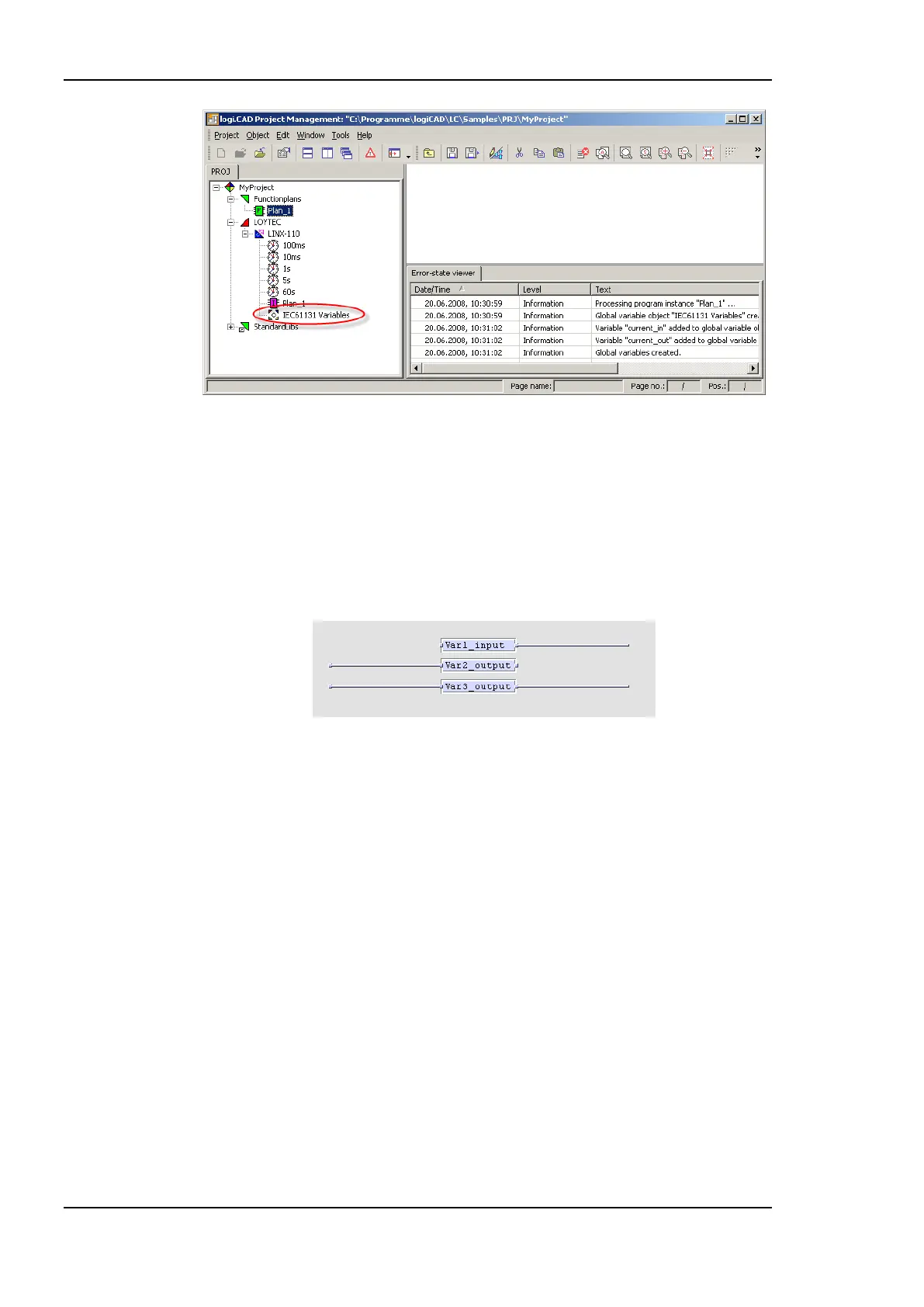
Figure 218: Created global variables object
Now there is a global variables object called IEC61131 Variables available, containing all
global representations of the external variables defined before. The error-state viewer
reports all processed program instances and added variables, see Figure 218 for details.
The global variables are crated based on the following rules:
The direction of the variable is determined based on the graphical representation,
shown in Figure 219.
Figure 219: Direction of global variables
Every external variable connected on the right terminal results in a global input
variable. External variables connected on the left terminal or on both sides results
in a global output variable. Variables connected on both sides can either be used
for the force update feature (see section 12.6.1) or as marker (see section 12.6.4).
As the tool can not distinguish between these two possibilities, per default a global
output variable is created.
If there is already a global variables object, only new variables are added. In case
of external variables using the same name as an already existing global variable,
the new definition is used and a warning is printed in the error-state viewer.
In case of two Functionplans, each referring to a global variable with the same
name but a different type, the creation process is stopped and an error is printed in
the error-state viewer.
Now the IEC61131 program is ready to compile and download, refer to section 12.4.2 for
details.
Based on the above created global variables corresponding IEC61131 data points are
created on the LINX-110. All defined global variables can be exported to a CSV-file. To
export all global variables associated with the selected LINX-110 resource, right click on
the LINX-110 resource and select Global Variables -> Export, see Figure 220. All exported
variables are placed in one CSV-file, the name of the file is generated based on the



 To Next Page