L-INX User Manual 272 LOYTEC
Version 4.0 LOYTEC electronics GmbH
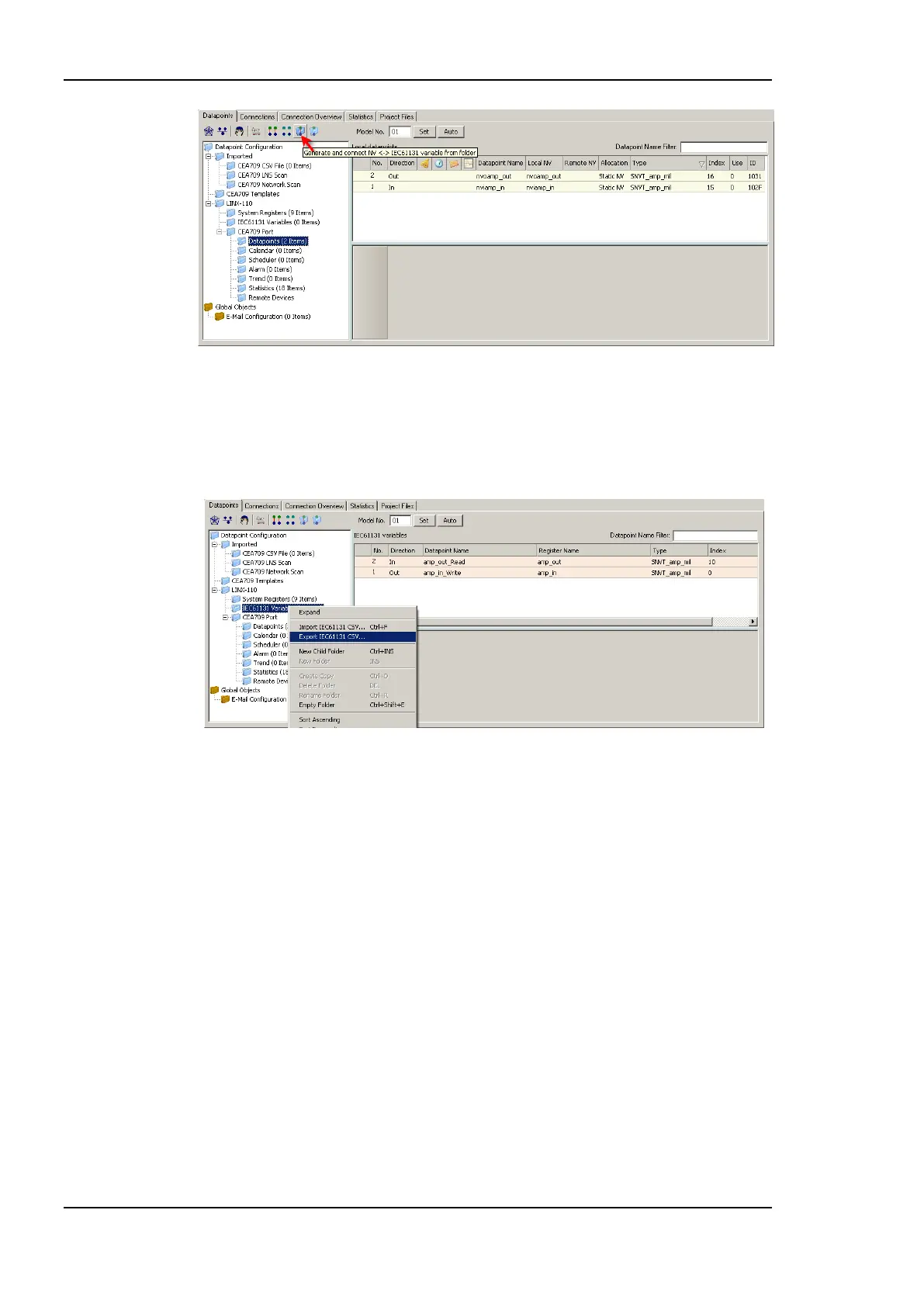
Figure 224: Create IEC61131 variables
In order to use the IEC61131 data points within logiCAD corresponding global variables
must be created in logiCAD. Thus, see Figure 225, right click on the IEC61131 folder and
select Export IEC61131 CSV …. Store the select name and location for the export file
and press Save to start the export process.
Figure 225: Export IEC61131 variables
Start logiCAD and create a new project for the LINX-110. First of all the global variables
object is created is created. To import the global variables right click the LINX-110
resource and select Global Variables -> Import, see Figure 226. Use the upcoming open file
dialog to select the file exported from the LINX Configurator. The result of the import
process is summarized in the error-state viewer.



 To Next Page